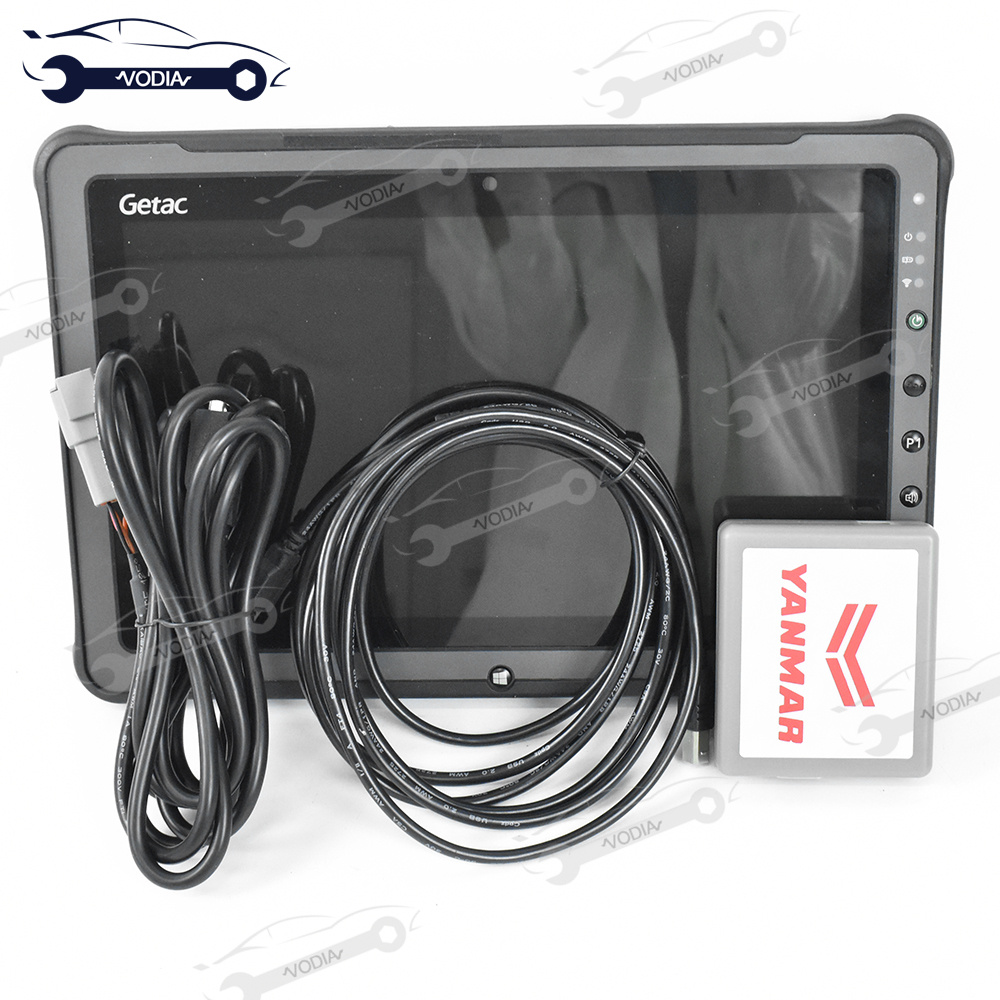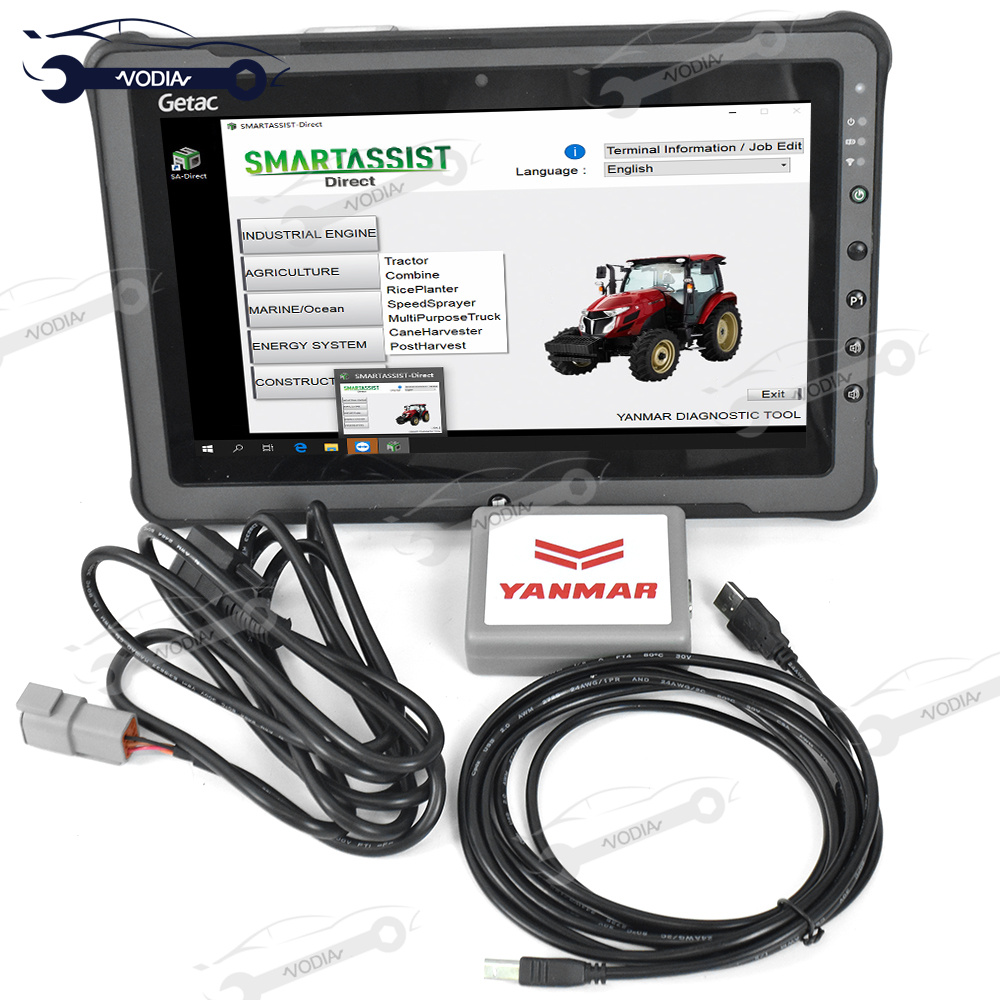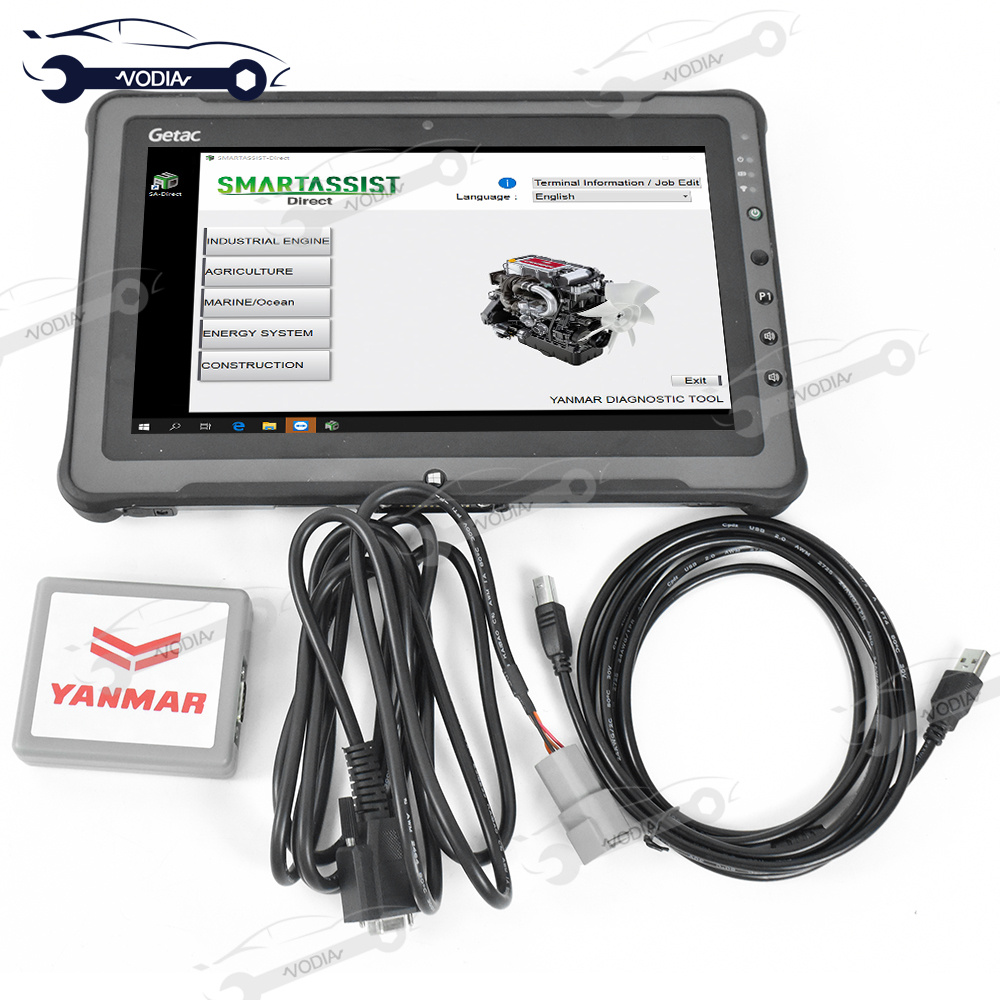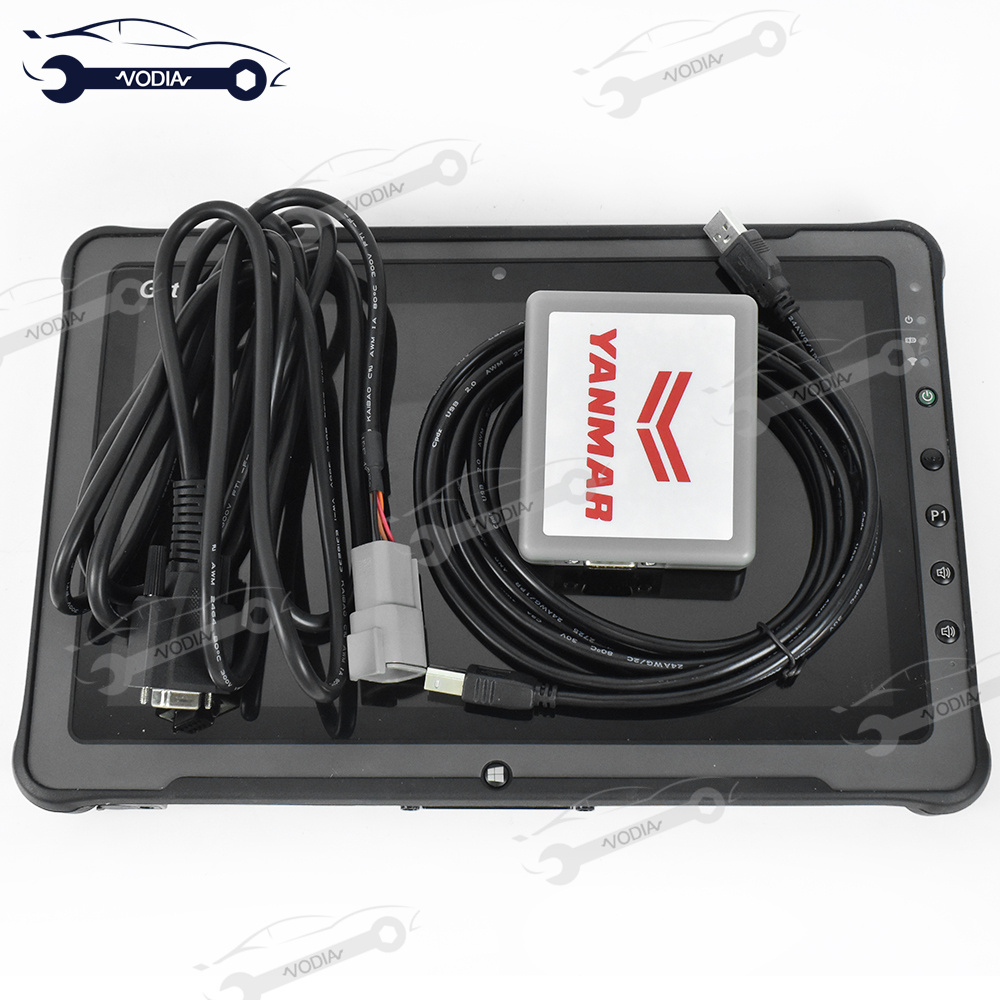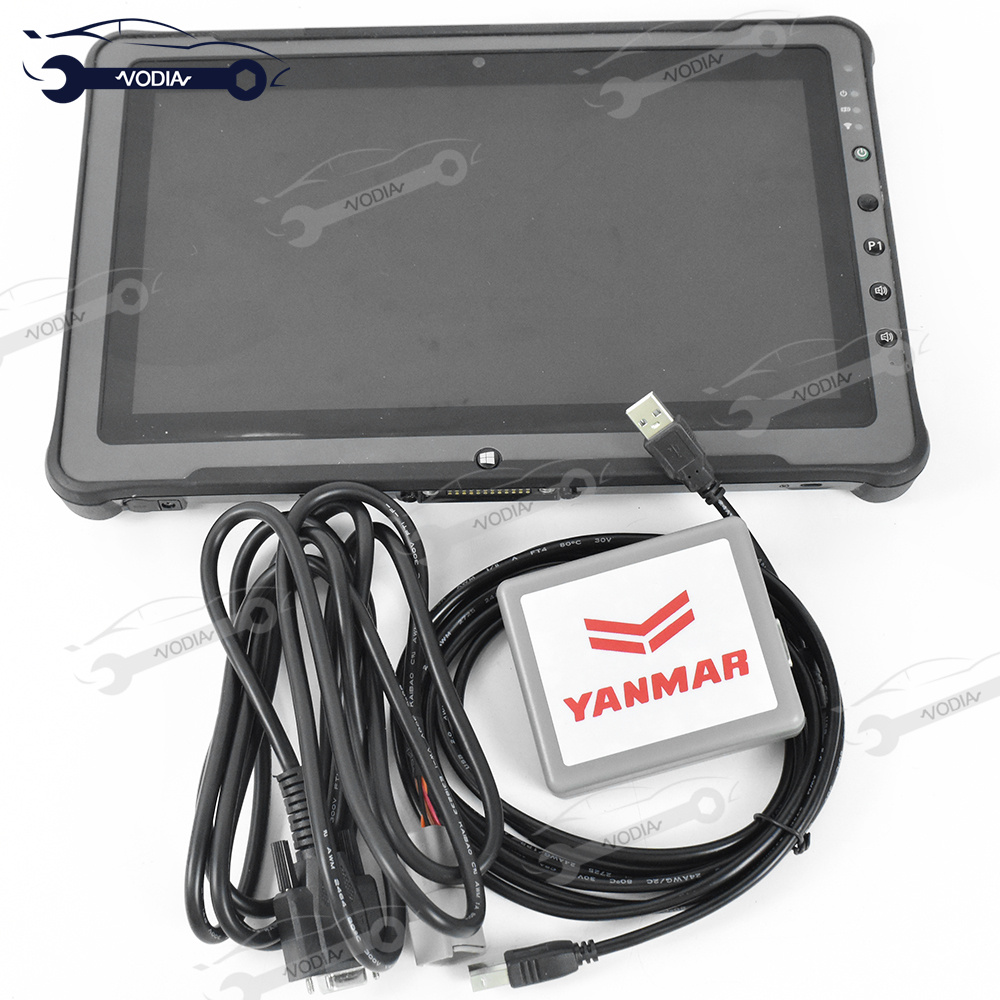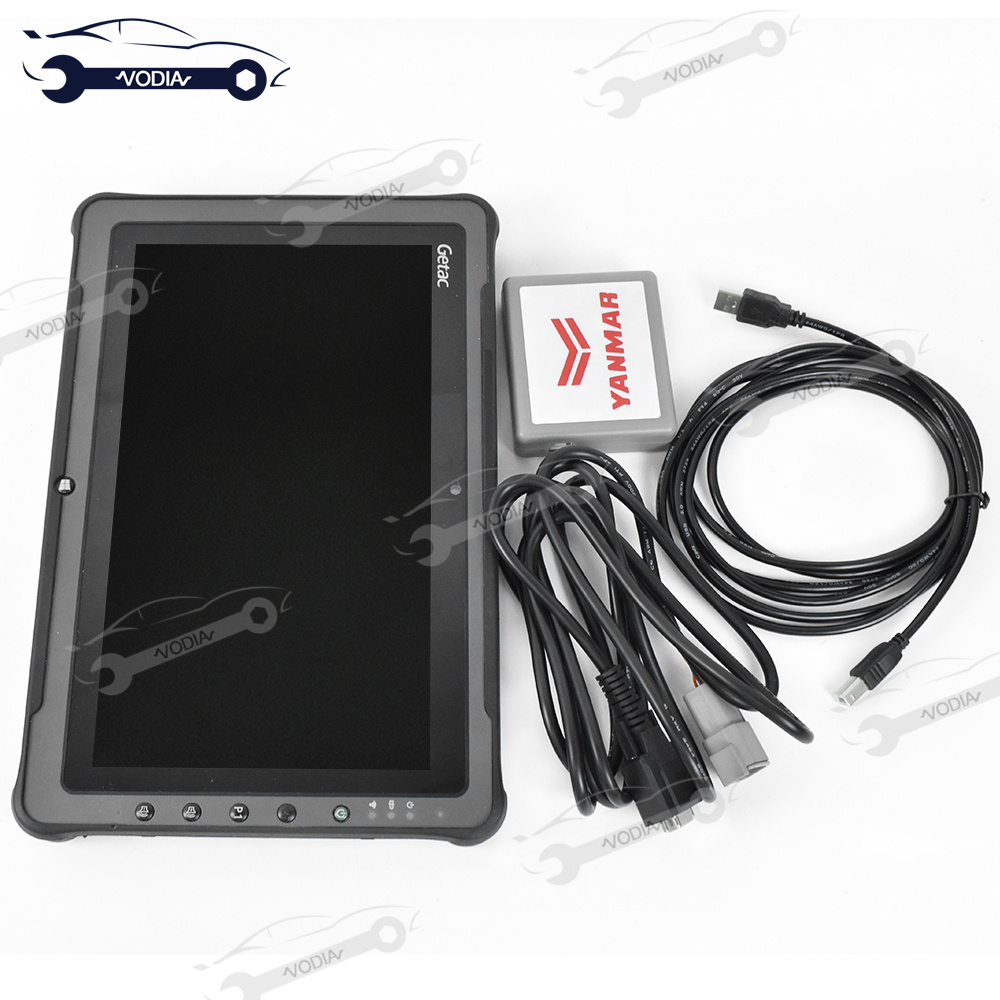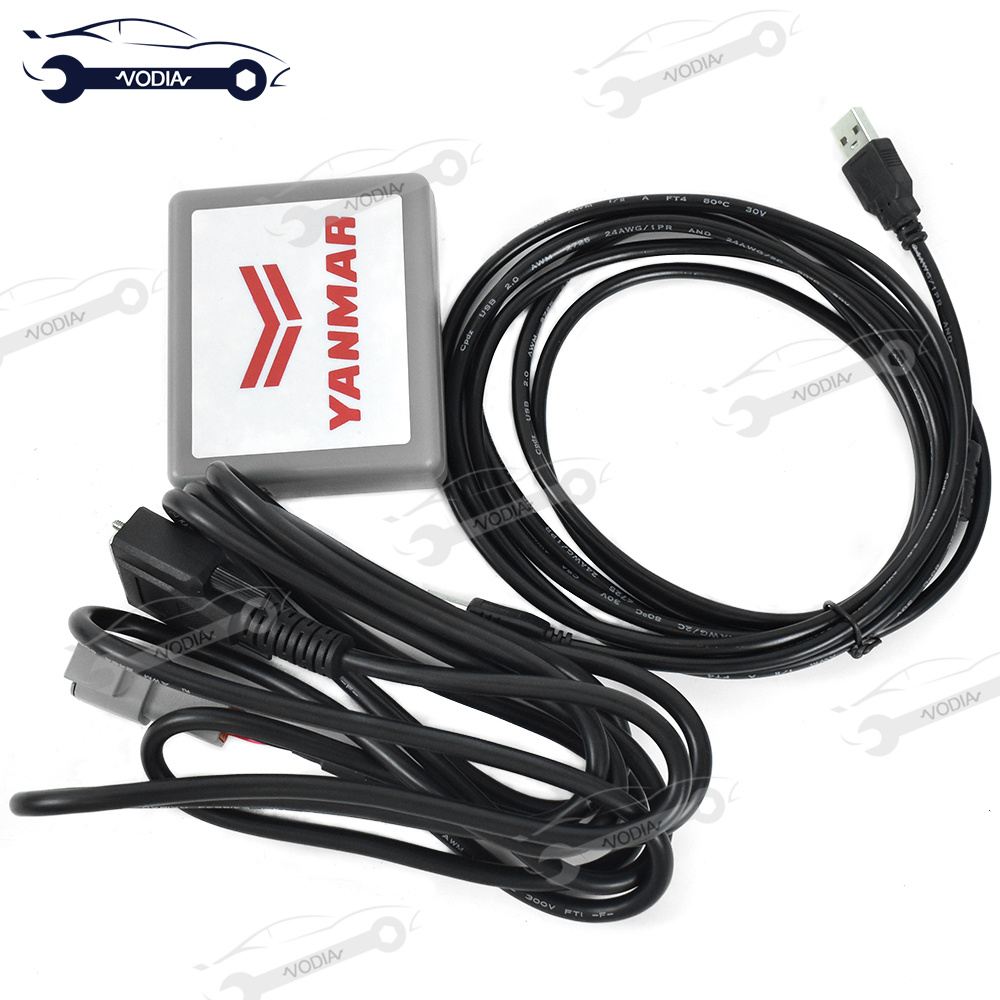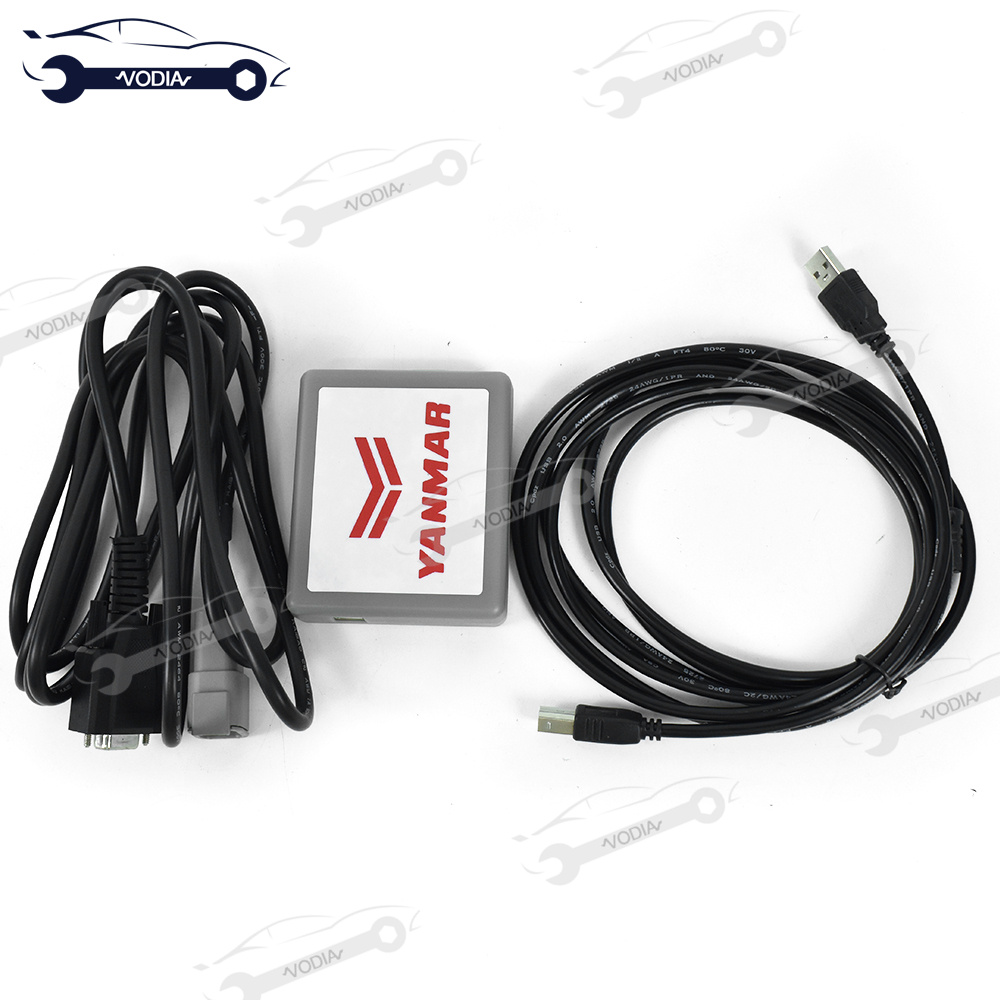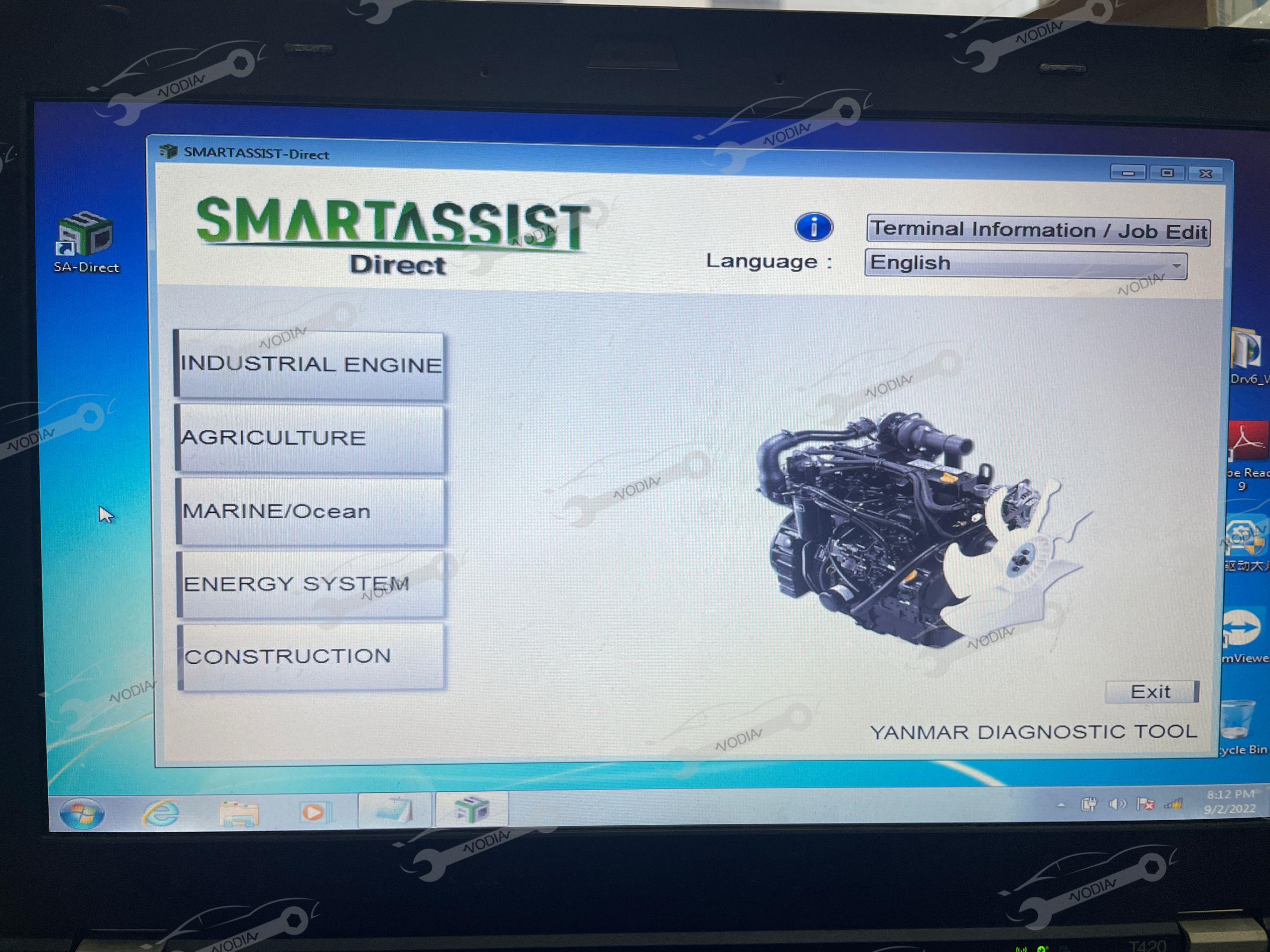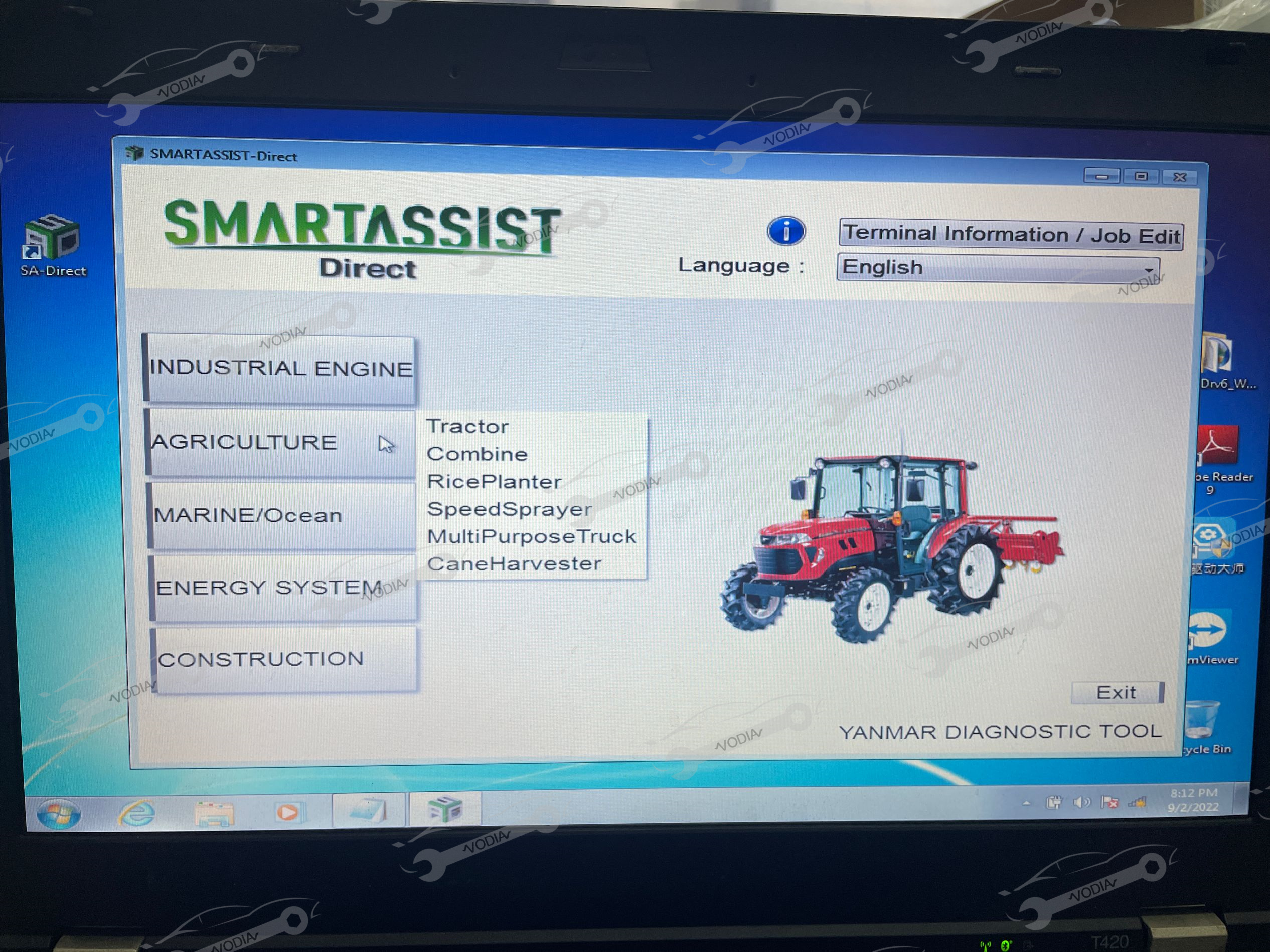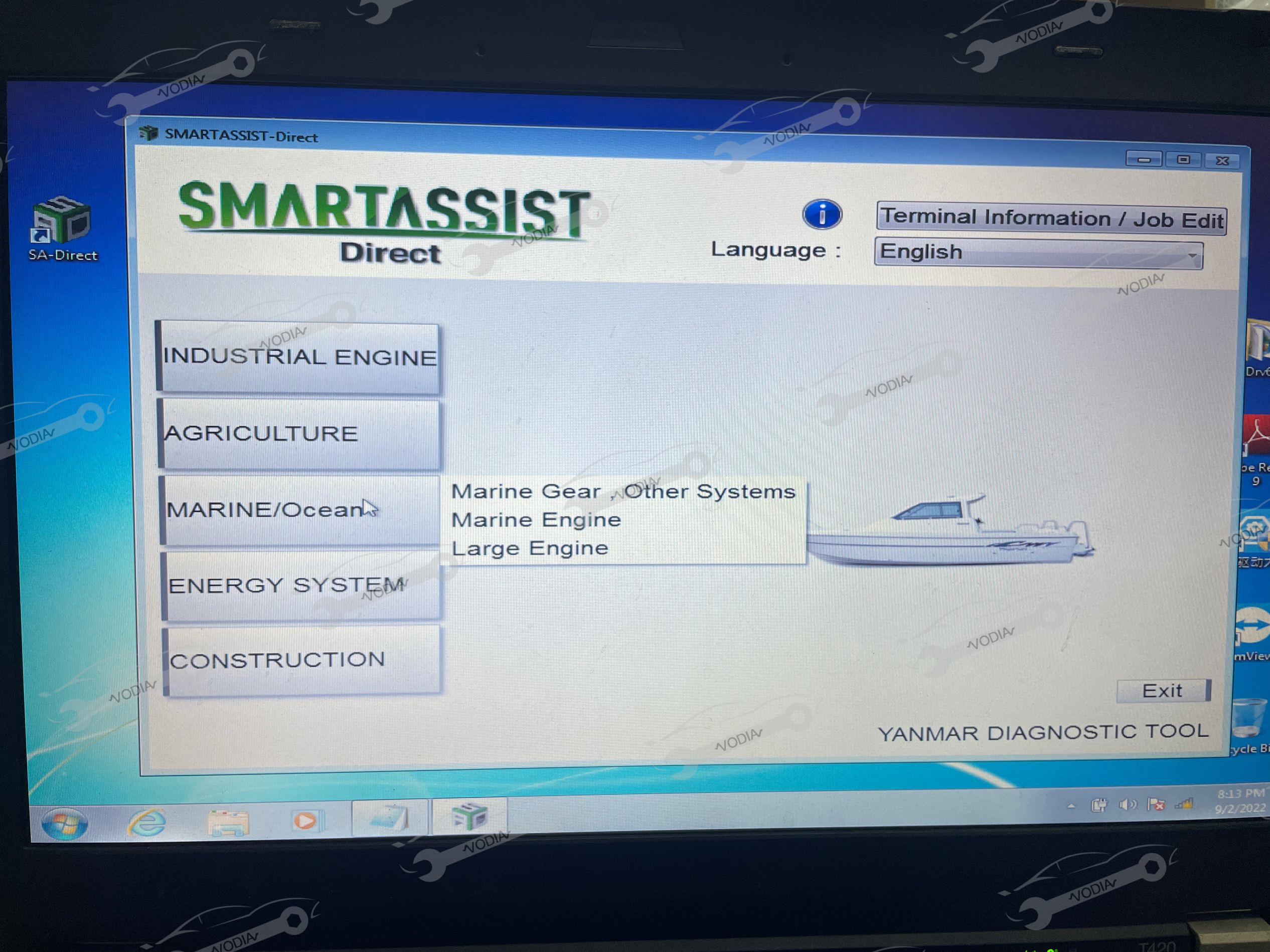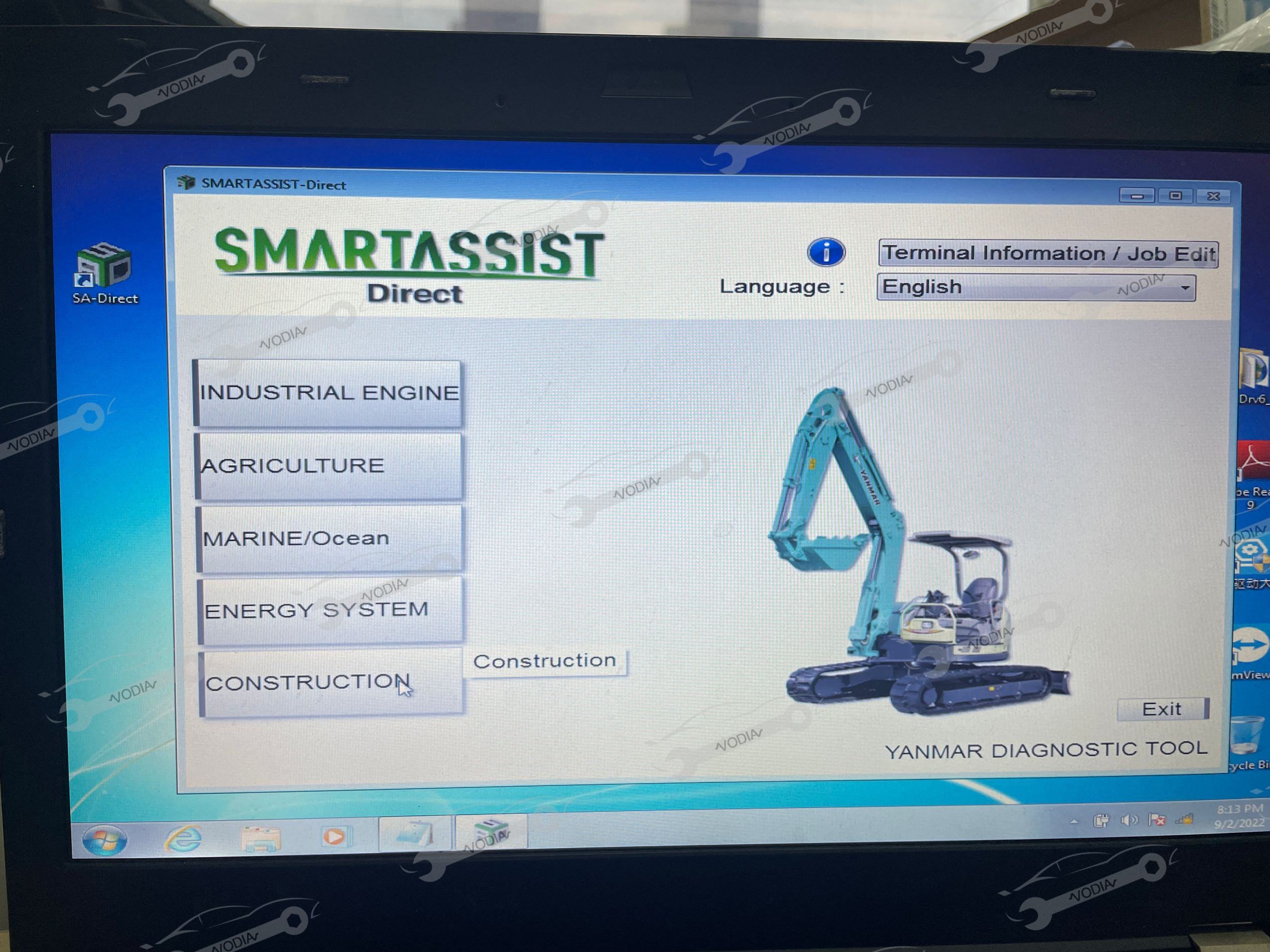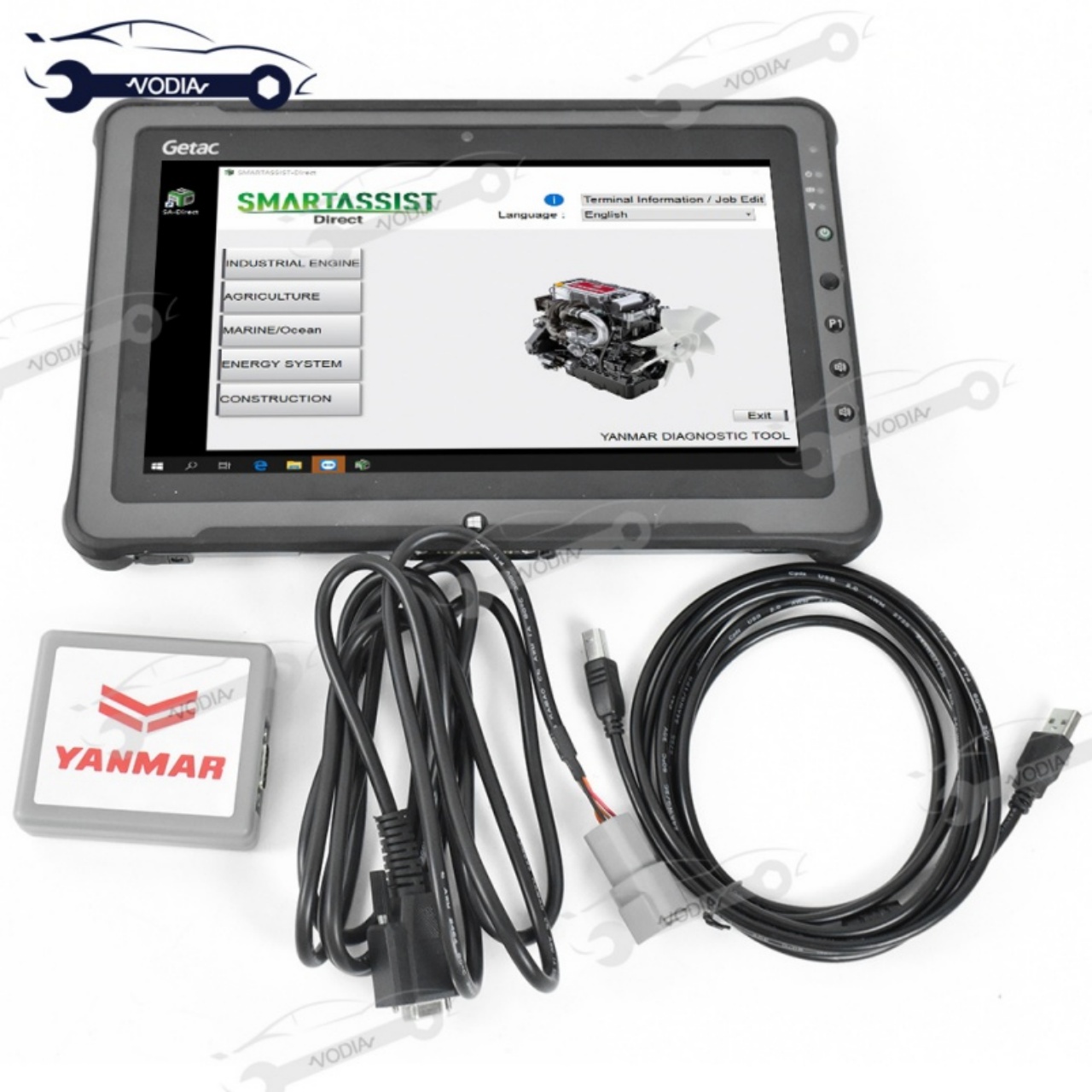
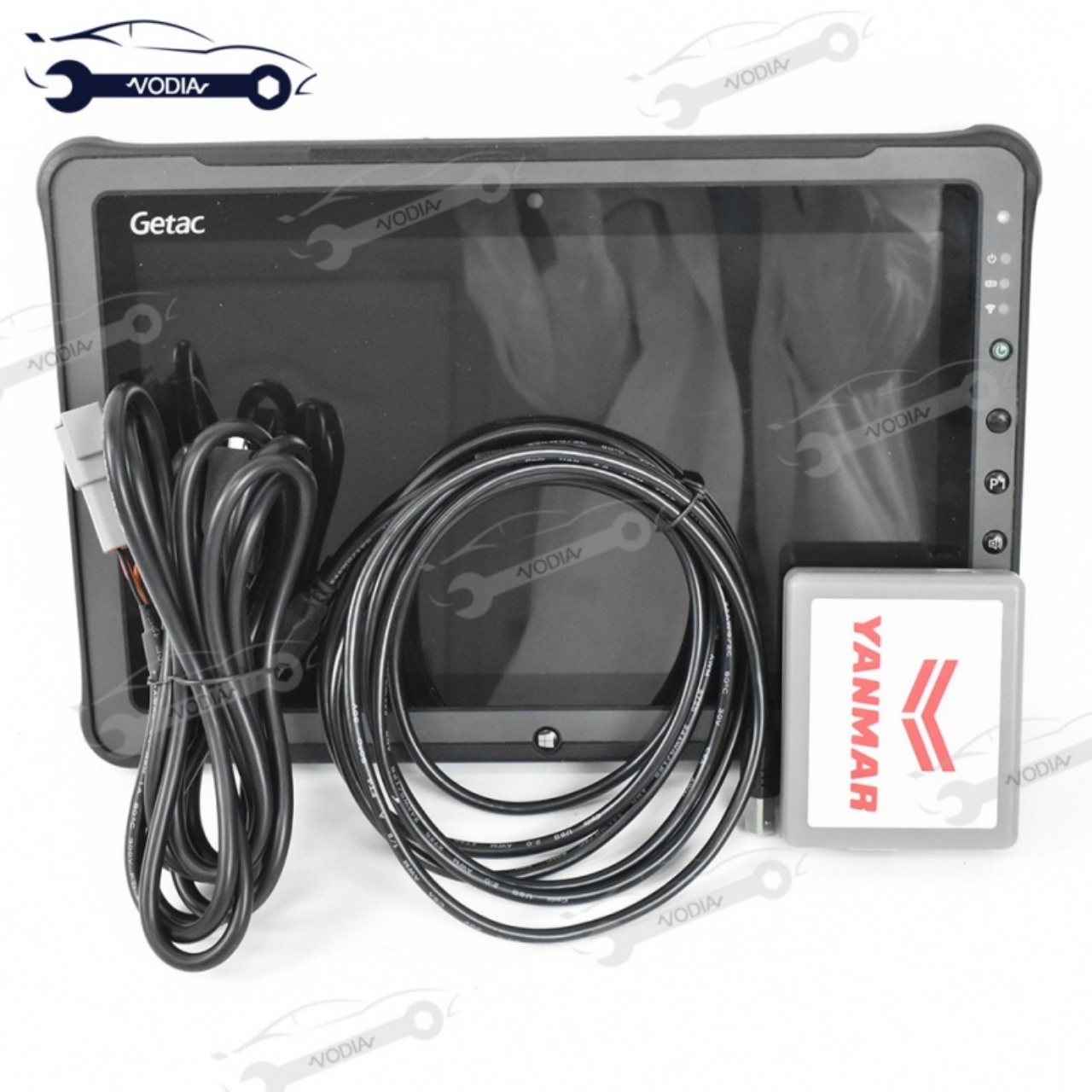
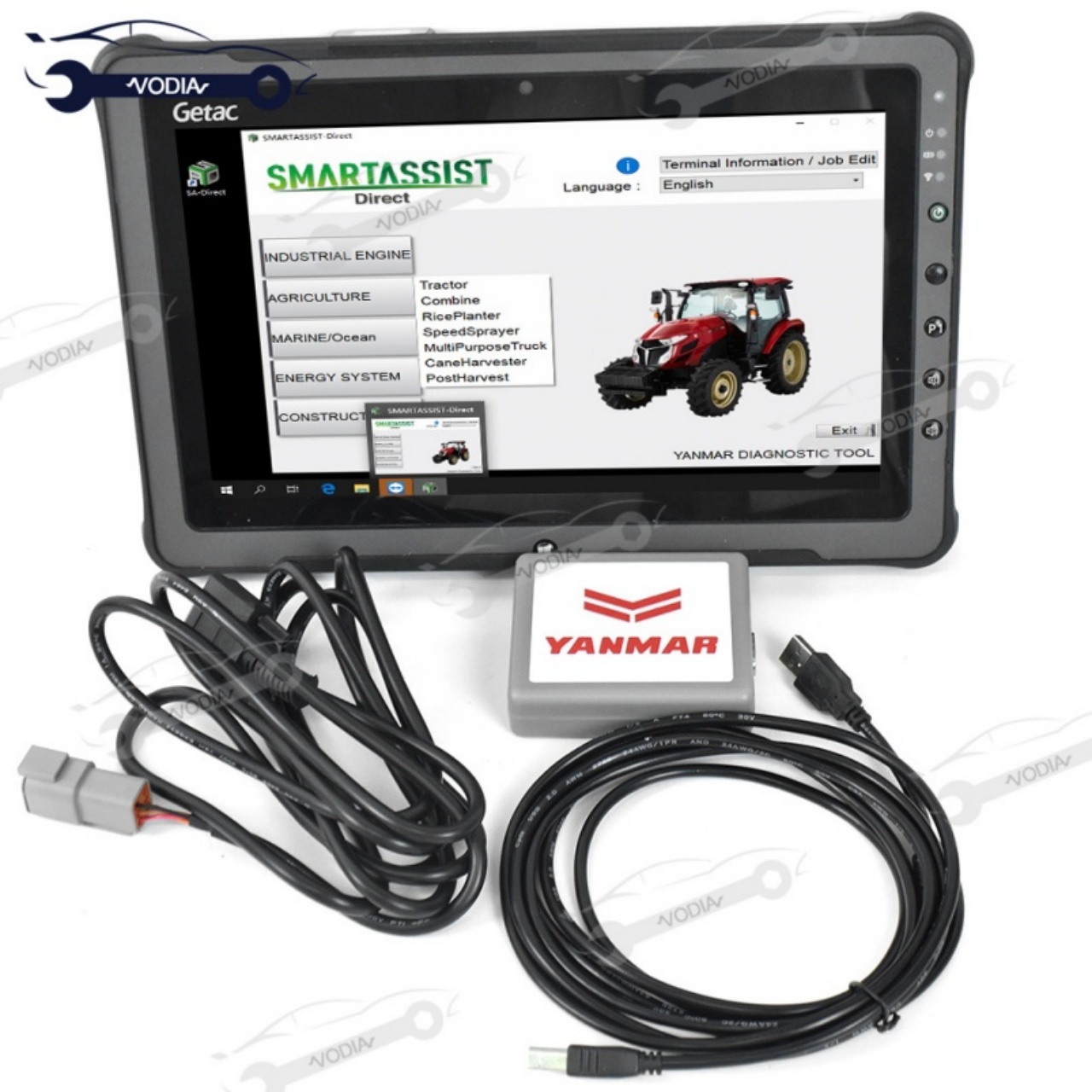
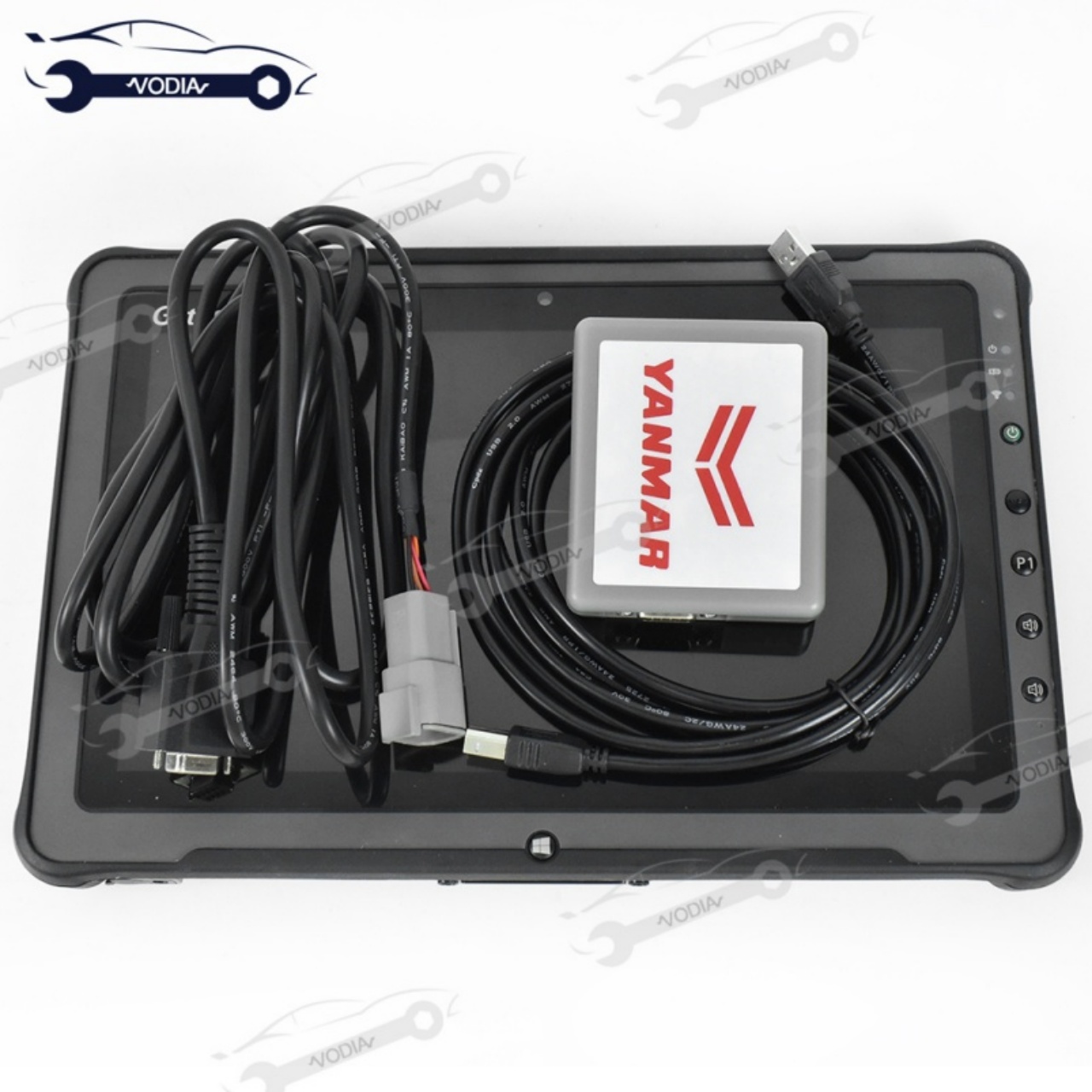
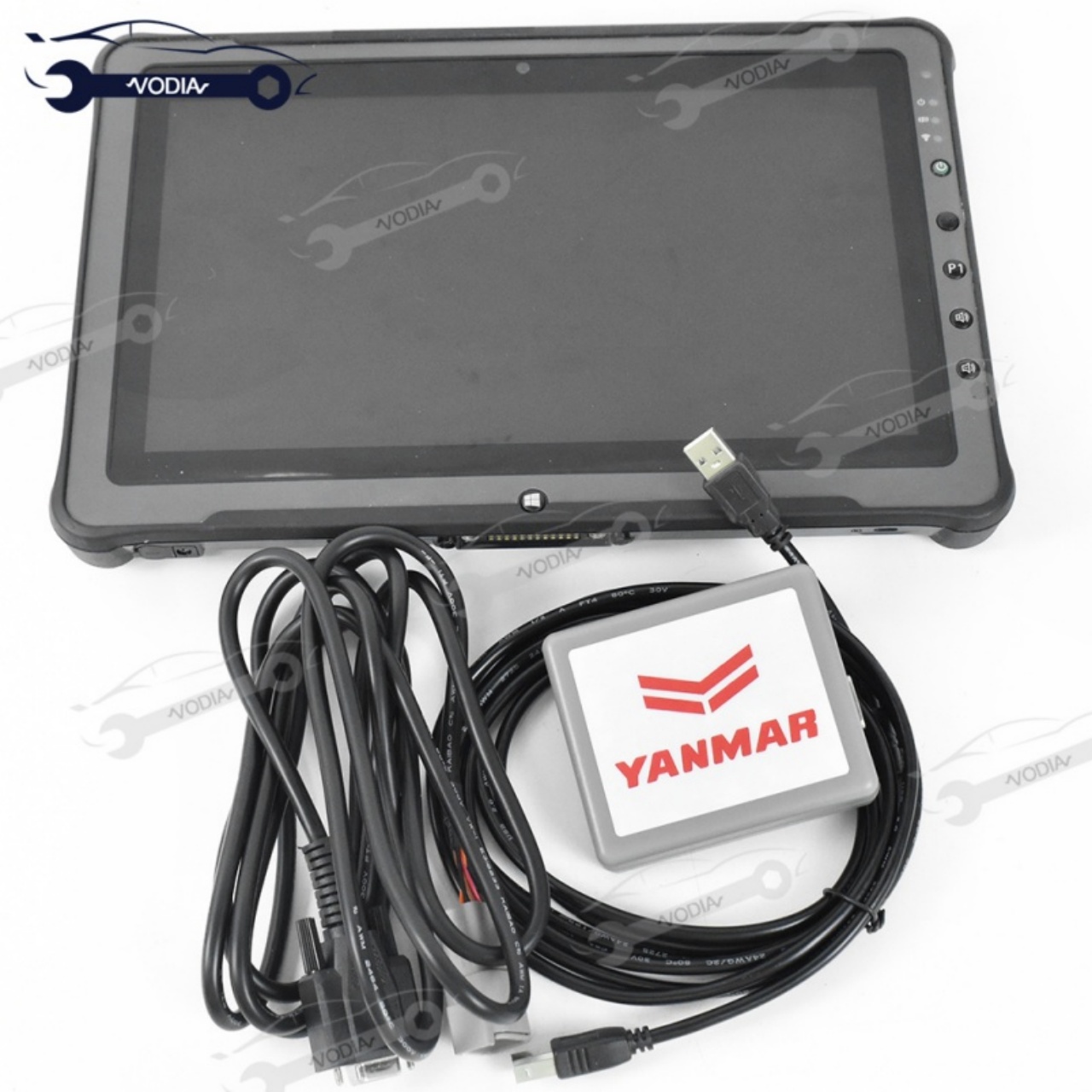
Yanmar Diesel EFI Engine Analyzer YEDST Diagnostic Tool OBD Interface Yacht Excavator Ship (V2.33 Software) 2 Years Windows

Product Description

YANMAR Diagnostic Service Tool
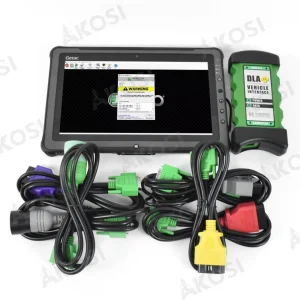
Detector Diagnostic Service Tool YEDST for Yanmar Diesel EFI Engine Yacht Excavator Ship and Xplore tablet
Specification
Model Name For YANMAR Diagnostic Service Tool YEDST
Item Type Car Diagnostic Cables and Connectors
In stock yes
Diagnostic tool for Yanmar Agriculture construction

For YANMAR ENGINE DIAGNOSTIC SERVICE TOOL (YEDST)

This professional technical manual contains service, maintenance, and troubleshooting information for your YANMAR ENGINE DIAGNOSTIC SERVICE TOOL(YEDST) FOR THE TNV SERIES. It is the manual used in the local service repair shop.

YANMAR ENGINE DIAGNOSTIC SERVICE TOOL(YEDST) FOR THE TNV SERIES manual is guaranteed to be fully useful to save your precious time.

This YANMAR ENGINE DIAGNOSTIC SERVICE TOOL(YEDST) FOR THE TNV SERIES Service Manual has easy to read text sections with top quality diagrams and instructions. They are specifically written for the do it work as well as the experienced mechanic. With step by step instruction and highly detailed exploded pictures, diagrams to show you how to complete the required job correctly, efficiently using.

YANMAR ENGINE DIAGNOSTIC SERVICE TOOL(YEDST) FOR THE TNV SERIES Service Repair Manual covers every single detail on your machine provides step-by-step instructions based on the complete disassembly of the machine.
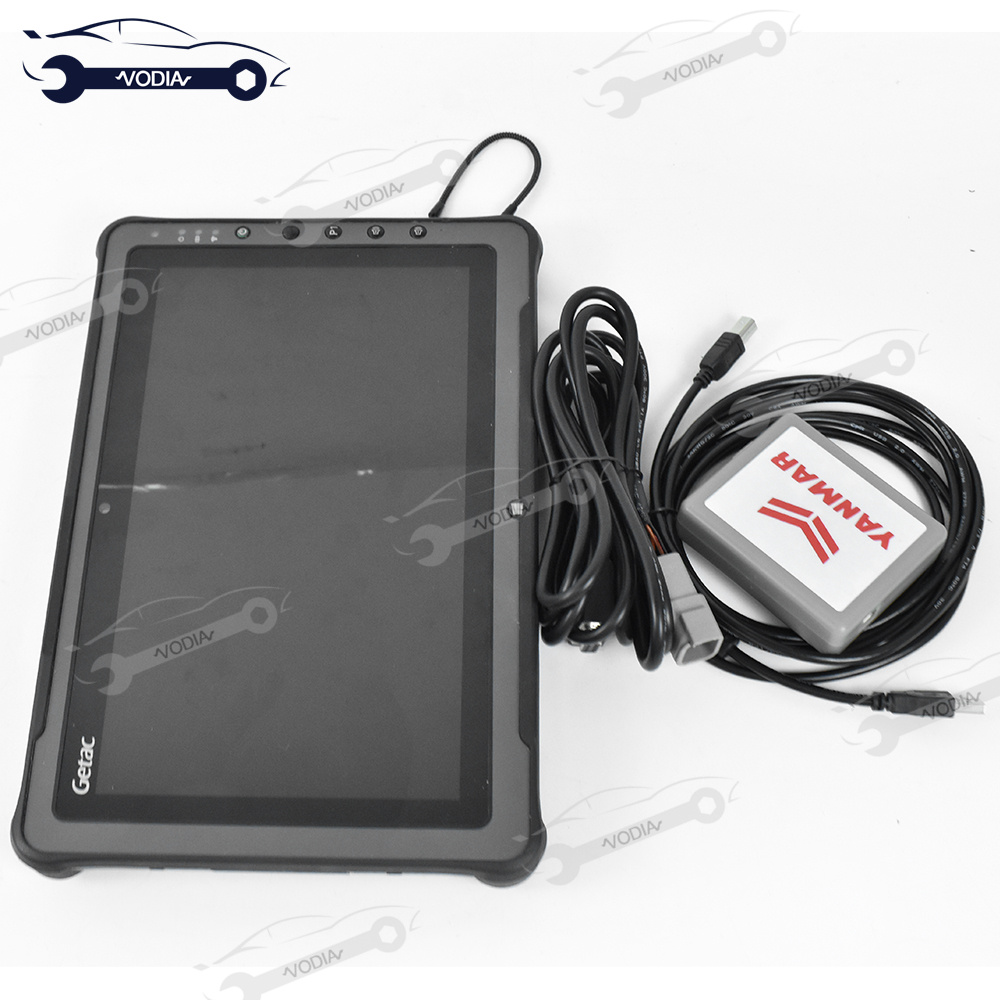
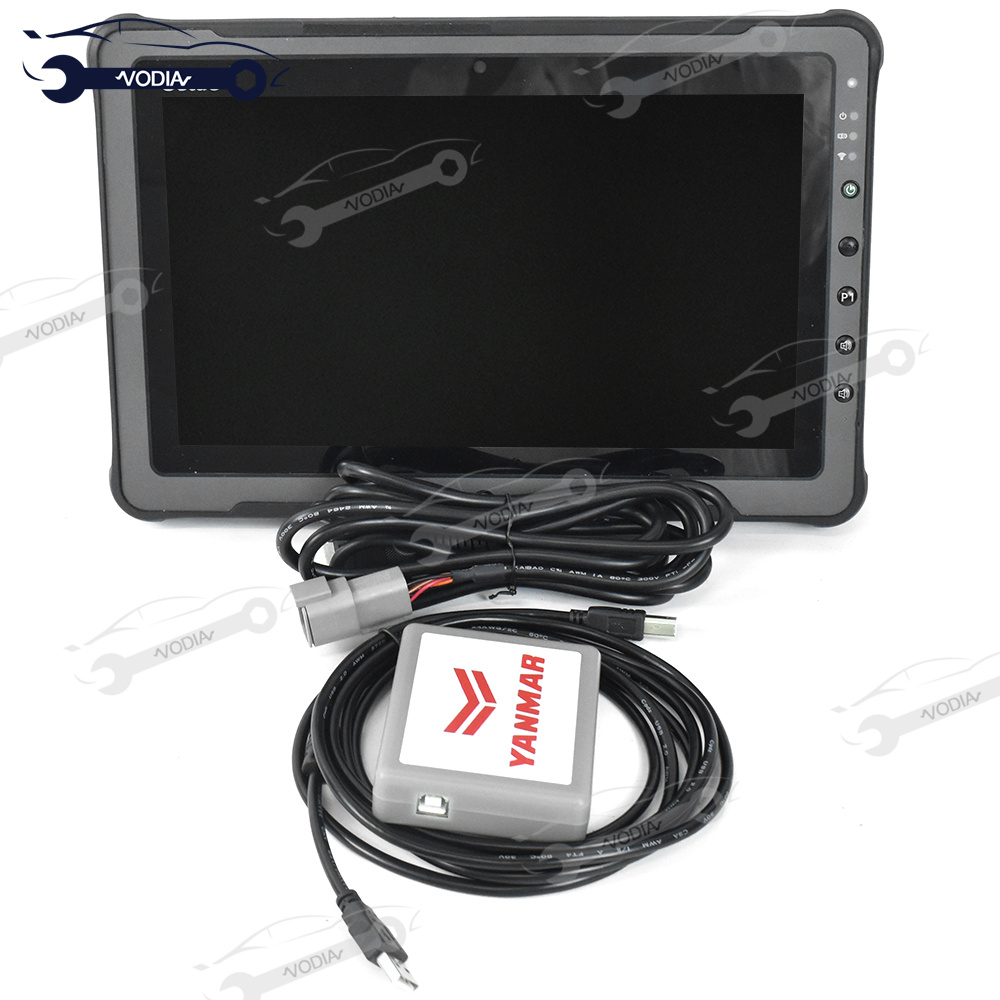
Problems encountered with the tester tool
  • 1. The tester does not work when it is connected.
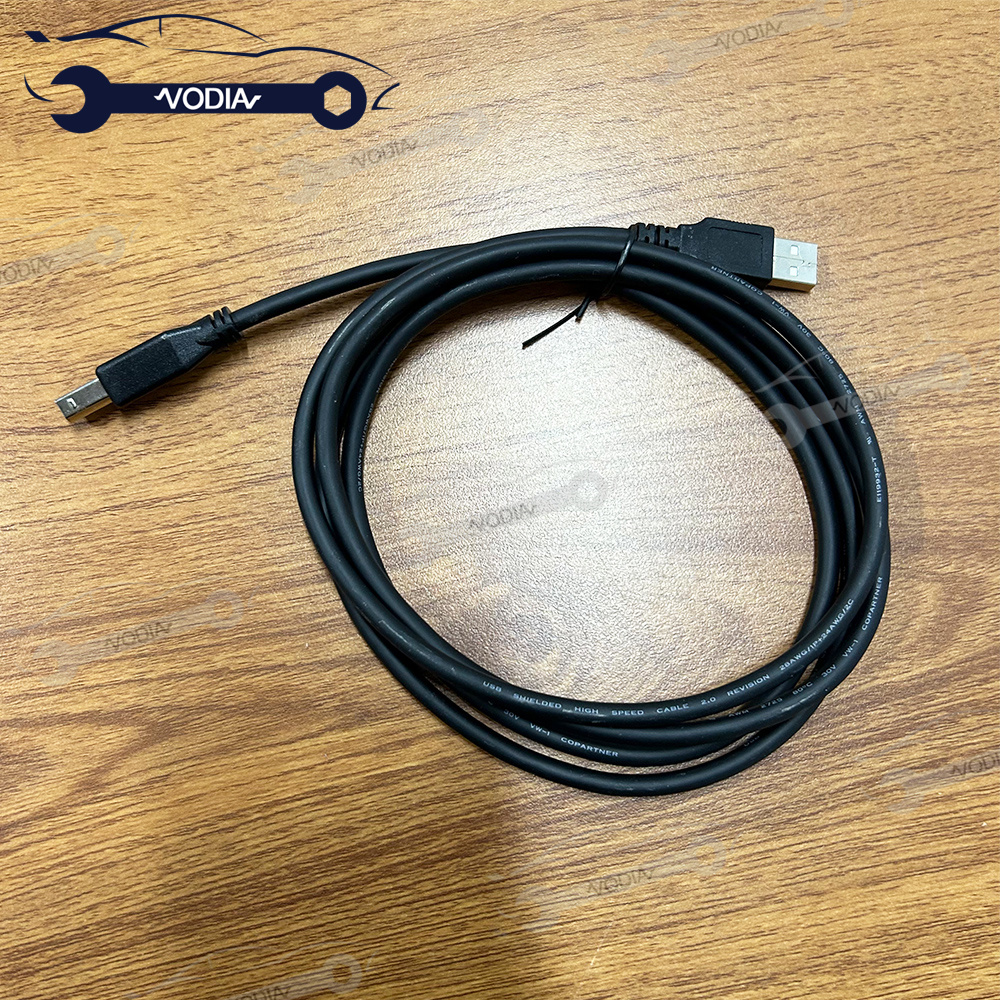
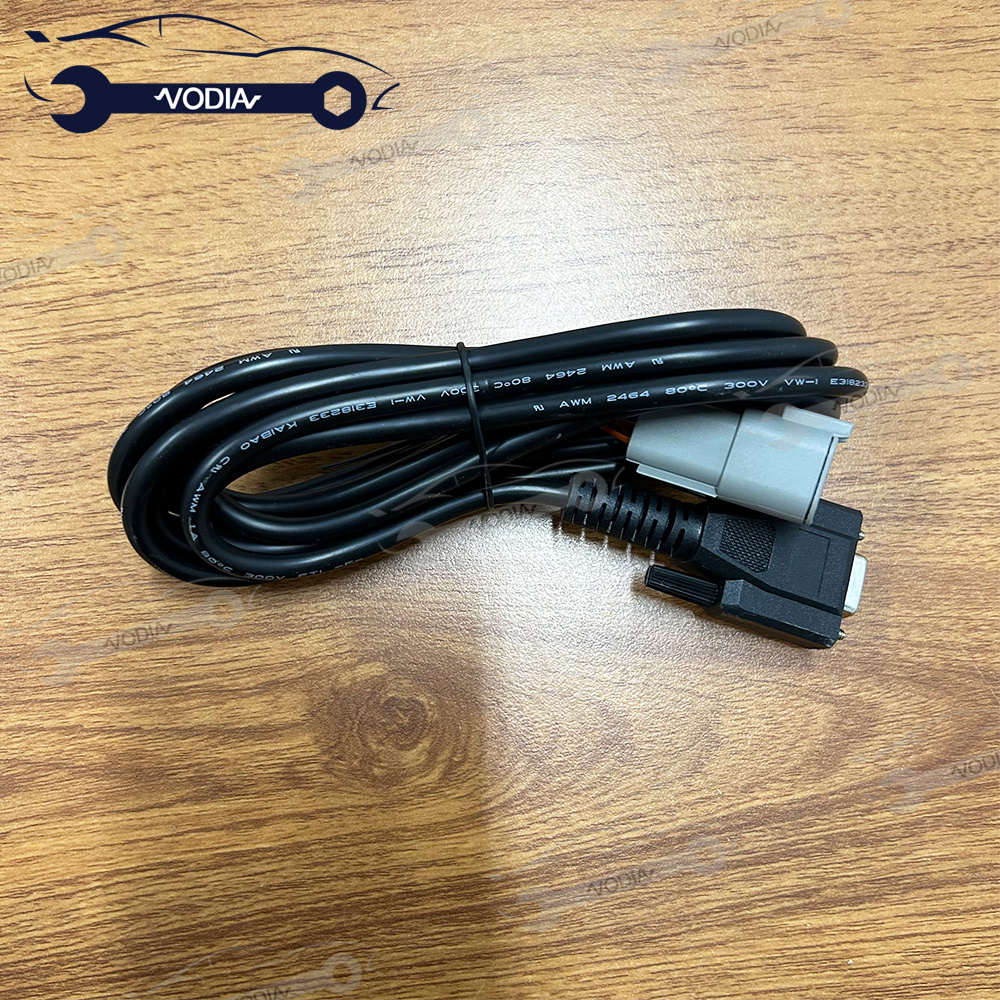
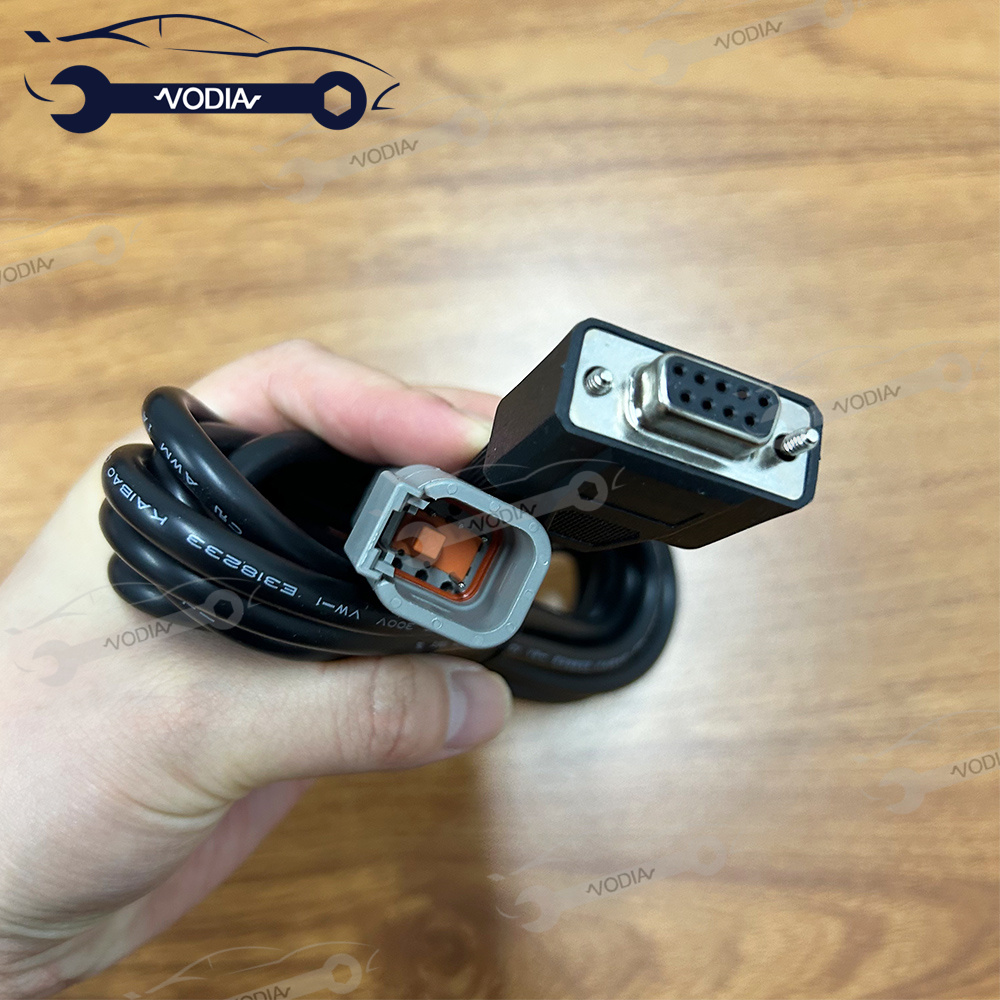
  • 2. The connection cable may be faulty.
  • 3. Possible software is not installed.
  • 4. When working, you open the anti-virus software of this computer.
  • 5. Software installation problems.
  • 6. Do not update the software after installation.
  • 7. Remote software needed to help you install.
  • 8. It is recommended to use WIN10-64 bit system computer.
Product Details Gallery
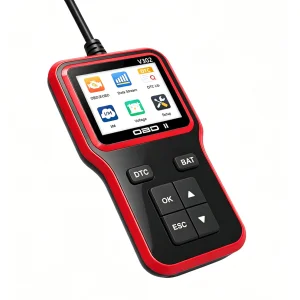
YEDST Diagnostic Cable Detail 1
YEDST Diagnostic Cable Detail 2
YEDST Diagnostic Cable Detail 3
YEDST Diagnostic Cable Detail 4
YEDST Diagnostic Cable Detail 5
YEDST Diagnostic Cable Detail 6
YEDST Diagnostic Cable Detail 7
YEDST Diagnostic Cable Detail 8
YEDST Diagnostic Cable Detail 9
YEDST Diagnostic Cable Detail 10
Interface and Operations Showcase
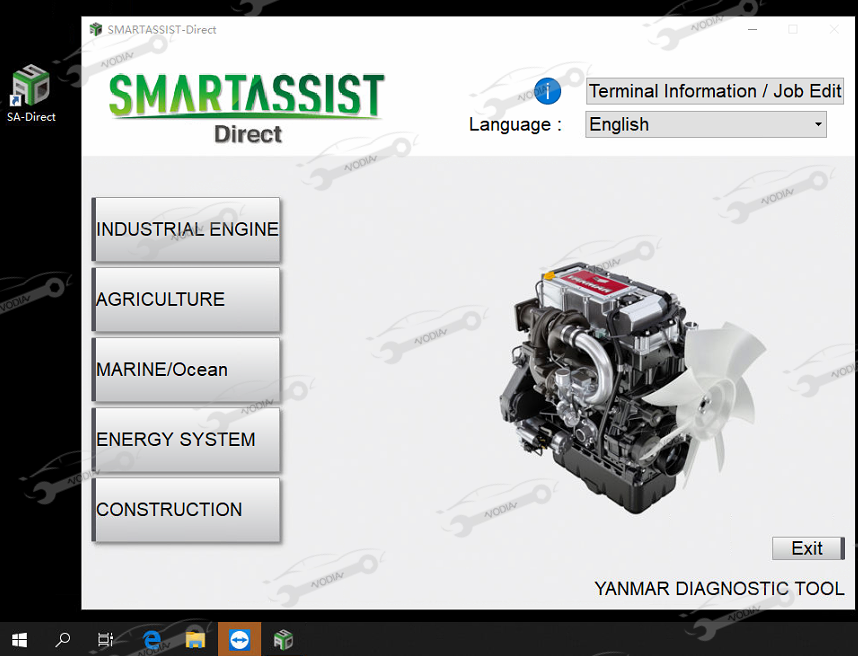
YEDST Screen Display 1
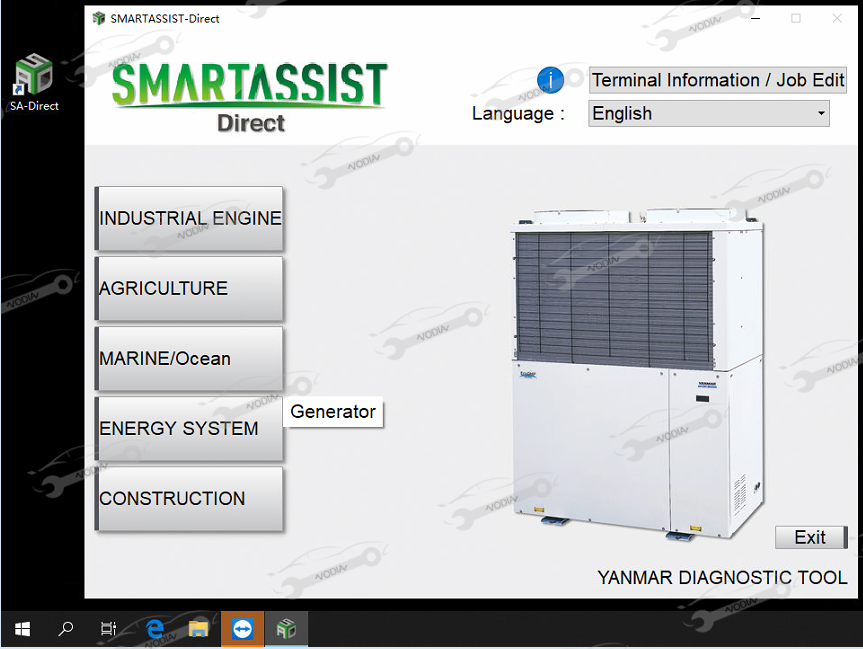
YEDST Screen Display 2
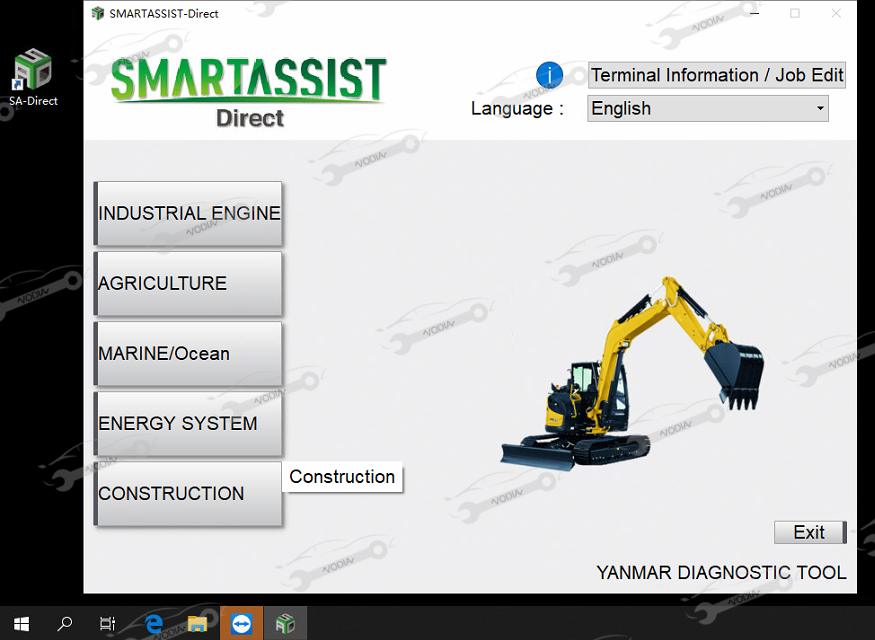
YEDST Screen Display 3
YEDST Screen Display 4
YEDST Screen Display 5
YEDST Screen Display 6
YEDST Screen Display 7
YEDST Interface View 1
YEDST Interface View 2
YEDST Interface View 3
Frequently Asked Questions (FAQ)
What engines is the YEDST Diagnostic Tool designed for?
The YEDST Diagnostic Service Tool is designed for Yanmar Diesel EFI Engines used in agricultural equipment, construction machinery, yachts, excavators, and ships.
Which operating system is recommended for the YEDST software?
It is highly recommended to use a Windows 10 (64-bit) computer for installing and operating the YEDST diagnostic software.
Should I update the diagnostic software once it is installed?
No, you should not update the software after the installation is complete to ensure correct operation and prevent activation or connectivity issues.
What might prevent the tester tool from working when connected?
Common issues include a faulty connection cable, missing software installation, running active anti-virus software on your computer, or system compatibility conflicts.
How should I handle the computer's anti-virus software during operation?
Make sure your computer's anti-virus software is not actively blocking the tool or its installation files during the installation process and operation.

Related Products