2025 Thinkcar VENU IPRO Tire Pressure Inspection Tools TPMS System Car Code Reader Sensor Programming Tools Work With 689BT VO7S

Product Description

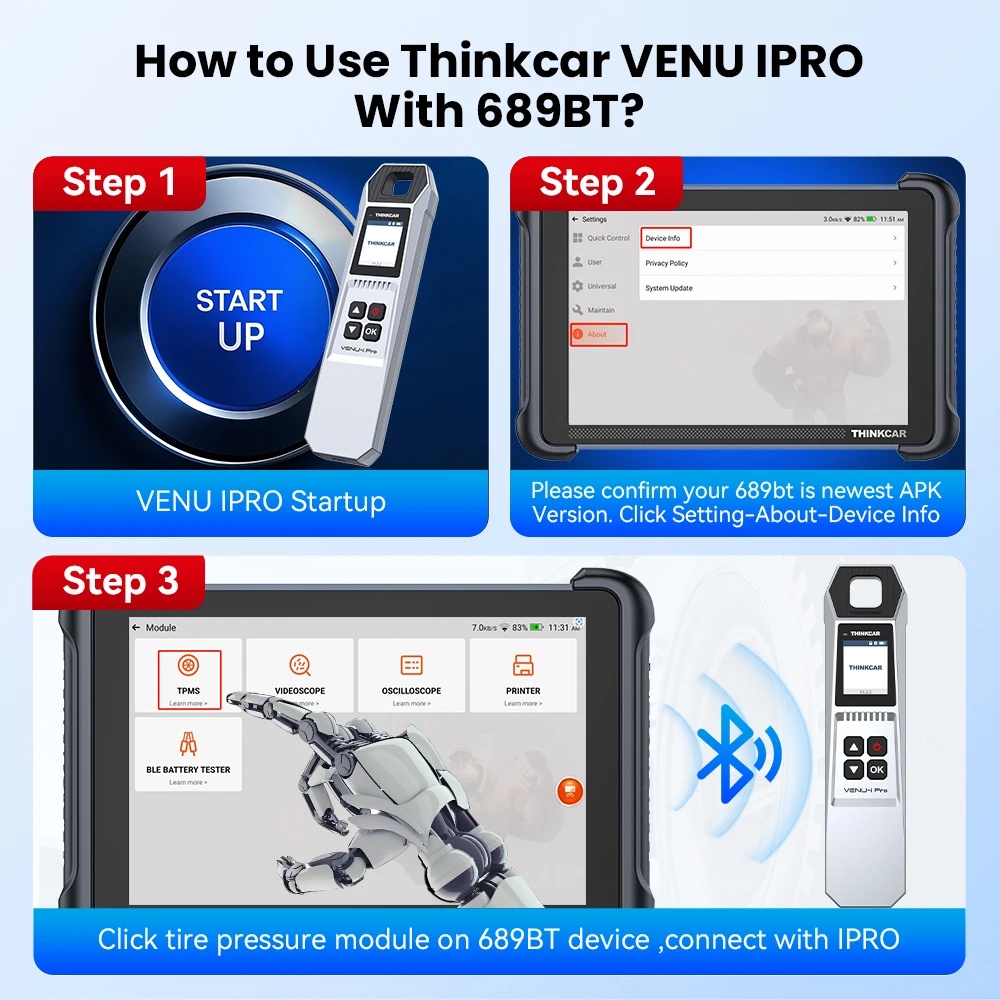
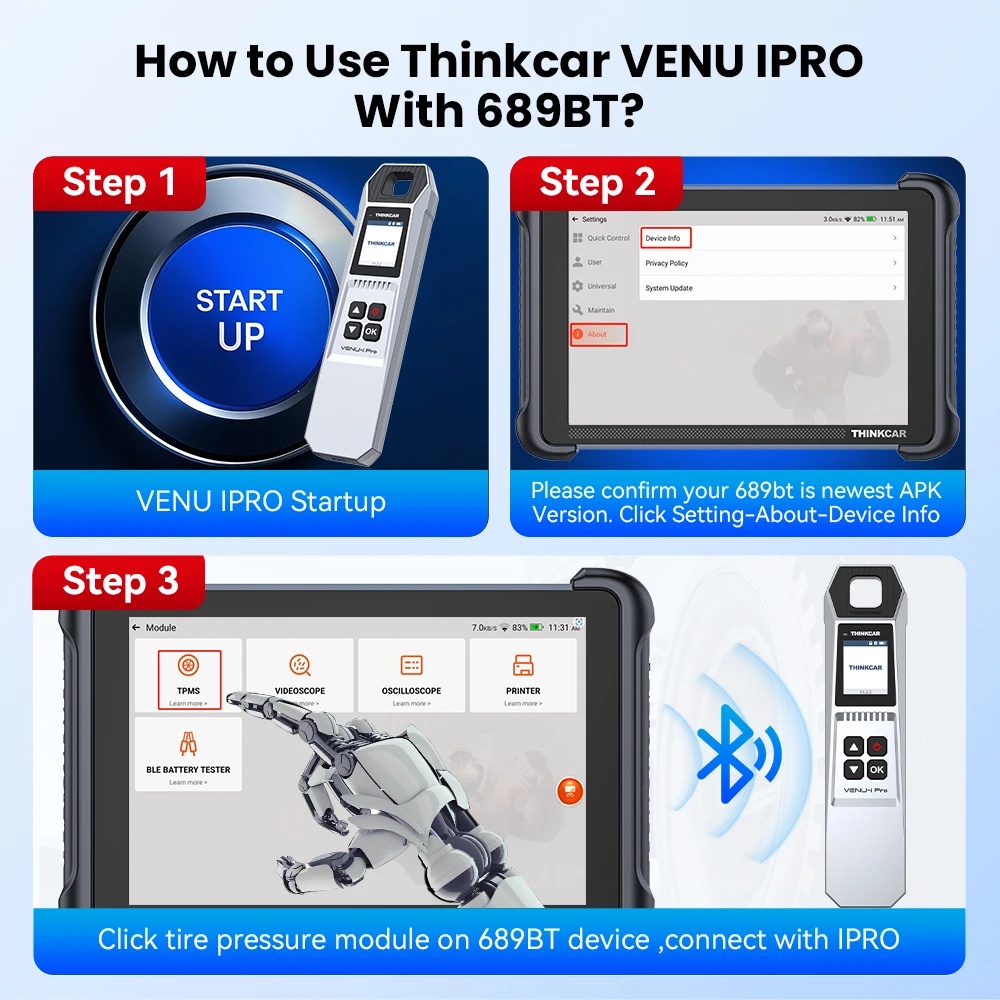
How to Use THINKCAR VENU IPRO With 689BT?

1
VENU IPRO Startup
Turn on your VENU IPRO device to prepare for the connection.
2
Check APK Version
Please confirm your 689bt is running the newest APK Version. Click Setting - About - Device Info to verify.
3
Connect Module
Click the tire pressure module on the 689BT device, then connect it with the IPRO.
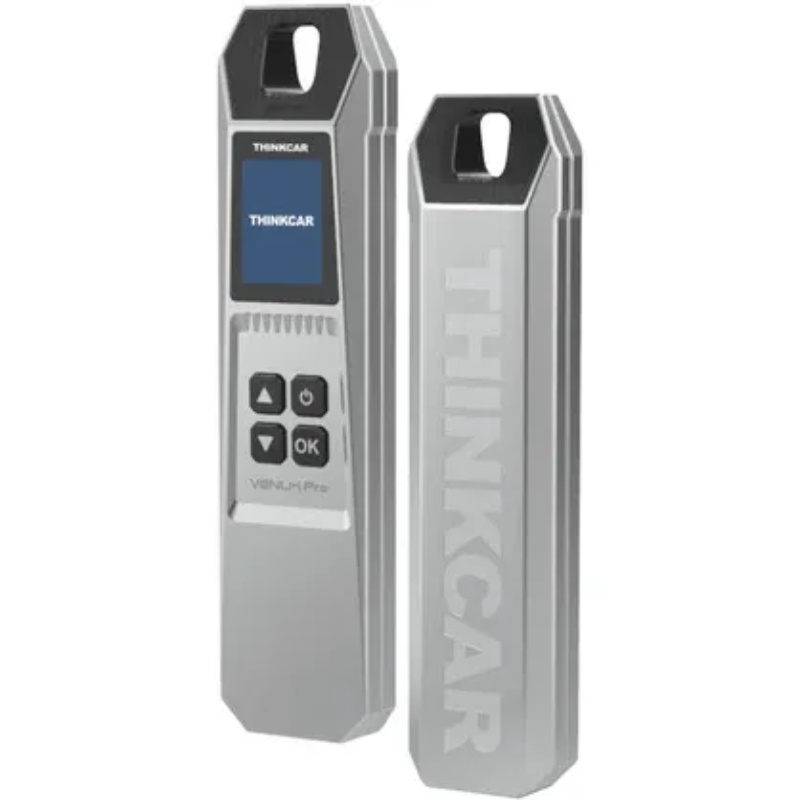
THINKCAR VENU IPRO TPMS Tool
Why Choose THINKCAR VENU IPRO

Why Choose Thinkcar Venu IPro TPMS Tools?

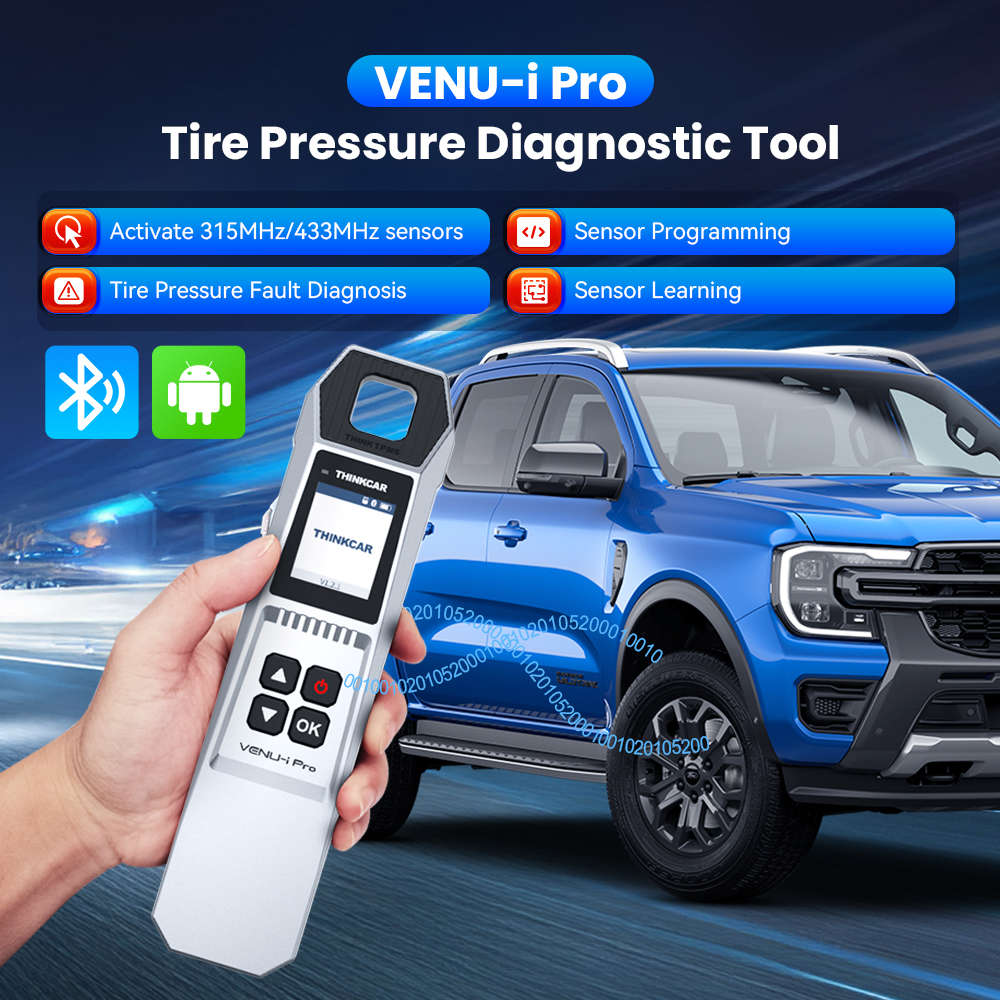
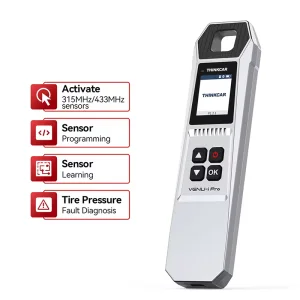
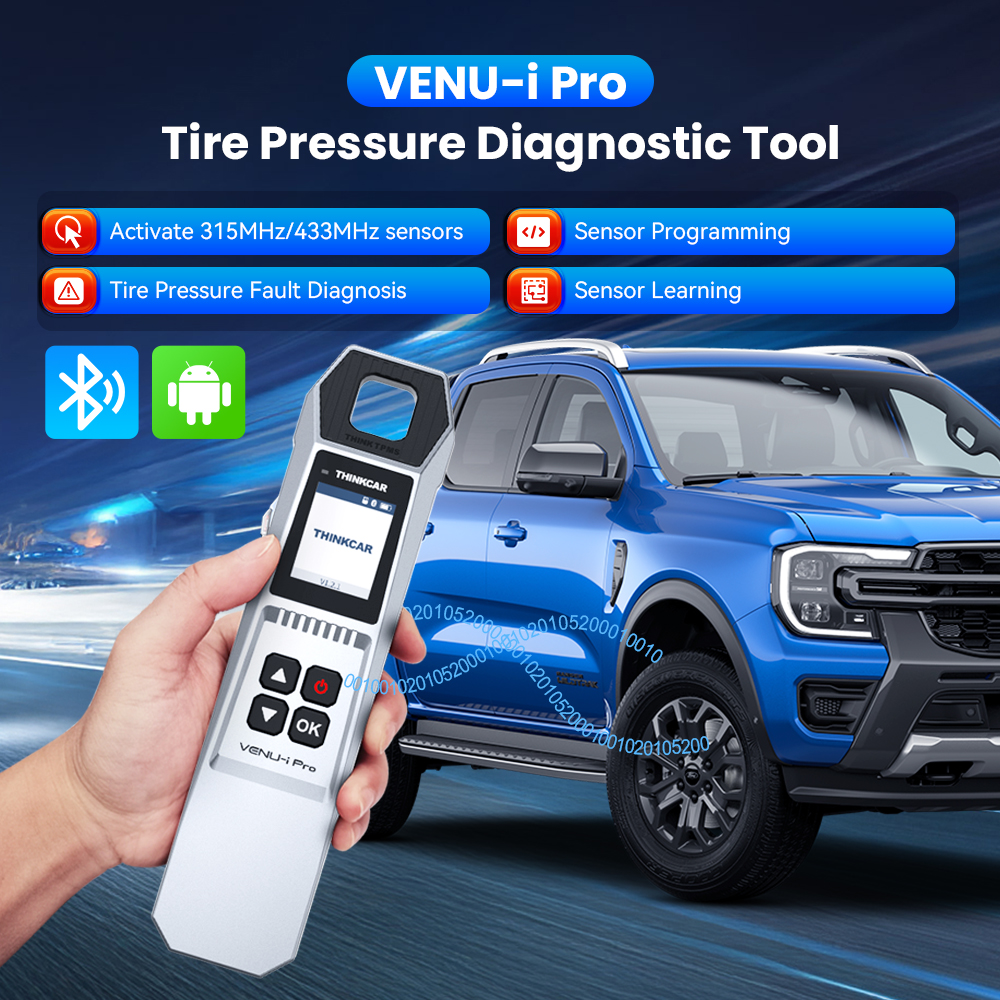
THINKCAR VENU iPro is a new generation of tire pressure diagnosis tool, which can realize Sensor Activation, Sensor Programming, Sensor Learning, and Tire Pressure Fault Diagnosis. It can be connected to the Thinkdiag APP via Bluetooth and used to easily diagnose tire faults on mobile phones. It can also be used with THINKTOOL series products to help you diagnose car tire information.

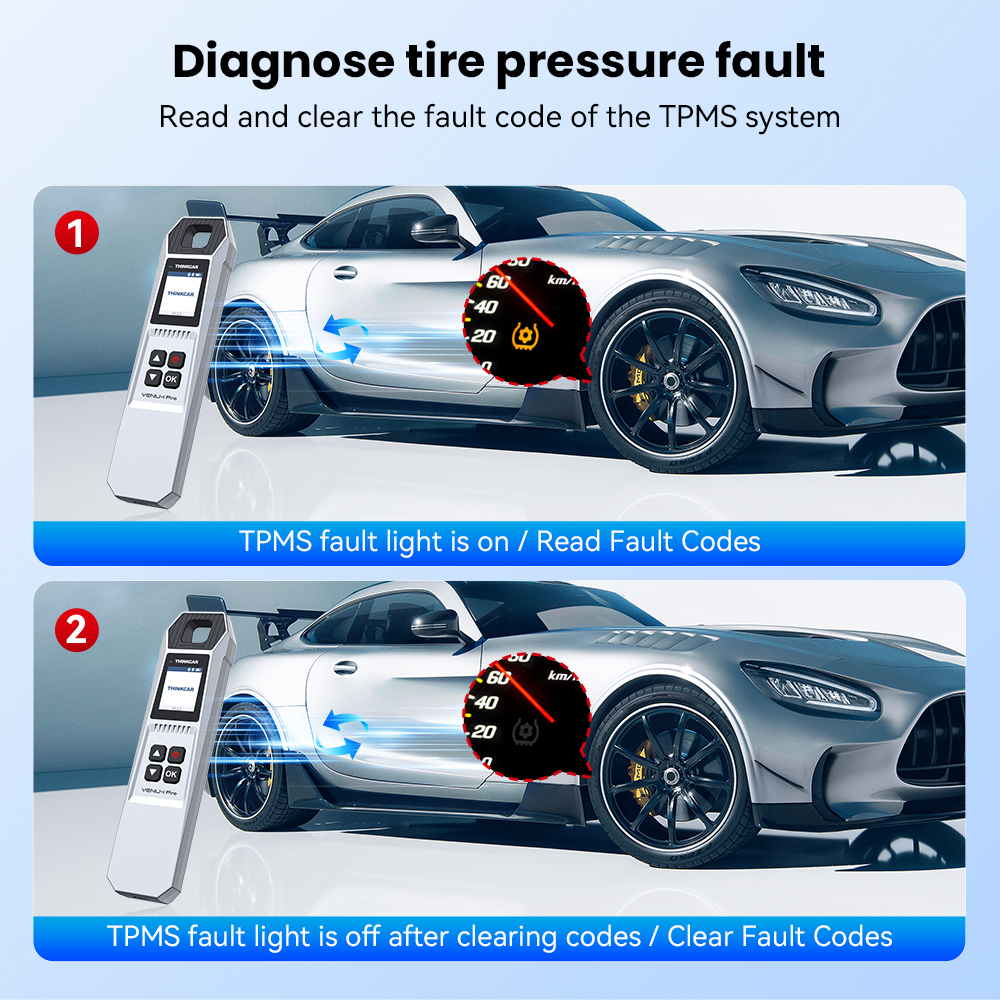
Diagnose Tire Pressure Faults

Support Sensor Activation

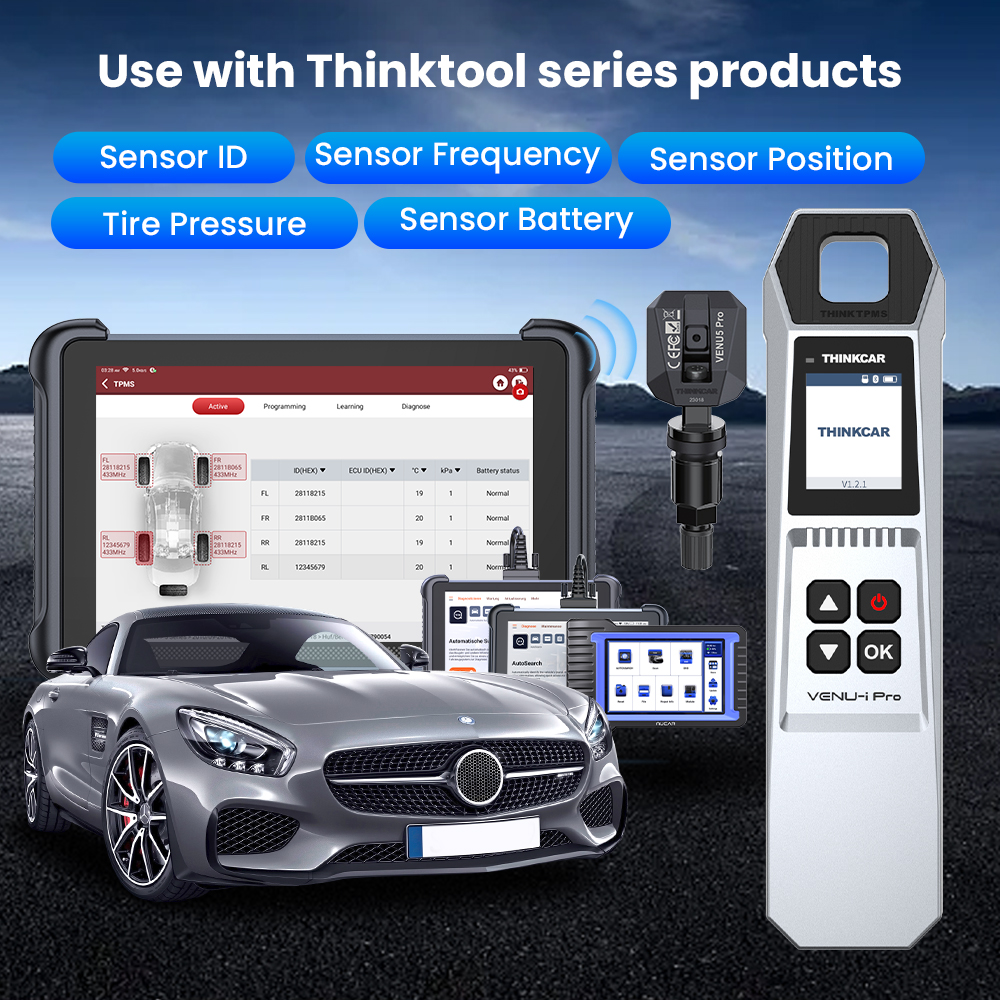
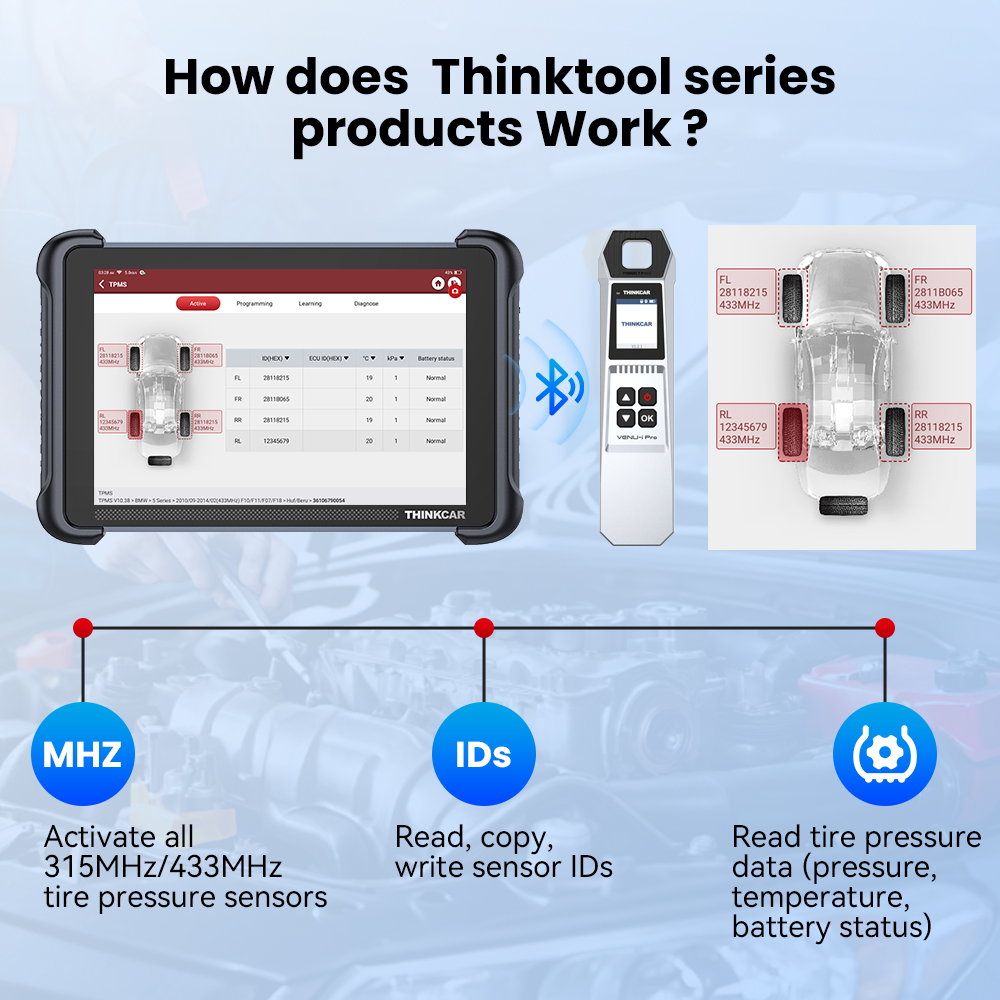
THINKCAR VENU iPro can activate all 315MHz/433MHz tire pressure sensors, and can read, copy, write sensor IDs and read tire pressure data (pressure, temperature, battery status).

Support Sensor Programming

THINKCAR VENU iPro supports unlimited repeat programming function, covering more than 98% of imported models with tire pressure system, and supports multiple ID generation methods: manual, copy, and automatic creation.

Support Sensor Learning

The tire pressure matching learning function can perform tire pressure fault diagnosis through prompt learning steps, including code reading and code clearing.

Tire Pressure Fault Diagnosis

Easily read and clear the fault codes of the TPMS system.
Diagnose tire pressure fault
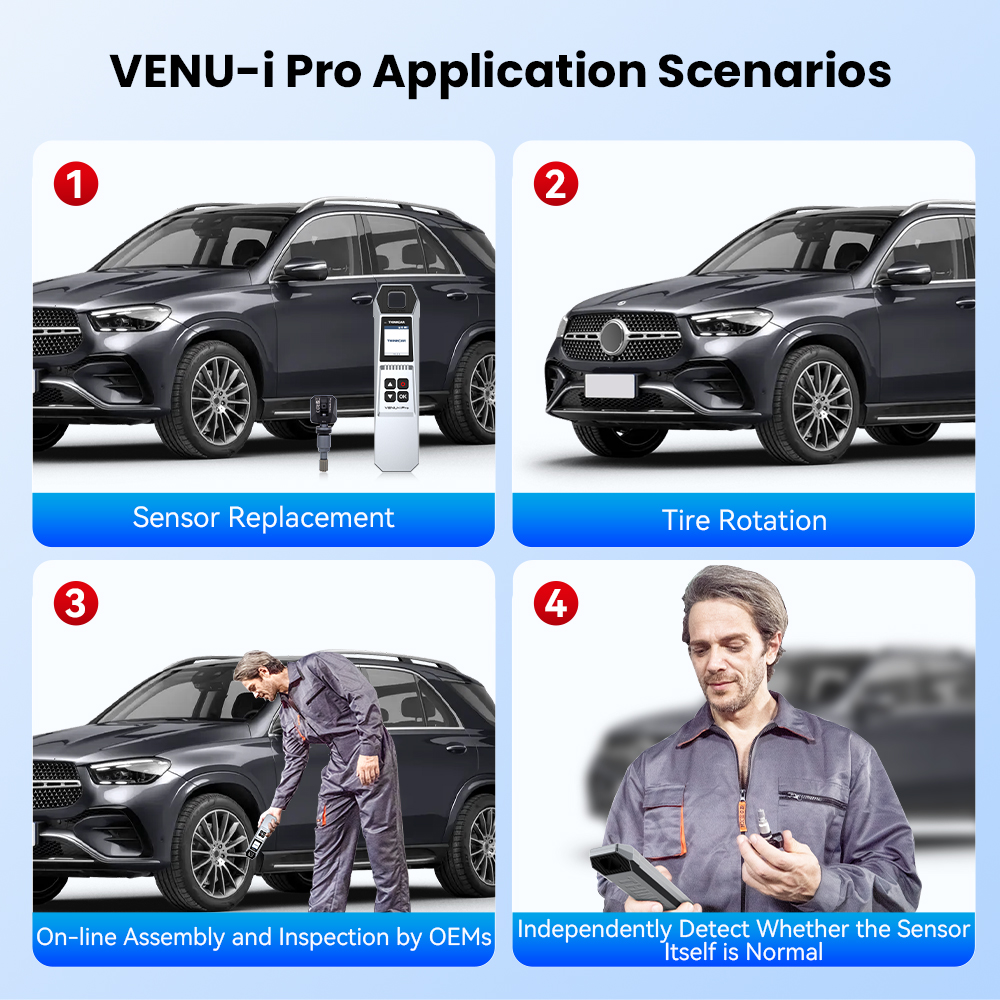
VENU-I PRO Application Scenarios

VENU-I PRO Application Scenarios

  • Sensor Replacement
  • Tire Rotation
  • On-line Assembly and Inspection by OEMs
  • Independently Detect Whether the Sensor Itself is Normal

Support More Than 115+ Brands

For OBDII diagnostics, the obd2 code reader works great for most cars built in 1996 or later, being compatible with the following protocols:

  • ISO 14230-4 (KWP2000)
  • ISO 15765-4 (CAN)
  • ISO 9141-2 (iso)
  • ISO 14229 (uds)
  • SAE J1850 (VPW & PWM)
  • Original protocols of makers

For advanced functions as active test, all system diagnostics, and maintenance service, it covers 95% of car models available in the market including:
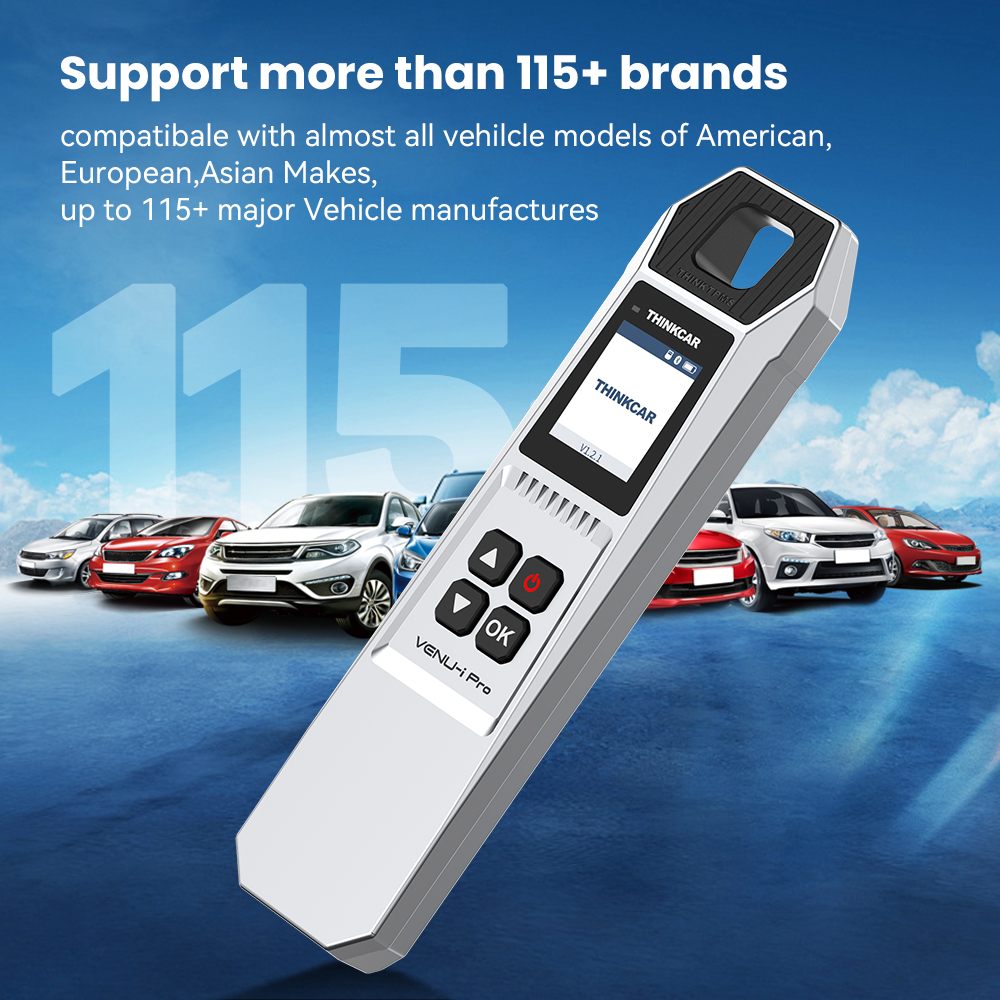
Asia
Daewoo, Honda, JP Isuzu, Kia, Mazda, Mitsubishi, Nissan, SGM, Subaru, Suzuki, Toyota, Hyundai, Ssangyong
Europe
Aston Martin, Audi, Benz, BMW, Citroen, Ferrari, Fiat, Land Rover, Maserati, Opel, Porsche, Renault, Rover, Saab, Seat, Skoda, Smart, Sprinter, Volvo, VW, Peugeot
America
Chrysler, USA-Ford, GM (And keep updating)
Supported Brands
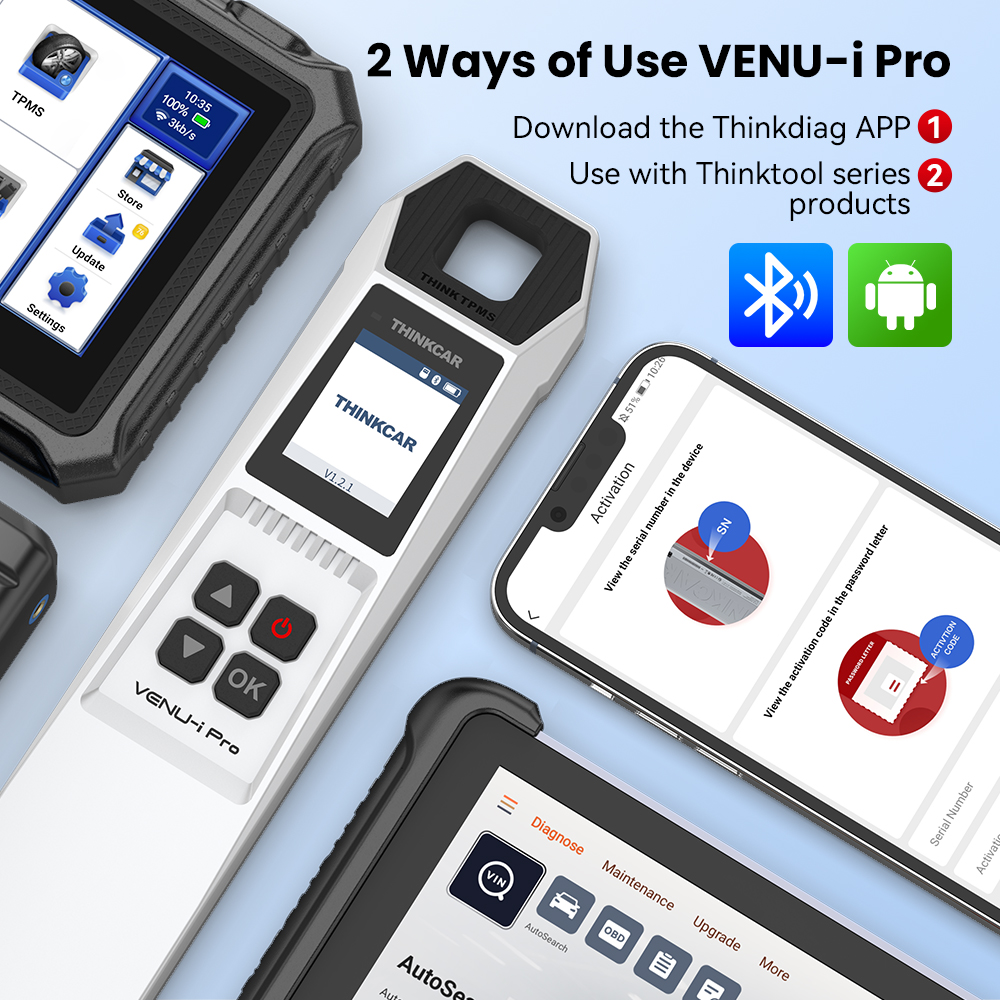
2 Ways of Use VENU-I PRO

2 Ways of Use VENU-I PRO

1
Via Mobile App
Download the Thinkdiag APP (iOS) or i-VENU APP (Android), turn on the Bluetooth of the mobile phone, and click the Thinktpms function on the APP to diagnose tire pressure.
2
With Diagnostic Devices
Use with Thinkcar & Mucar products, including Thinkscan 689BT, Thinkscan 689, Thinkscan 672, Mucar VO8/VO7S/VO7/VO6, Thinkdiag, Thinkdiag2, BD6...

Use With Thinktool Series Products

The VENU-I PRO works seamlessly with the Thinktool series devices to extend your diagnostic capability to professional tire pressure systems.
Use with Thinktool series products
How does Thinktool series product work

How Does Thinktool Series Product Work?

  • Activate all 315MHz / 433MHz tire pressure sensors
  • Read, copy, and write sensor IDs
  • Read real-time tire pressure data

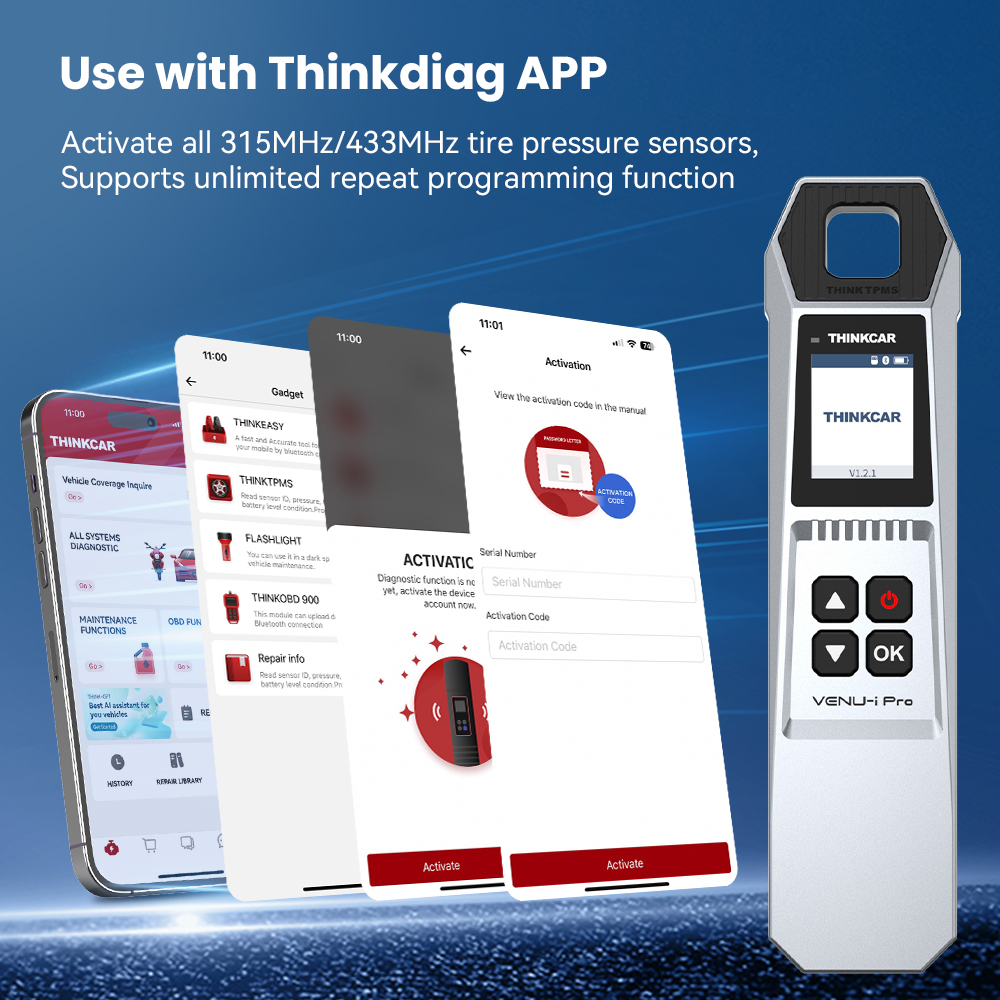
Use With Thinkdiag APP

Connect to the Thinkdiag APP to activate all 315MHz/433MHz tire pressure sensors. Supports unlimited repeat programming functions to keep your workshop operations running smoothly.
Use with Thinkdiag APP
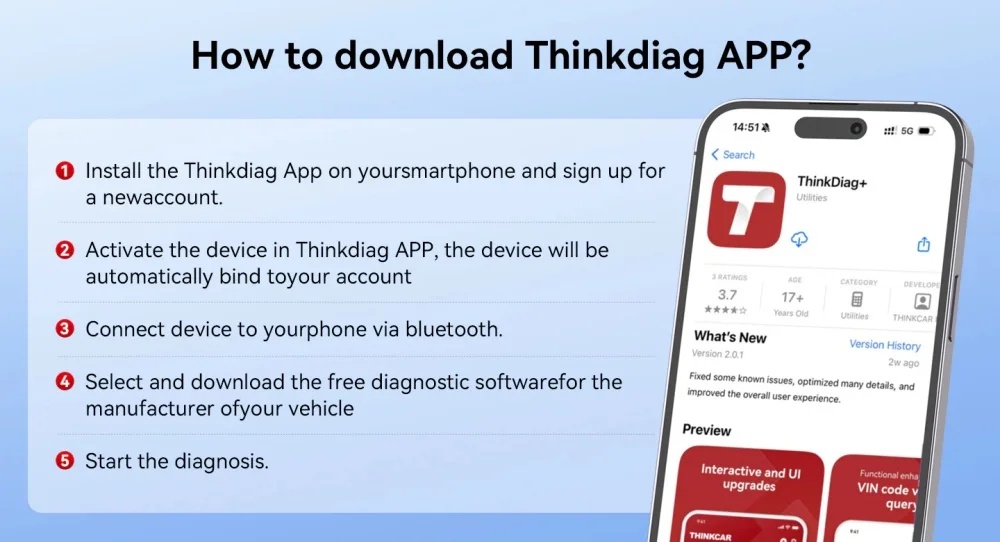
How to download THINKDIAG APP

How to Download & Use THINKDIAG APP?

1
Install the Thinkdiag App on your smartphone and sign up for a new account.
2
Activate the device in the Thinkdiag APP; the device will be automatically bound to your account.
3
Plug the device into the OBD port and then turn on your vehicle.
4
Connect the device to your phone via Bluetooth.
5
Select and download the free diagnostic software for the manufacturer of your vehicle.
6
Start the diagnosis.

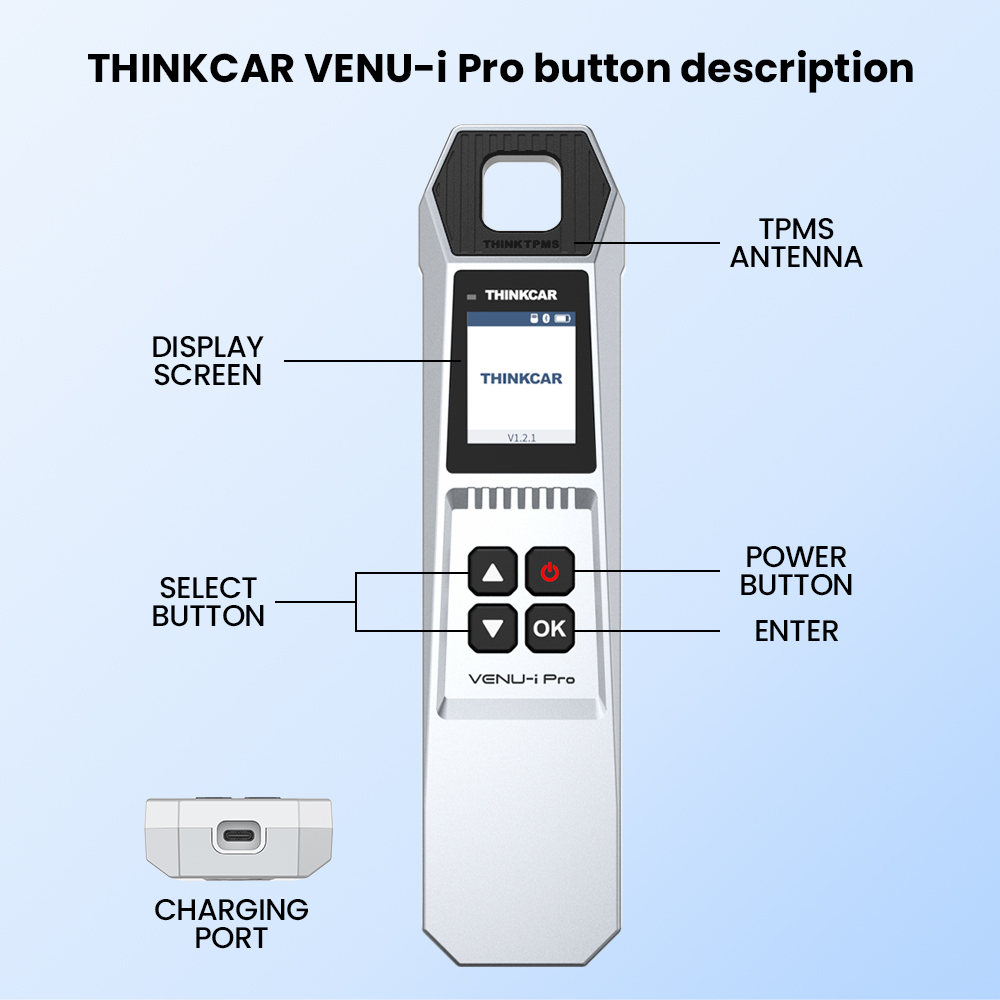
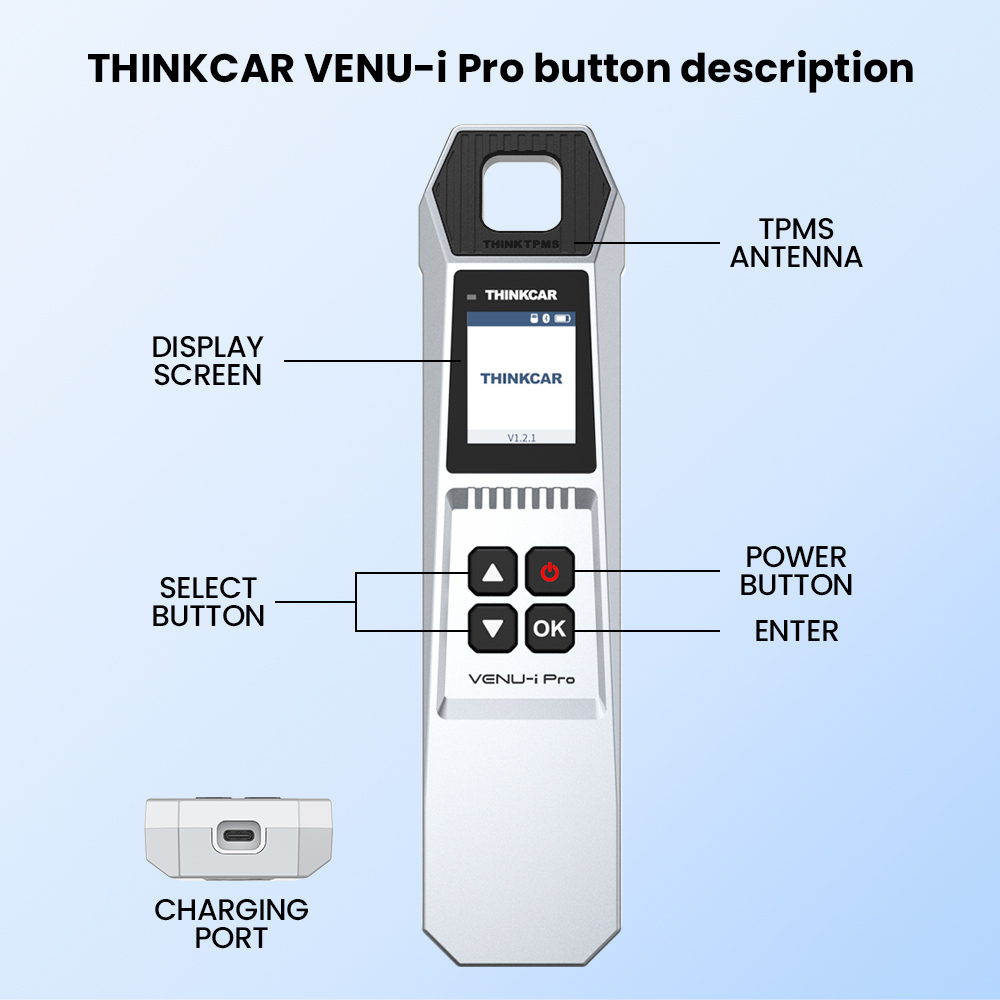
THINKCAR VENU-I Pro Button Description

Detailed overview of the device's button layout and functional controls to ensure simple and error-free operations during diagnostics.
THINKCAR VENU-I Pro Button Description
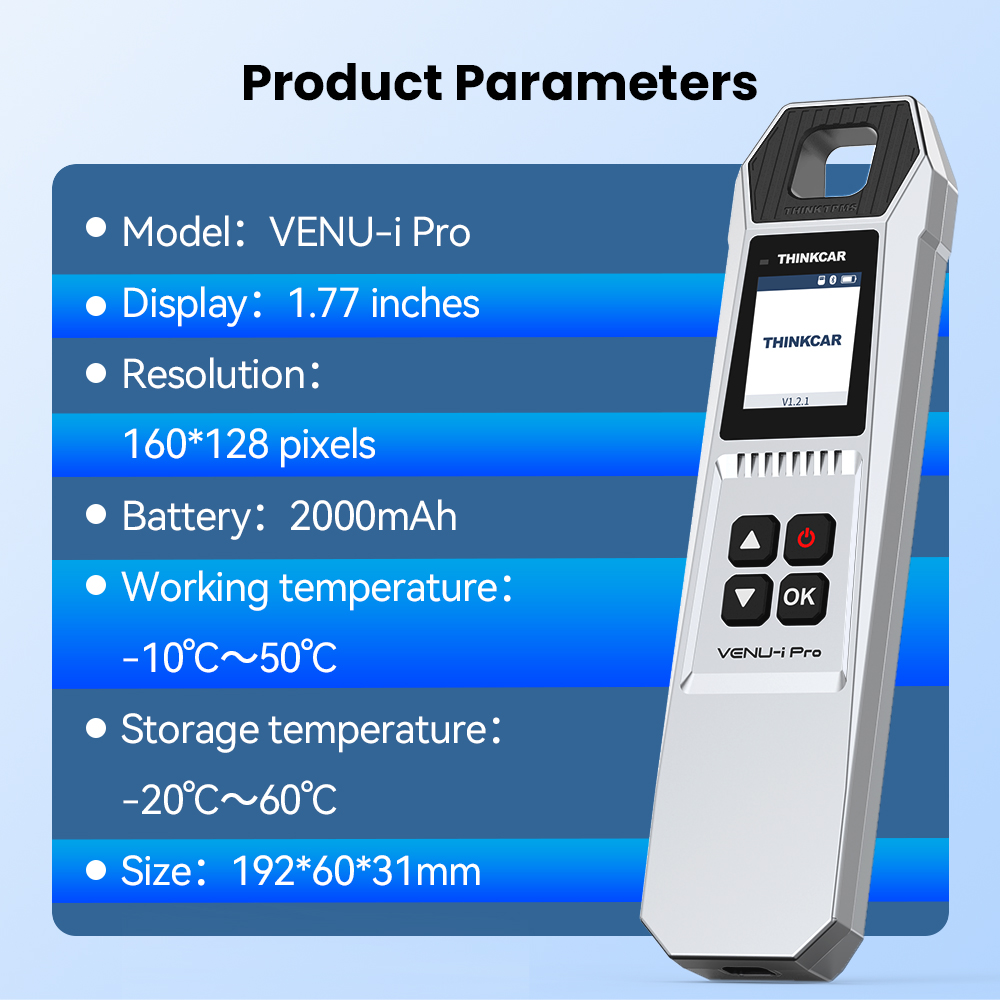
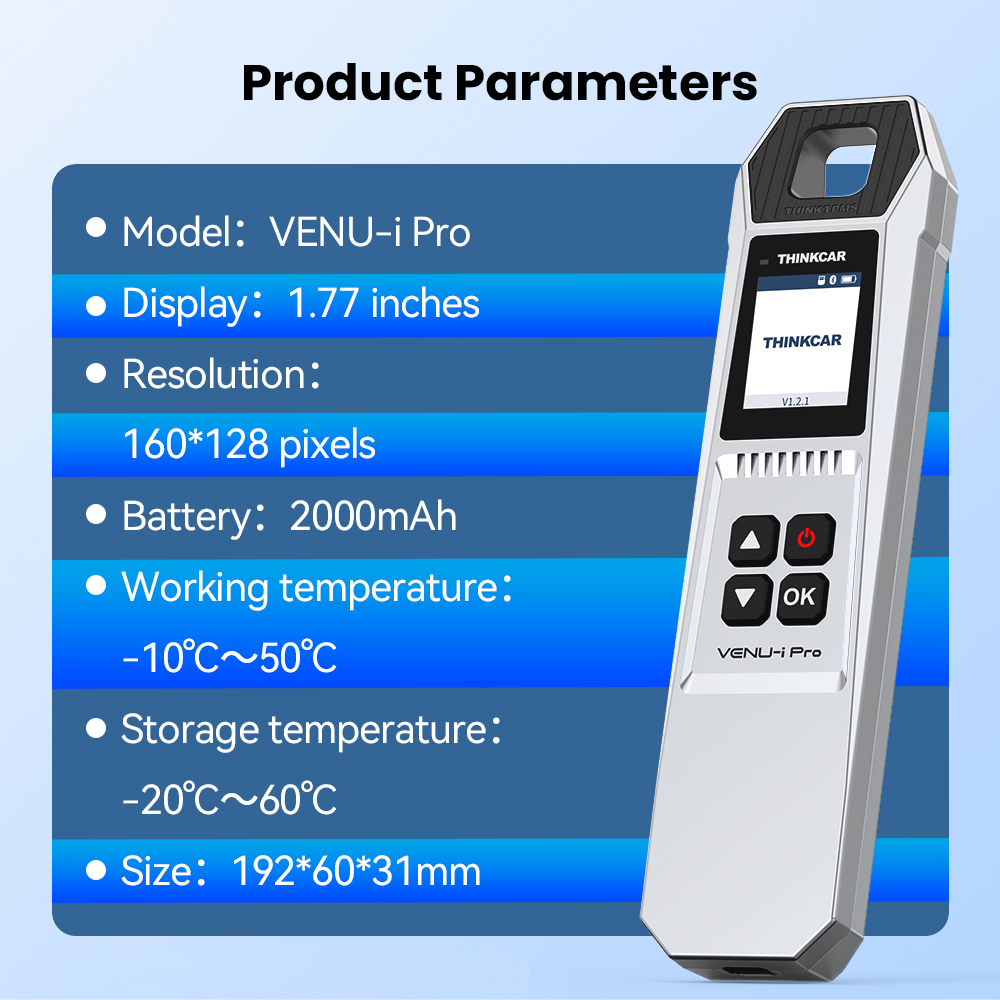
Product Parameters

Product Parameters

  • Model: Thinkcar VENU-I Pro Tire Tools
  • Display: 1.77 inches
  • Resolution: 160X128 pixels
  • Battery: 2000mAh
  • Working Temperature: -10℃ to -50℃
  • Storage Temperature: -20℃ to -60℃
  • Size: 192*60*31mm

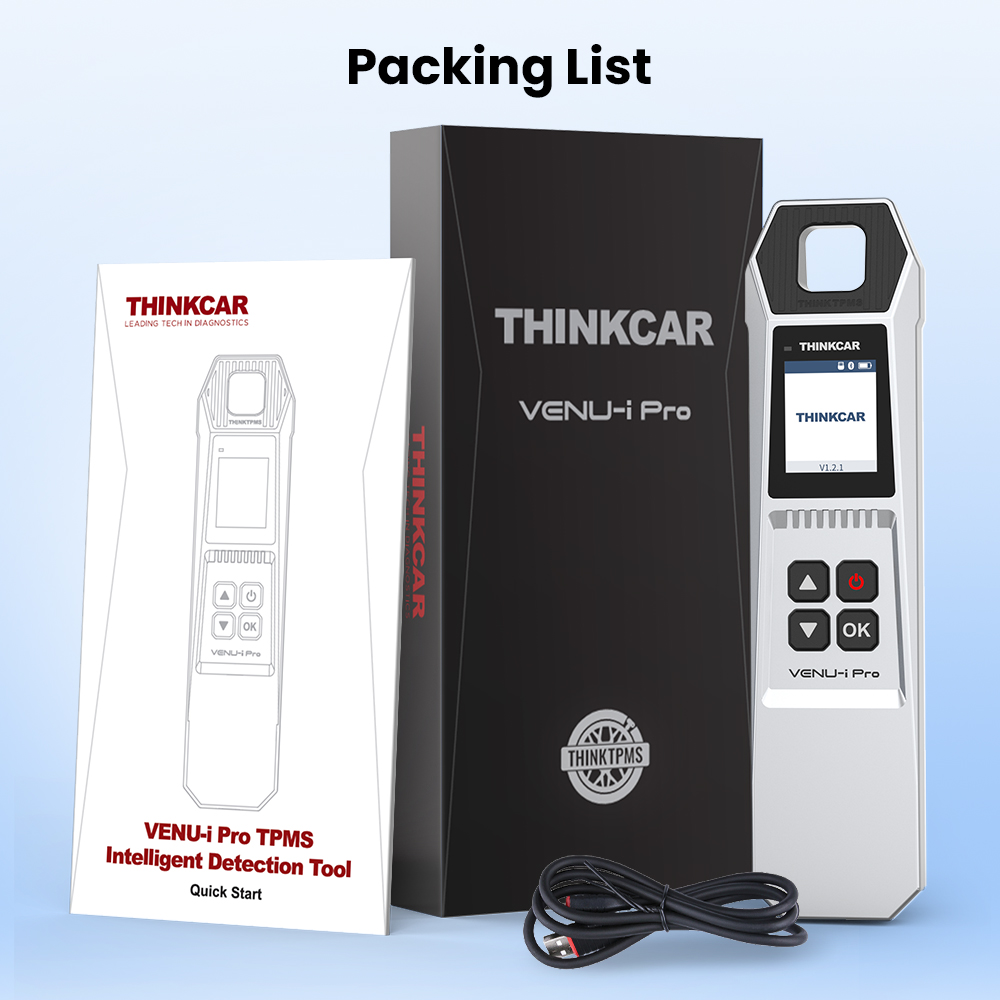
Packing List

  • 1PC THINKCAR VENU IPRO
  • 1PC Cable
  • 1PC User Manual
Packing List

Frequently Asked Questions (FAQ)

What functions can the THINKCAR VENU iPro perform?
It is a tire pressure diagnosis tool that supports Sensor Activation, Sensor Programming (unlimited repeat programming), Sensor Learning, and TPMS Fault Diagnosis (reading and clearing fault codes).
Which sensor frequencies are supported by the VENU iPro?
The THINKCAR VENU iPro can activate all 315MHz and 433MHz tire pressure sensors, reading sensor IDs, tire pressure, temperature, and battery status.
How does the VENU iPro connect to a mobile phone?
You can download the Thinkdiag App (for iOS) or the i-VENU App (for Android), turn on your phone's Bluetooth, and access the tire pressure diagnosis features directly from the app interface.
Is the VENU iPro compatible with other diagnostic tools?
Yes, it can be used alongside the Thinktool series, Thinkscan series (such as 689BT, 689, 672), and Mucar series (VO8, VO7S, VO7, VO6) to streamline your diagnostic workflow.
What is the battery capacity and size of the VENU iPro?
The device features a 2000mAh built-in battery, a 1.77-inch display (160x128 pixels), and has overall dimensions of 192*60*31mm.
What is included in the packaging?
The standard packing list includes 1PC THINKCAR VENU IPRO, 1PC Connection Cable, and 1PC User Manual.

Related Products