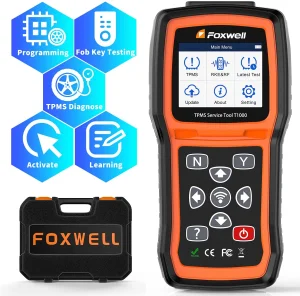
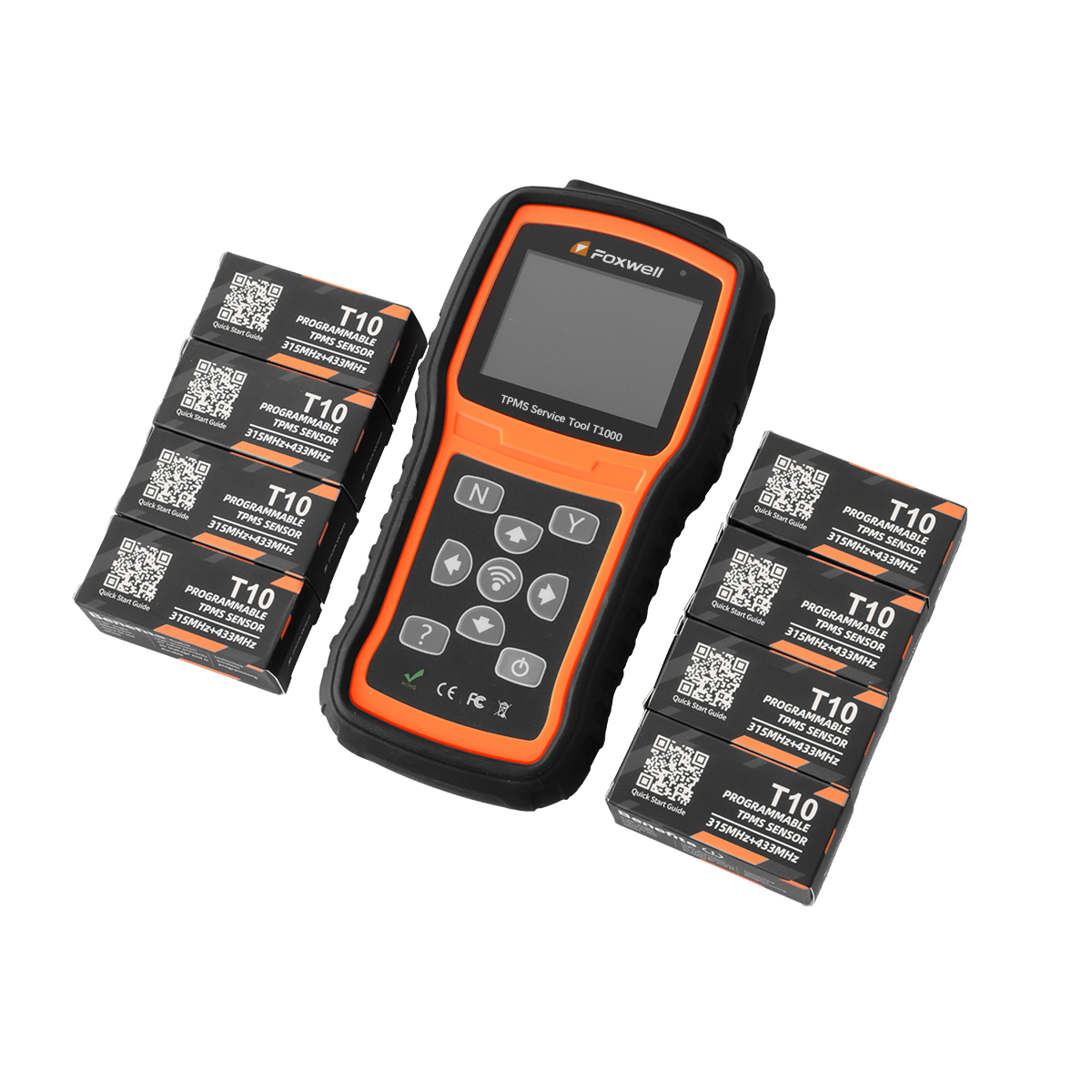
Professional TPMS Factory Direct Car TPMS Tool FOXWELL T1000 TPMS Diagnostic and Service Tool Same As Autel TS508

Product Description

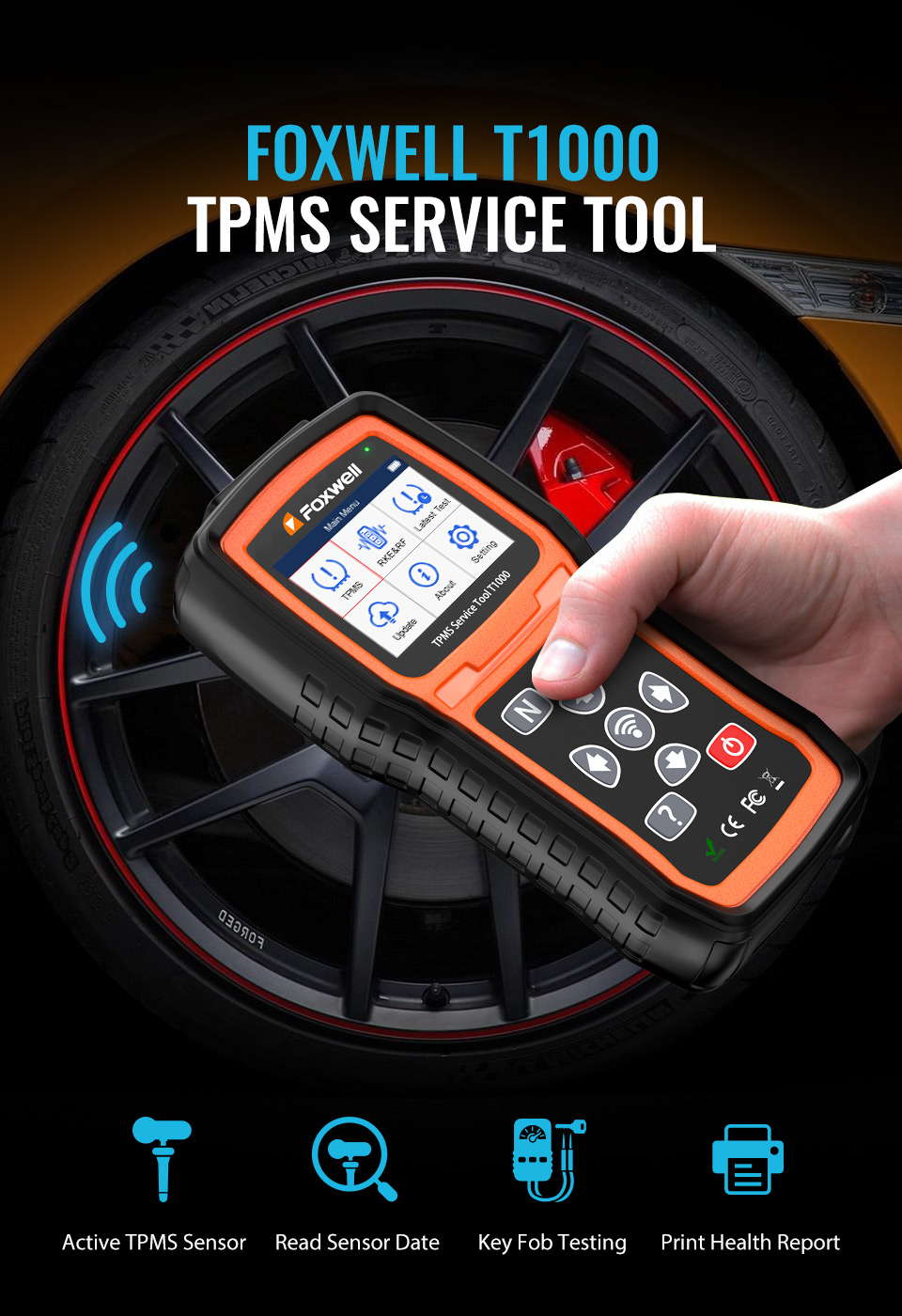
T1000 TPMS Service Tool

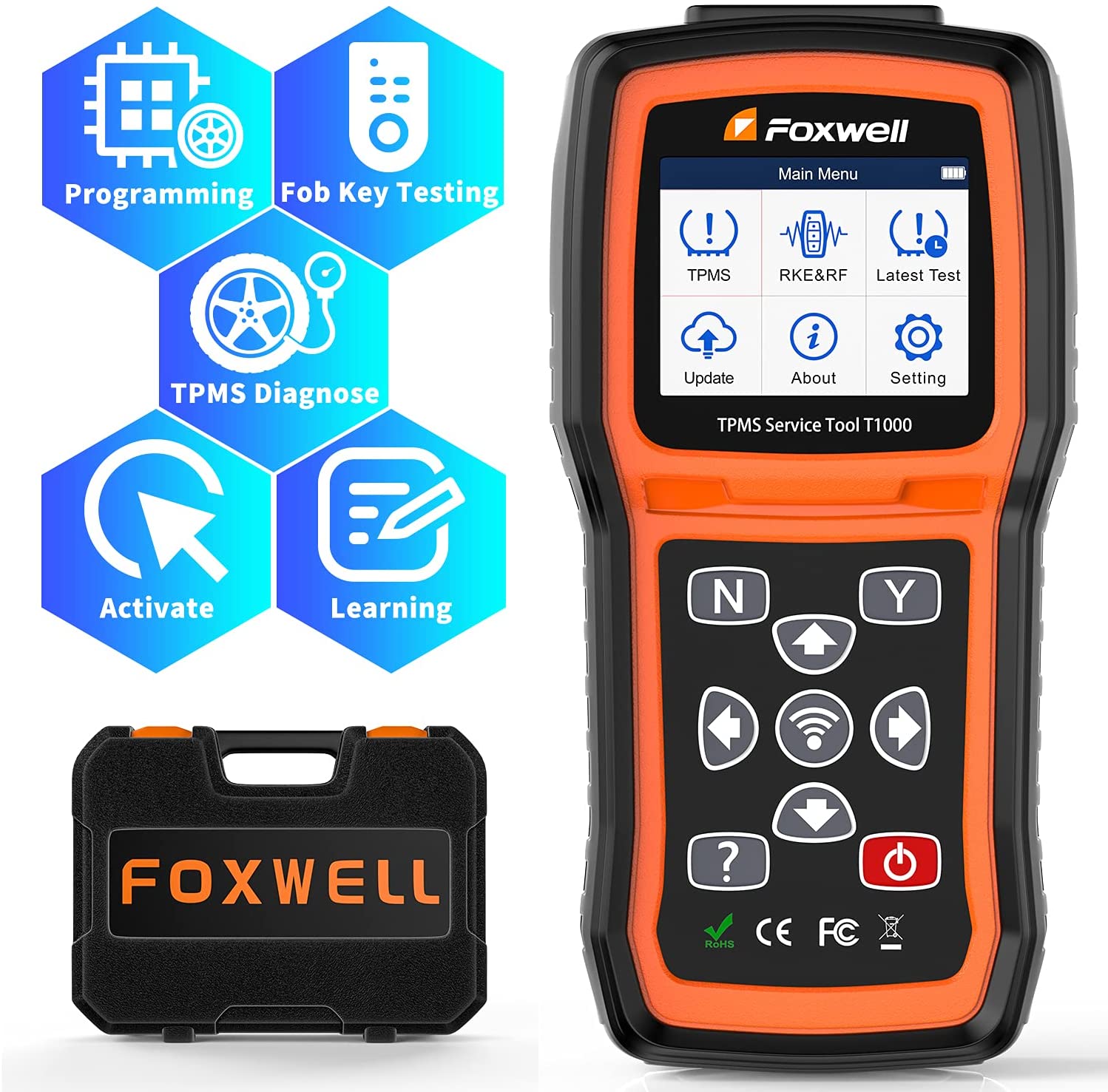
The T1000 is an affordable universal TPMS service tool. It accurately activates and decodes TPMS sensors and programs self-developed T10 sensors. It is so easy that training is nearly not necessary as the whole process is displayed on-screen. Even the newest recruited technician can use the T1000 to complete his task.

T1000 TPMS Service Tool
Features & Capabilities
  • Able to Copy sensor ID and receive 315mhz 433mhz Sensor Activation Programming.
  • Triggers all currently known TPMS sensors, including latest models.
  • Make-model-year selection ensures correct activation and avoids crosstalk.
  • Decodes sensor information and helps troubleshooting faulty sensors.
  • Warn of a wrong sensor installed, missed faulty sensor, duplicate ID, and incorrect sensor mode.
  • Check RF remote keyless entry (key fob).
  • Clearly arranged keypad and menu-driven operation.
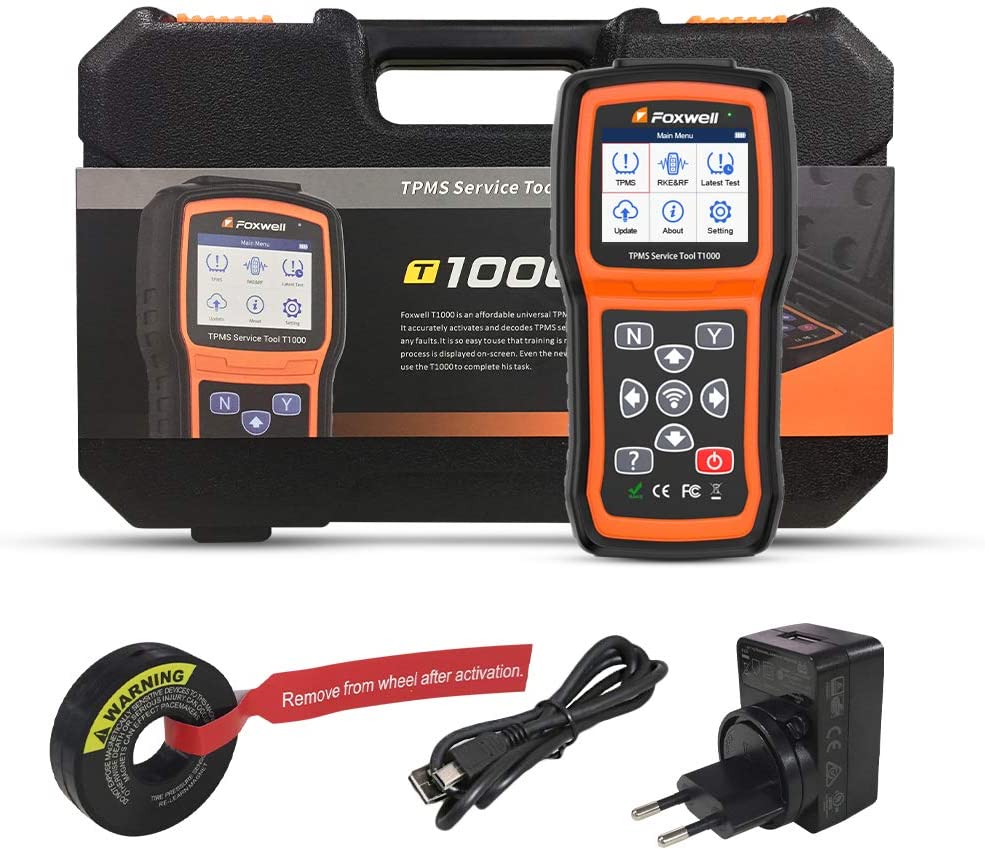
  • Built-in rechargeable Li-polymer battery - no battery to purchase.
  • Easily charged the tool with either wall plug or connecting to the computer.
  • Multilingual Menu options: English, French, Spanish, German, Italian, Polish, Portuguese, and more.
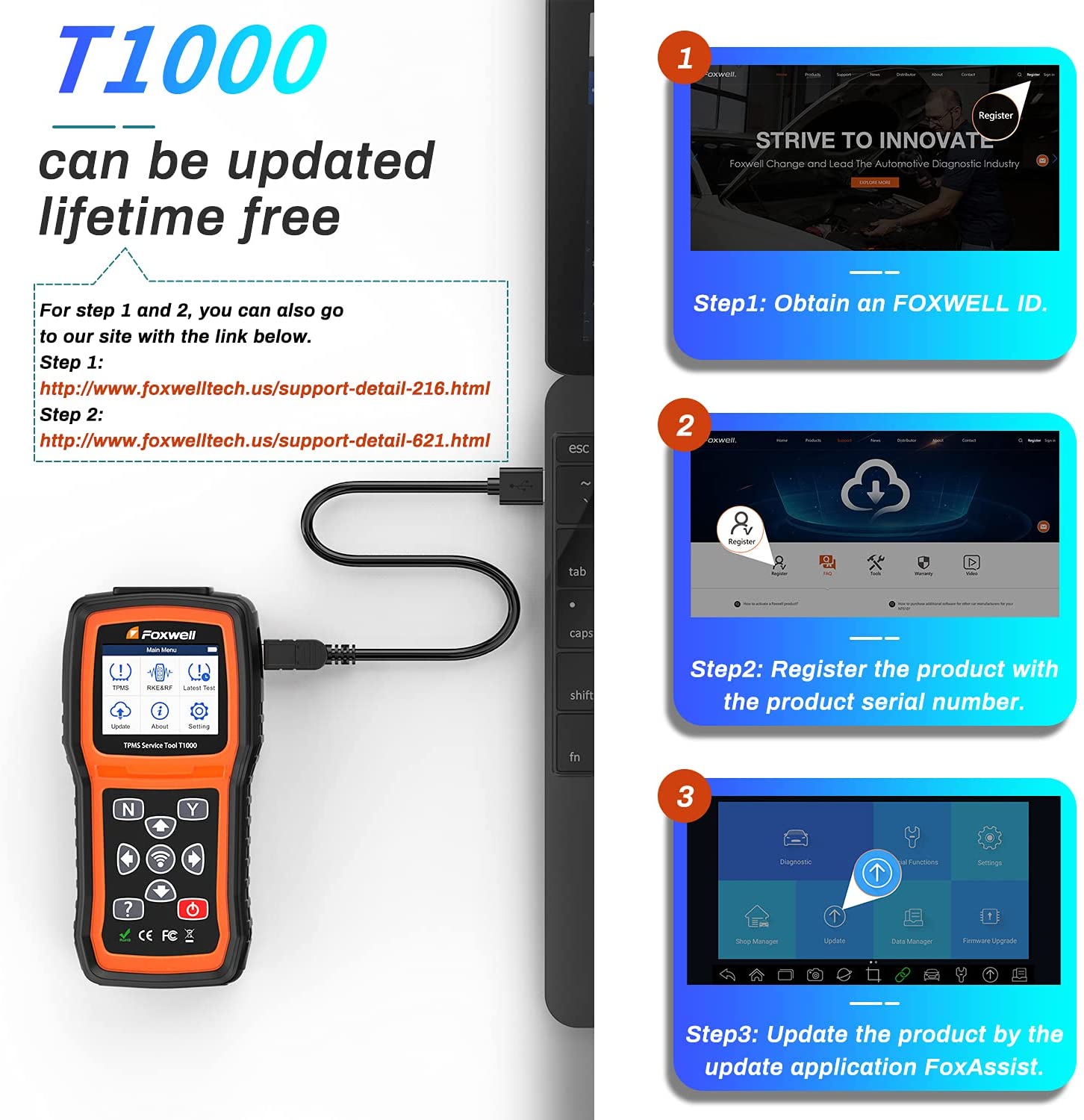
  • Lifetime free update via USB.
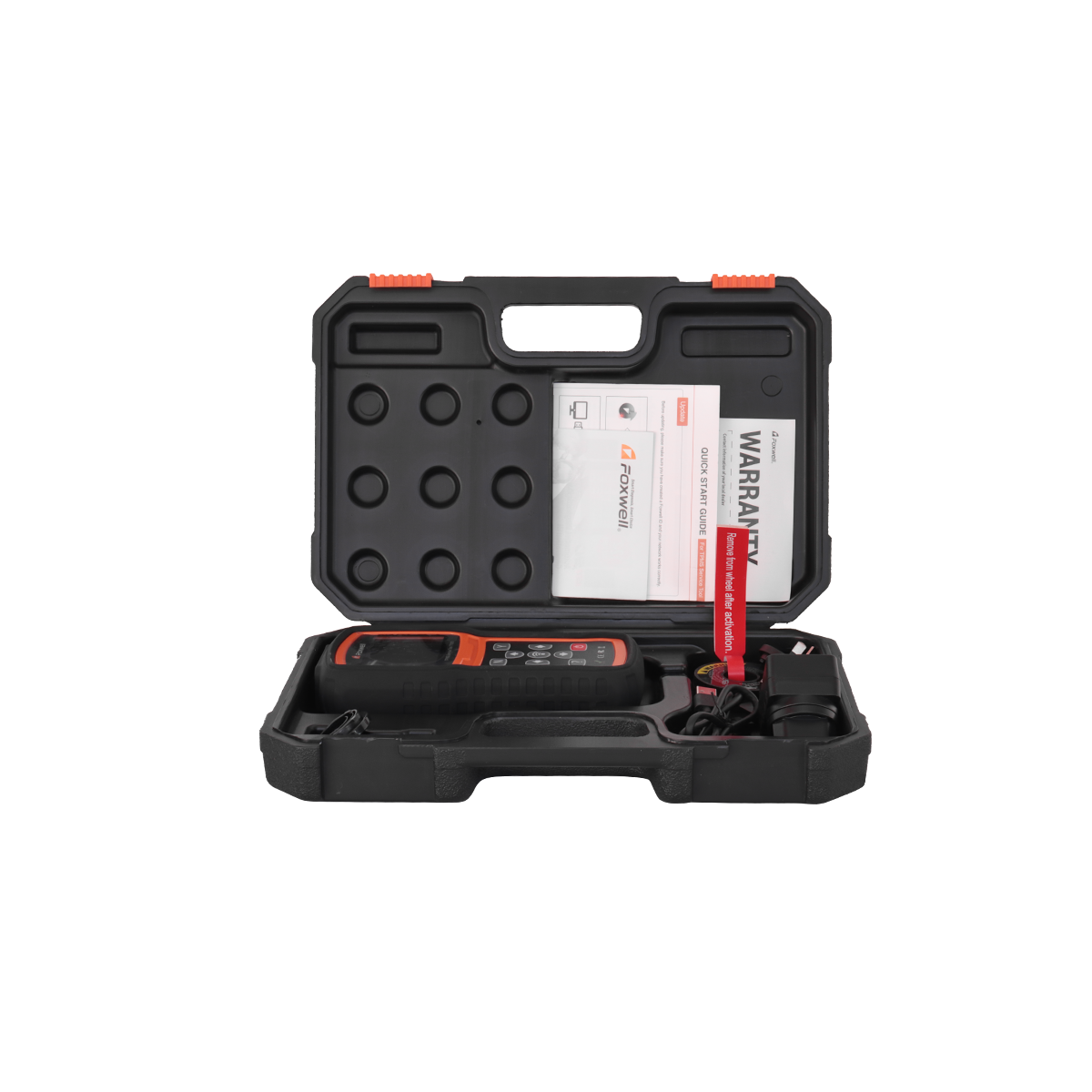
  • Strong housing and protective rubber boot for tough workshop tests.
Features
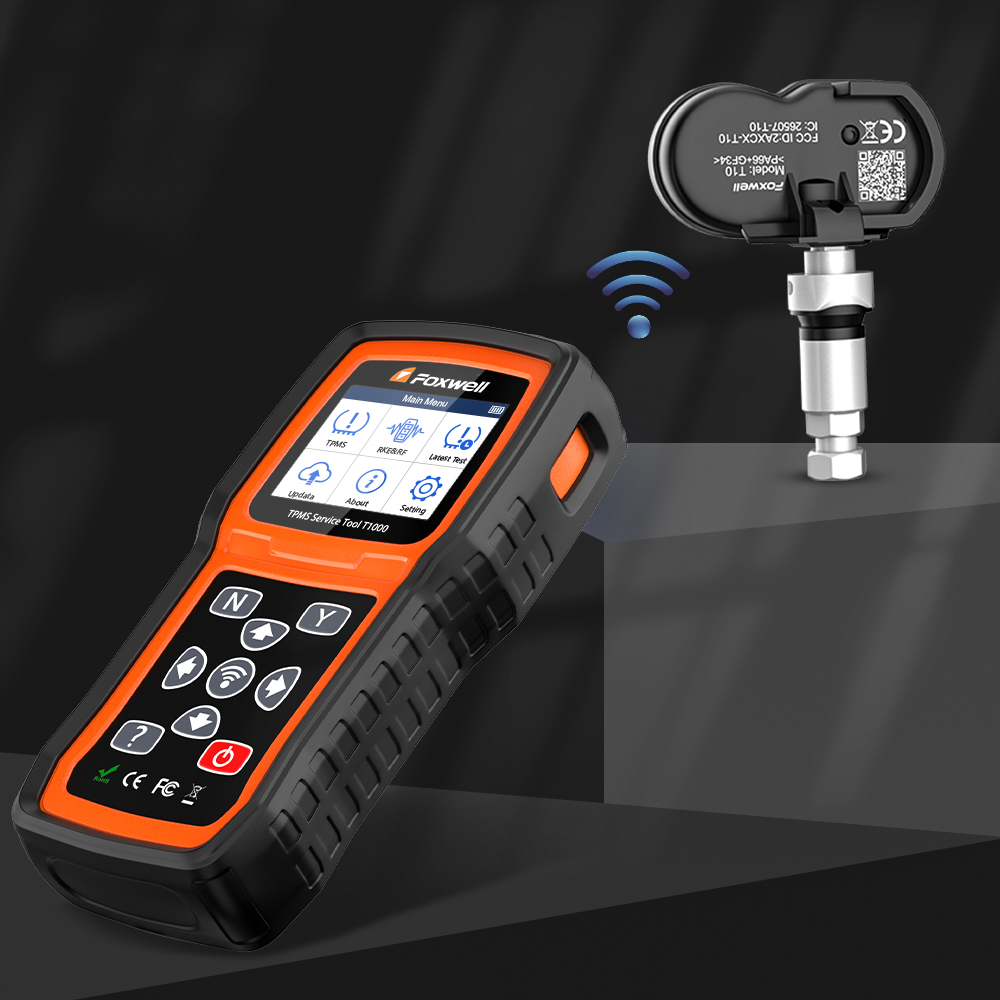
Program T10 TPMS Sensors within Seconds

Including Manual create, automotive create, clone by activation, programming work can be completed within seconds, very quick and convenient.
Programming Sensors
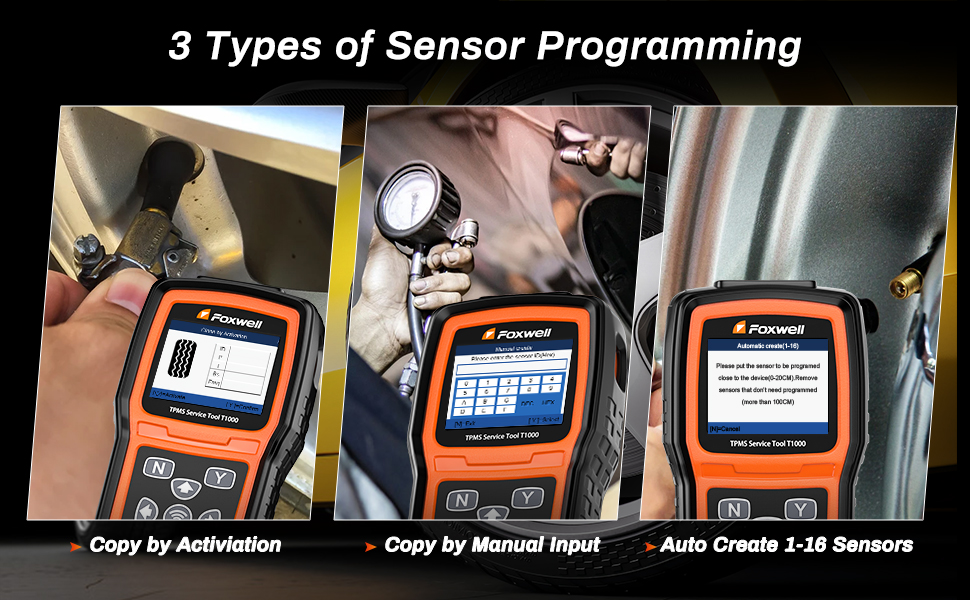
3 Methods for Quick TPMS Programming
1. Copy by Activation:
The Clone By Activation function lets users automatically write in the retrieved original sensor data to the Sensor which is used after the original sensor is triggered. Place the tool near the sensor to be copied.
• Highlight TPMS from the Main Menu and select the vehicle model.
• Select Programming -- Clone by Activation.
• Place the tool near the original sensor and press Activate.
• Place a new Sensor in the slot (around 0-20 cm) to begin automatic programming.
• Programming is completed when you view the sensor and tire data.

2. Copy by Manual Input:
The Manual Create function lets users input the sensor ID manually. Input sensor ID.
• Highlight TPMS from the Main Menu and select the vehicle model.
• Select Programming -- Manual Create.
• Input the sensor ID in the dialog box and press Y to continue.

3. Auto Create 1-16 Sensors:
Place 1-16 Sensor(s) close to the top of the tool.
• The tool automatically detects the sensor near the tool (around 0-20 cm).
• Programming is completed when you view the sensor IDs and the PSNs.
Programming Methods
Read TPMS Sensor Data

Why is the TPMS light on? Whether the tire air pressure is too low or the sensor battery is too weak, this TPMS diagnostic tool can read the sensor ID, tire pressure, tire temperature, sensor battery, and frequency in seconds, helping you figure out all TPMS problems fast.
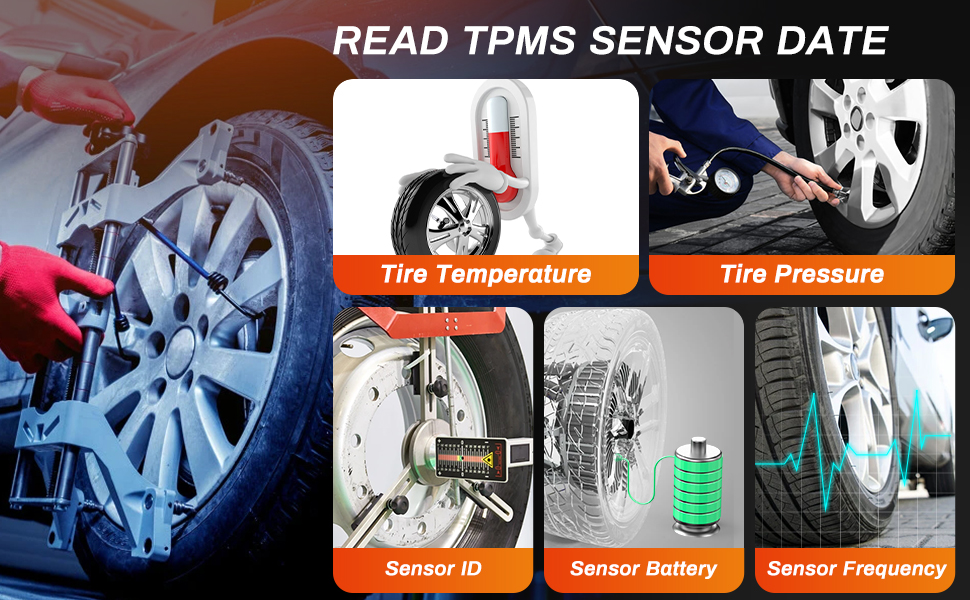
Read TPMS Data
Key FOB Testing (315/433MHz)

This tool provides key fob testing, which can precisely test the 315MHz or 433MHz key fobs to ensure whether they are running perfectly. It is super easy for users to identify key fob conditions with the loud and clear audio and visual indication.
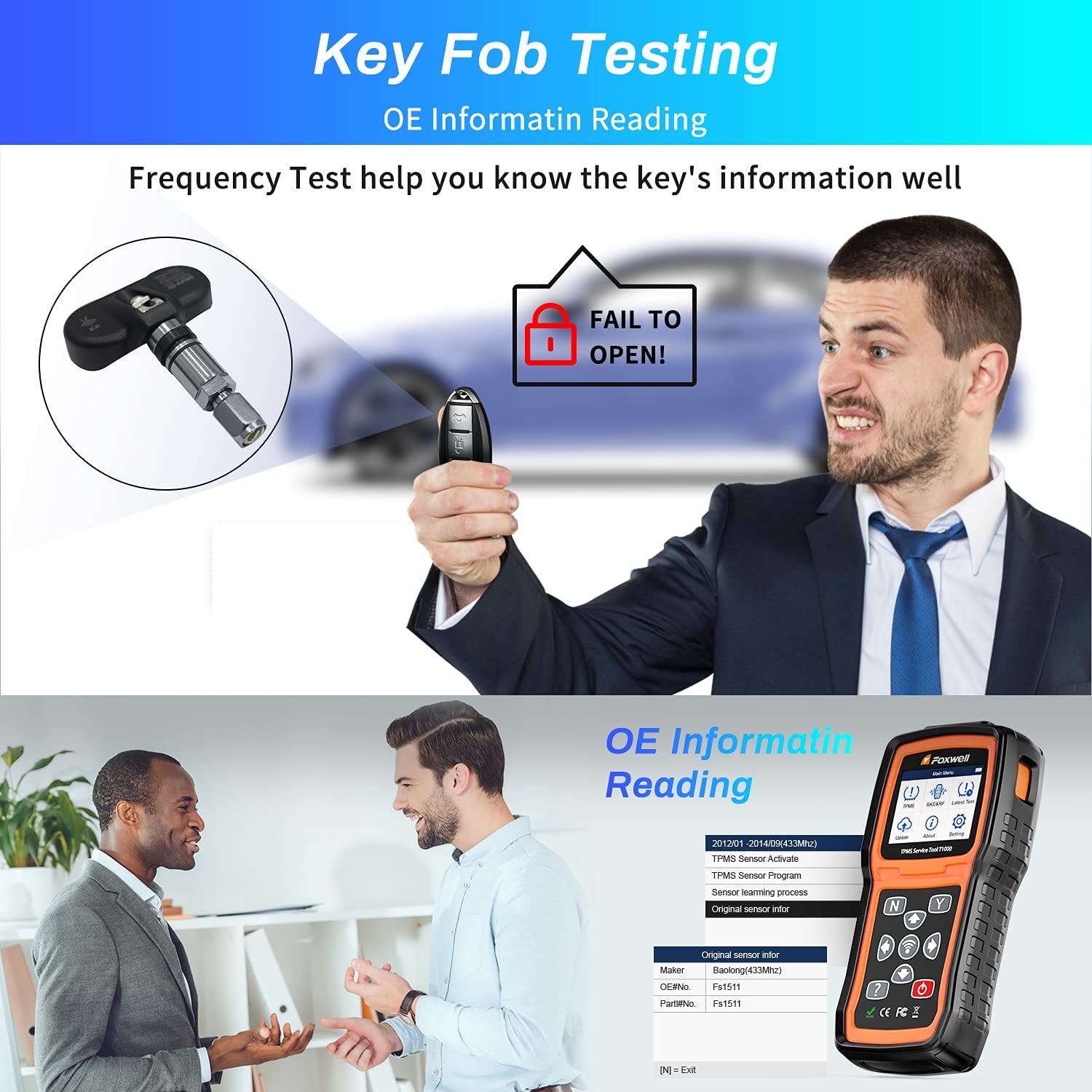
Key Fob Testing
Relearn & Activate Sensors
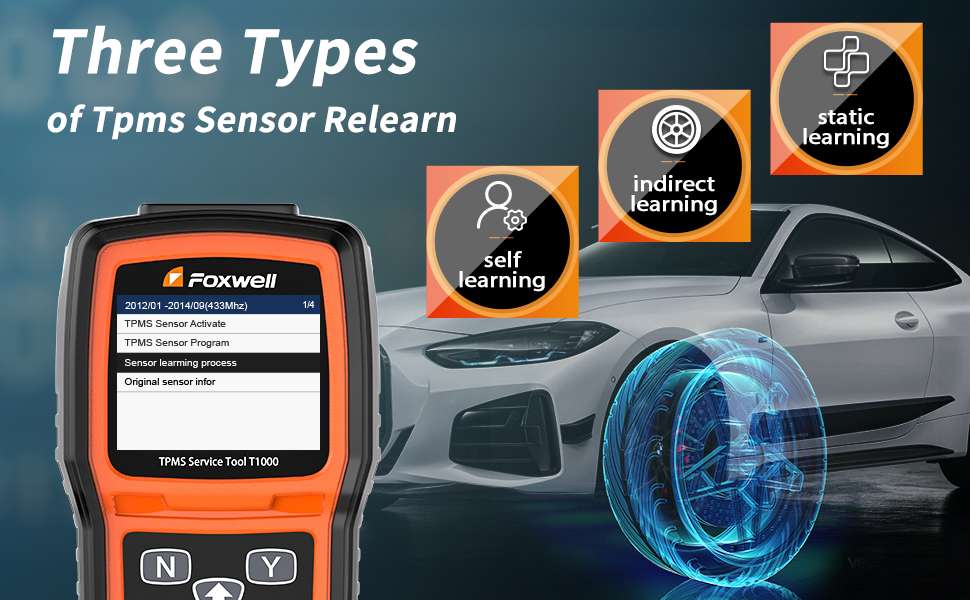
Three Types of TPMS Sensor Relearn
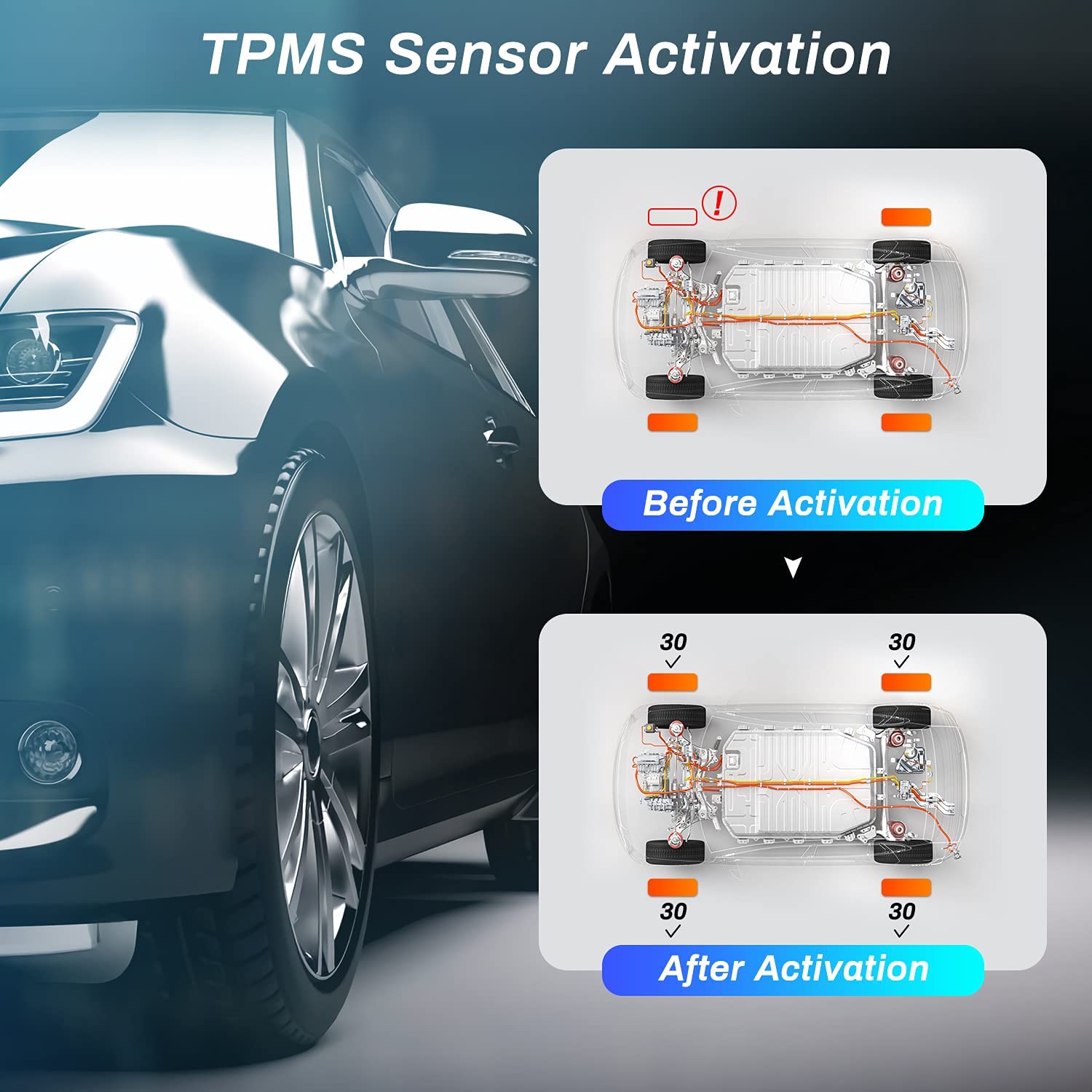
Activate TPMS Sensors
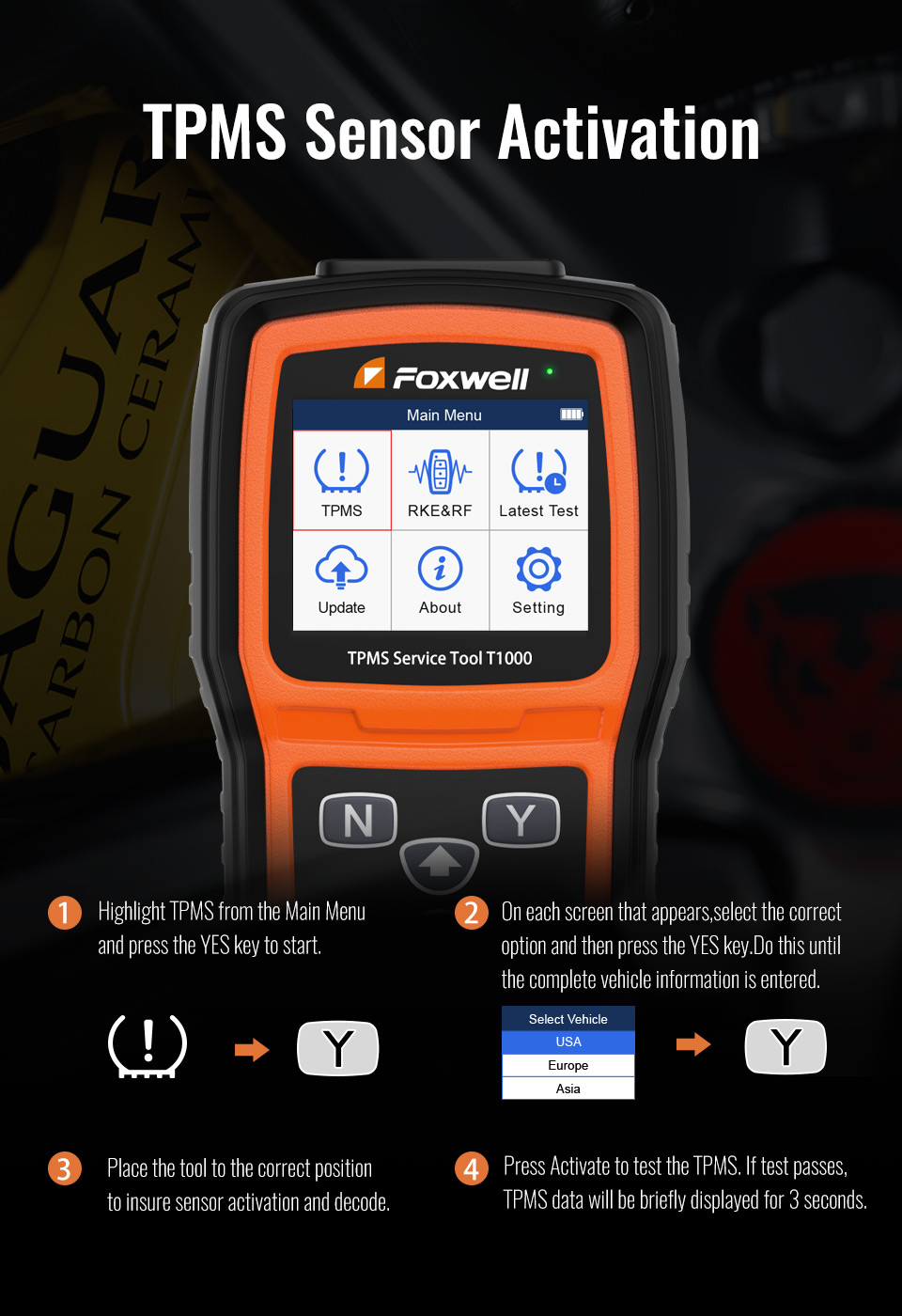
TPMS Sensor Activation Instruction
  • 1
    Highlight TPMS from the Main Menu and press the YES key to start.
  • 2
    On each screen that appears, select the correct option and then press the YES key. Do this until the complete vehicle information is entered.
  • 3
    Place the tool to the correct position to ensure sensor activation and decode.
  • 4
    Press Activate to test the TPMS. If the test passes, TPMS data will be briefly displayed for 3 seconds.
Activation Instruction
Multi-language Support

Supported Languages: English, French, Spanish, German, Italian, Polish, Portuguese. If new language support is required, please perform a software update.
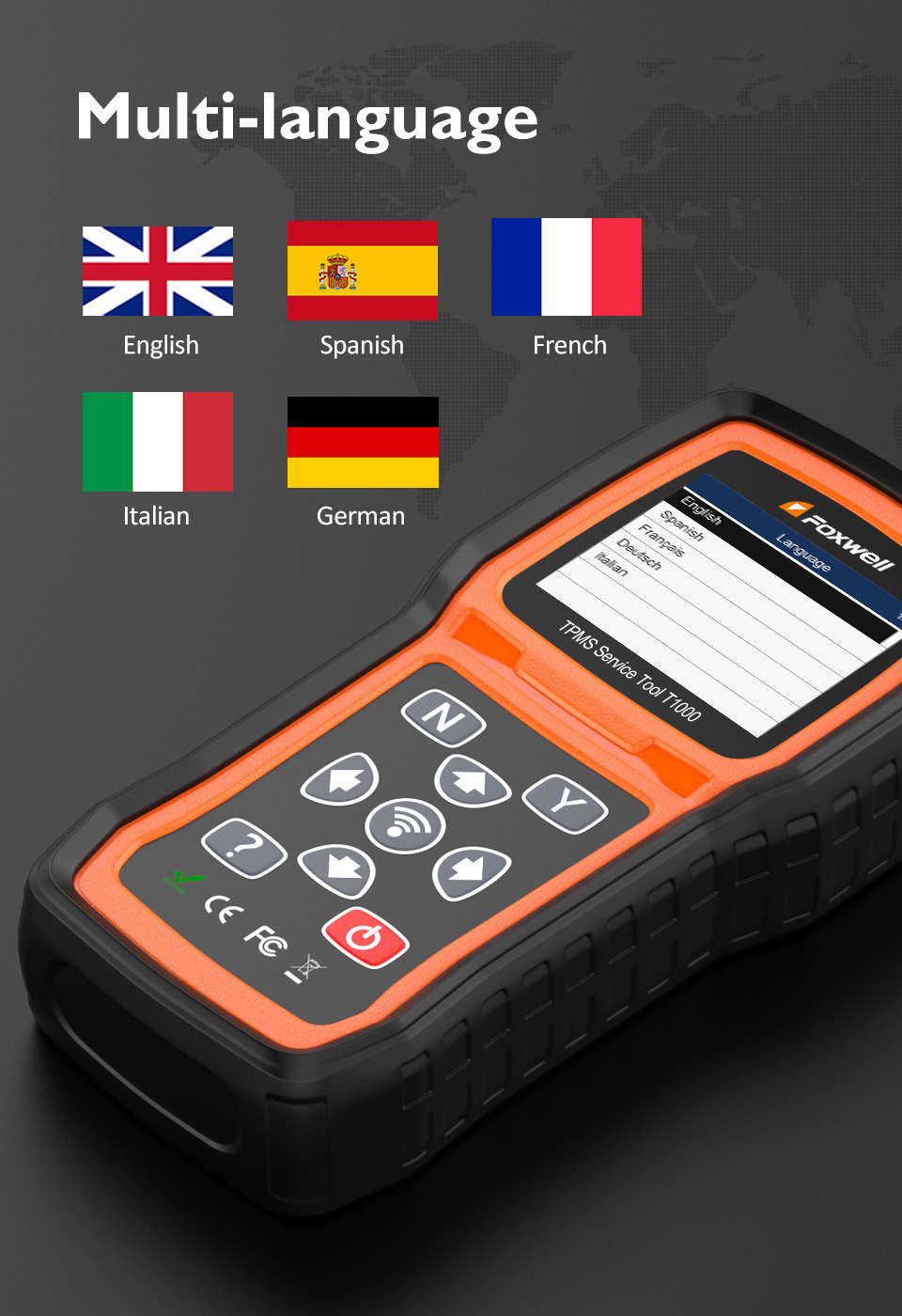
Multi-language Support
Product Overview
Frequently Asked Questions
Q: What is the primary function of the T1000 TPMS Service Tool?
The T1000 is designed to accurately activate and decode TPMS sensors, and it also programs self-developed T10 sensors.
Q: Does it support triggering all brands of TPMS sensors?
Yes, the tool is capable of triggering all currently known TPMS sensors, including latest models.
Q: How many sensor programming methods does the tool support?
It supports 3 programming methods: Copy by Activation, Copy by Manual Input, and Auto Create 1-16 Sensors.
Q: Can the tool perform key fob testing?
Yes, it has a built-in key fob testing function for both 315MHz and 433MHz frequencies, providing loud and clear audio-visual feedback.
Q: How do I charge the device and update its software?
The device features a built-in rechargeable Li-polymer battery. You can charge it through a wall plug or a computer, and it supports lifetime free software updates via USB.
Q: What diagnostics data can be read from the sensors?
The T1000 reads sensor ID, tire pressure, tire temperature, sensor battery status, and sensor frequency.

Related Products