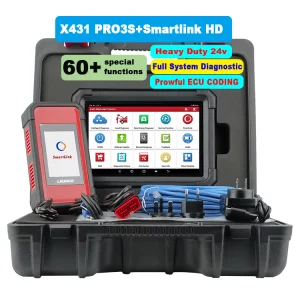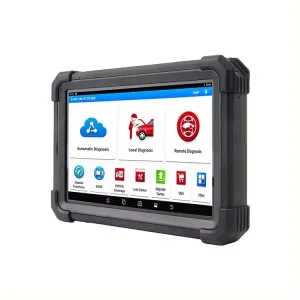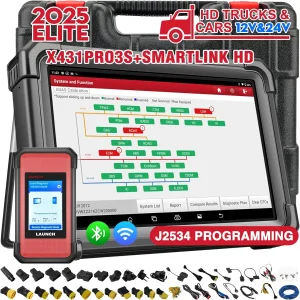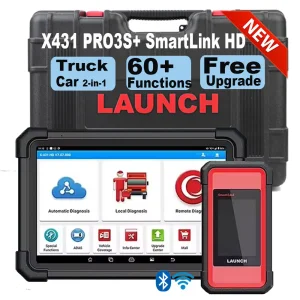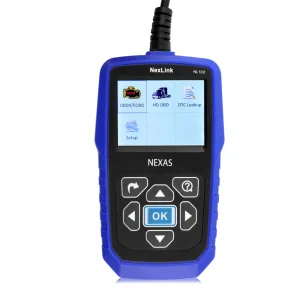
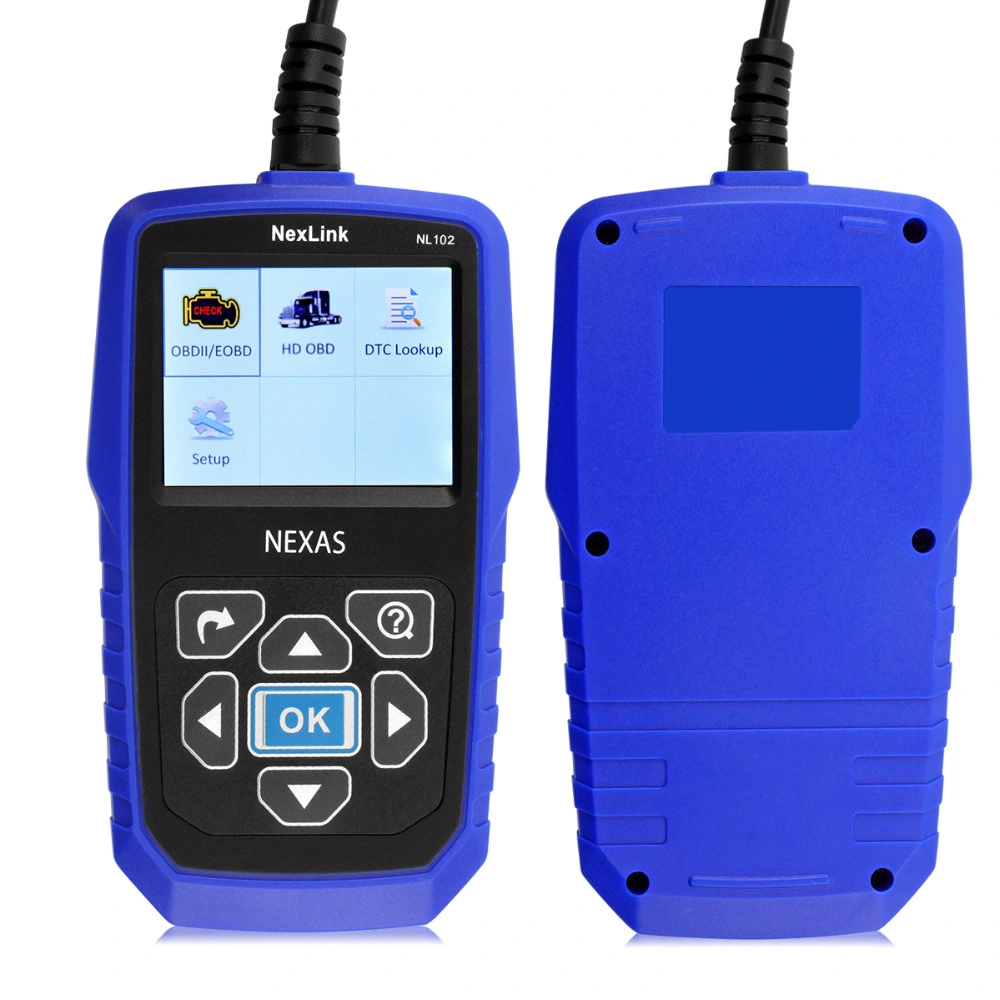
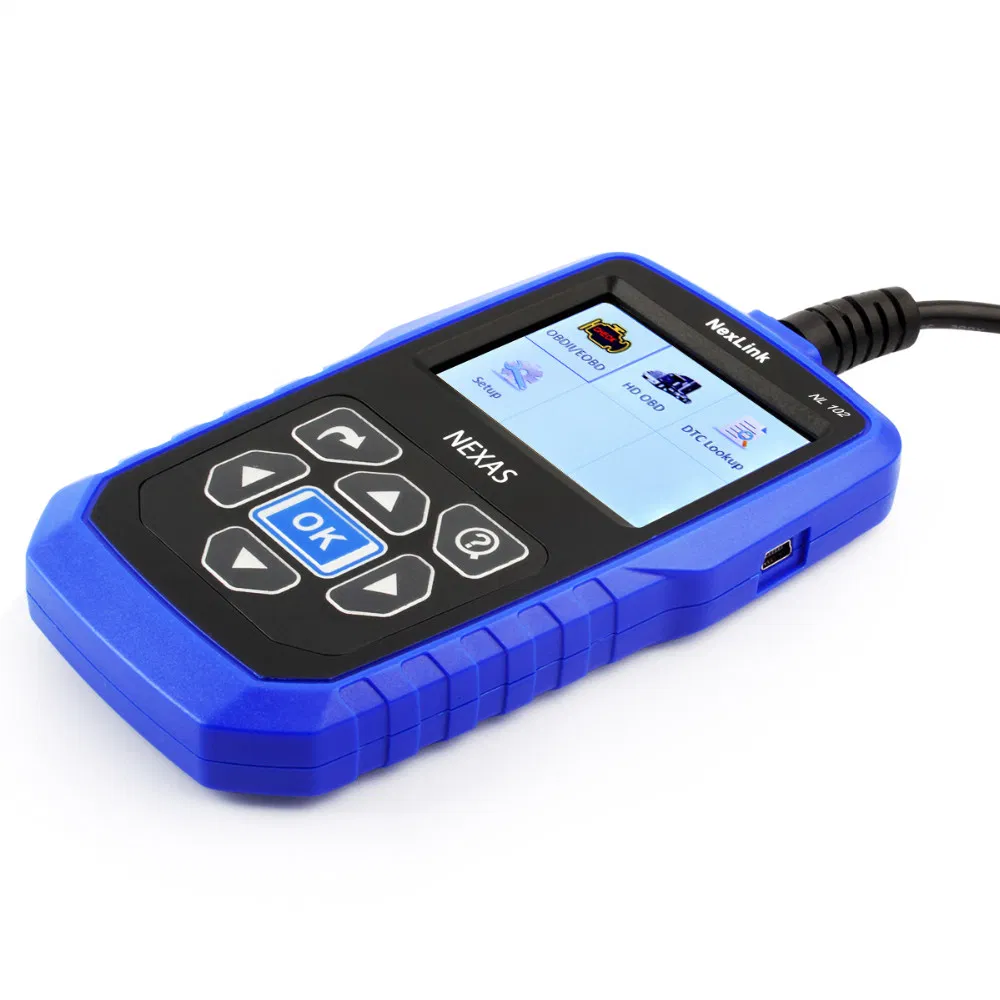
Professional Heavy Duty Truck Automotive Diagnostic Scanner Nexlink Nl102 Diagnostic Tools for Car+Truck

Testing Equipment Type: Car Computer Detector
Certification: CE
Update Method: by Email

Product Description

Basic Info

Model NO. nl102
Condition New
Standard Standard
Power 2W
Voltage 12V
Language Multi-Language, English, Russian
Warranty 1 Years
Delivery Fast and Safe
Quality Best
Price Lowest
Appearance New Designed
Transport Package Standard
Specification CE
Trademark none
Origin China
HS Code 8425429
Production Capacity 5000PCS/Year

Product Description

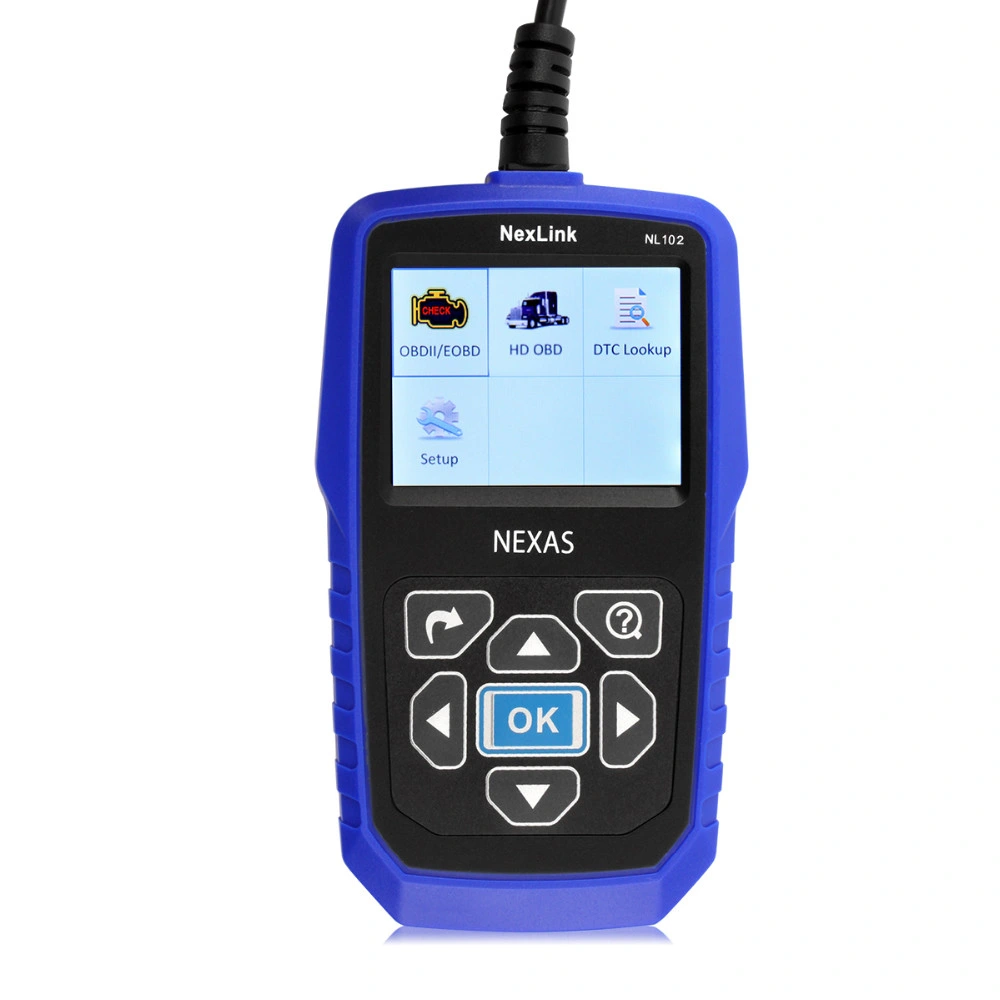
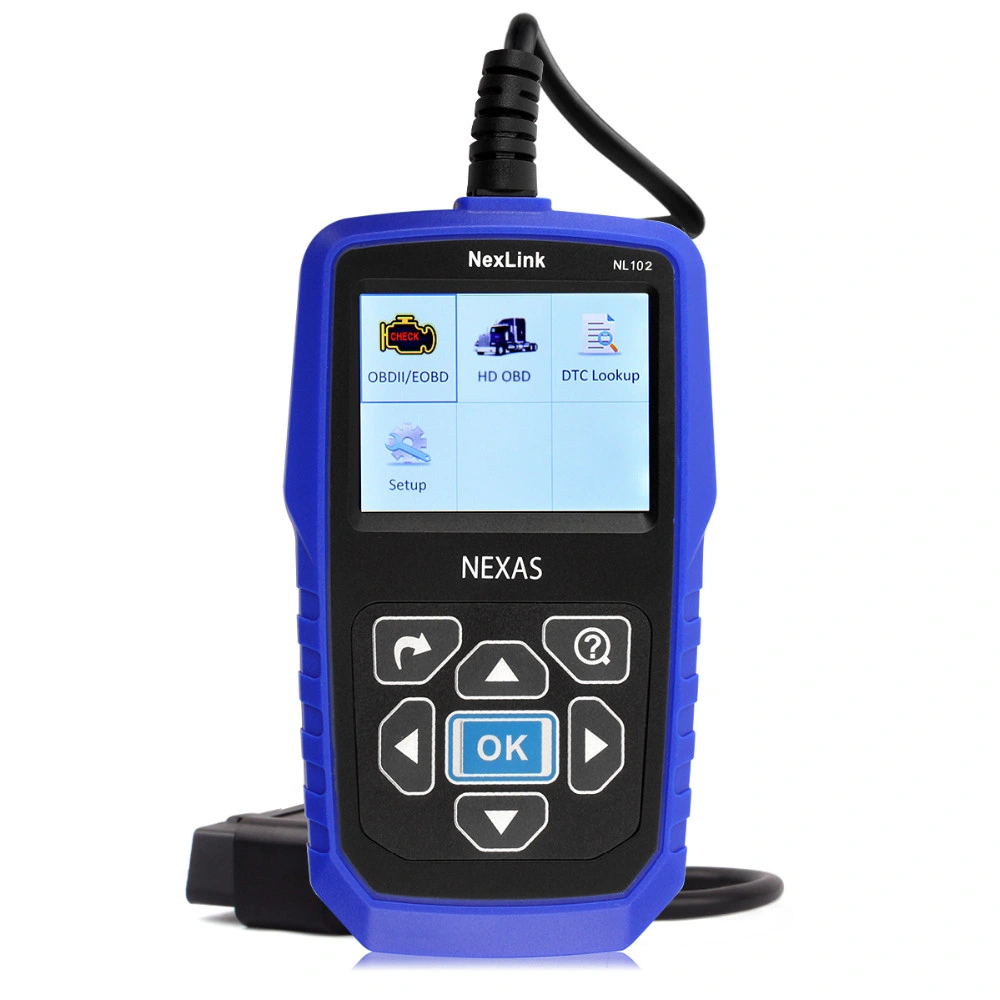
Newest Car & Truck Heavy 2 in 1 OBD2 Diagnostic Tools Automotive Scanner Scan Tool NL102 Same AL519+CR-HD Heavy Duty Scan Tool

Why Choose NexLINK NL102 Car Truck 2 in 1 Diagnostic Tool?

  • Cars and Trucks Scanner 2 in 1 with Battery Monitor
  • Support Languages: English, French, Spanish
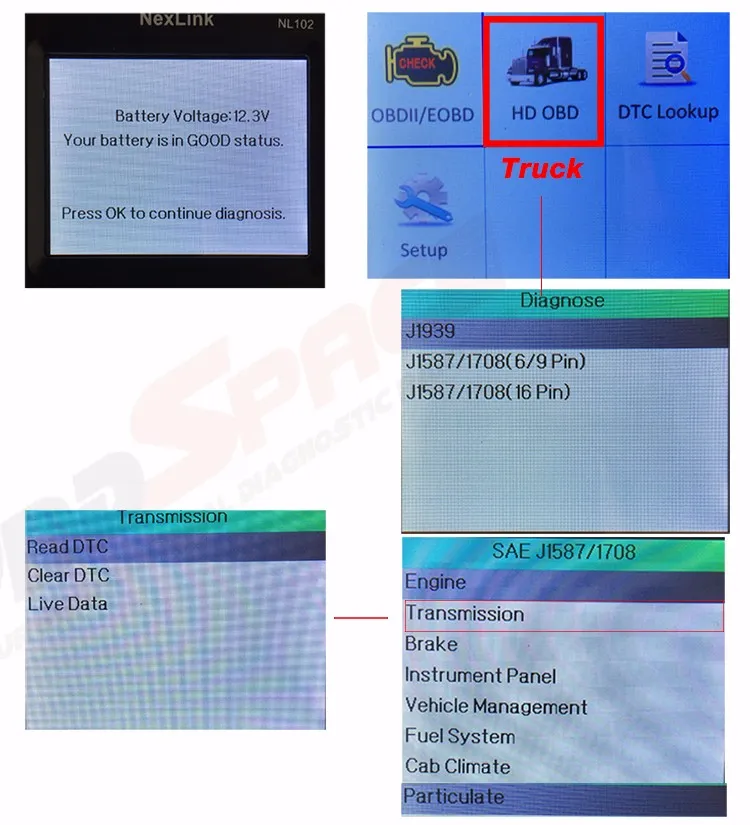
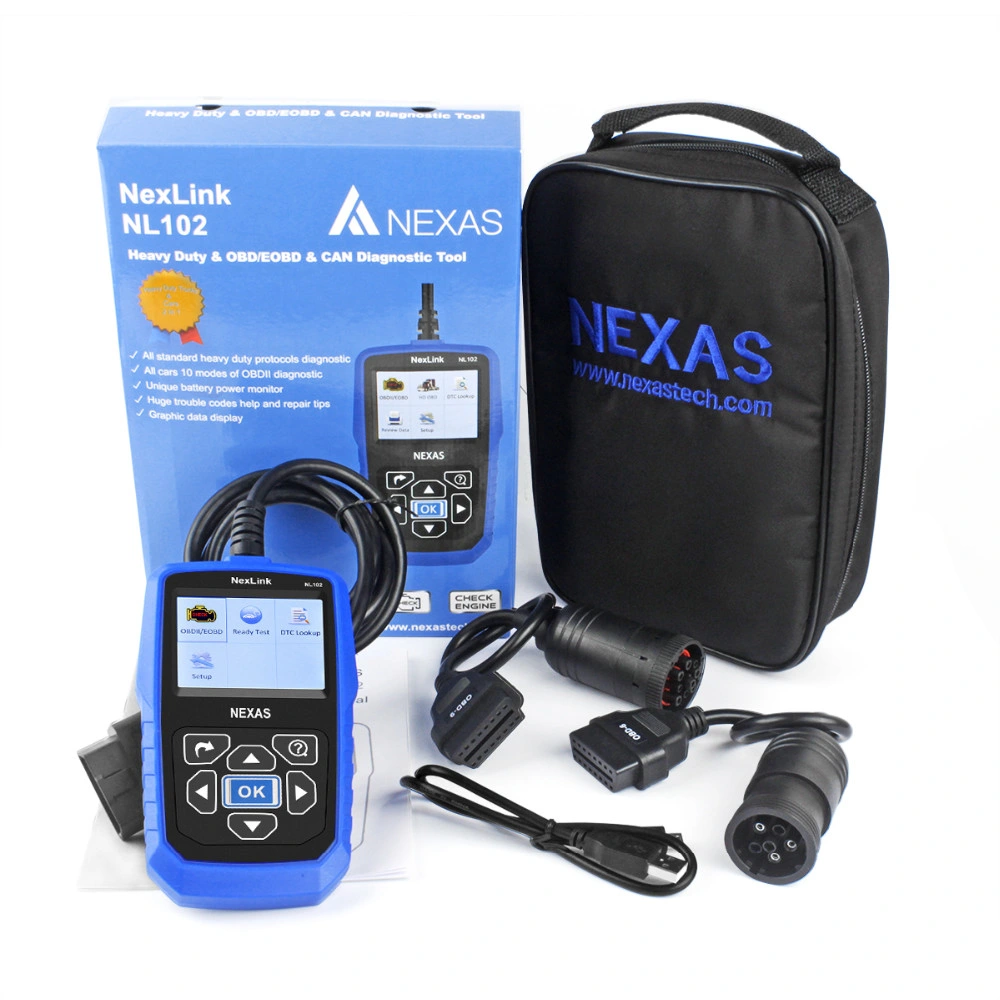
  • Support 6PIN, 9PIN (trucks), and 16PIN (cars & trucks) diagnostic connectors
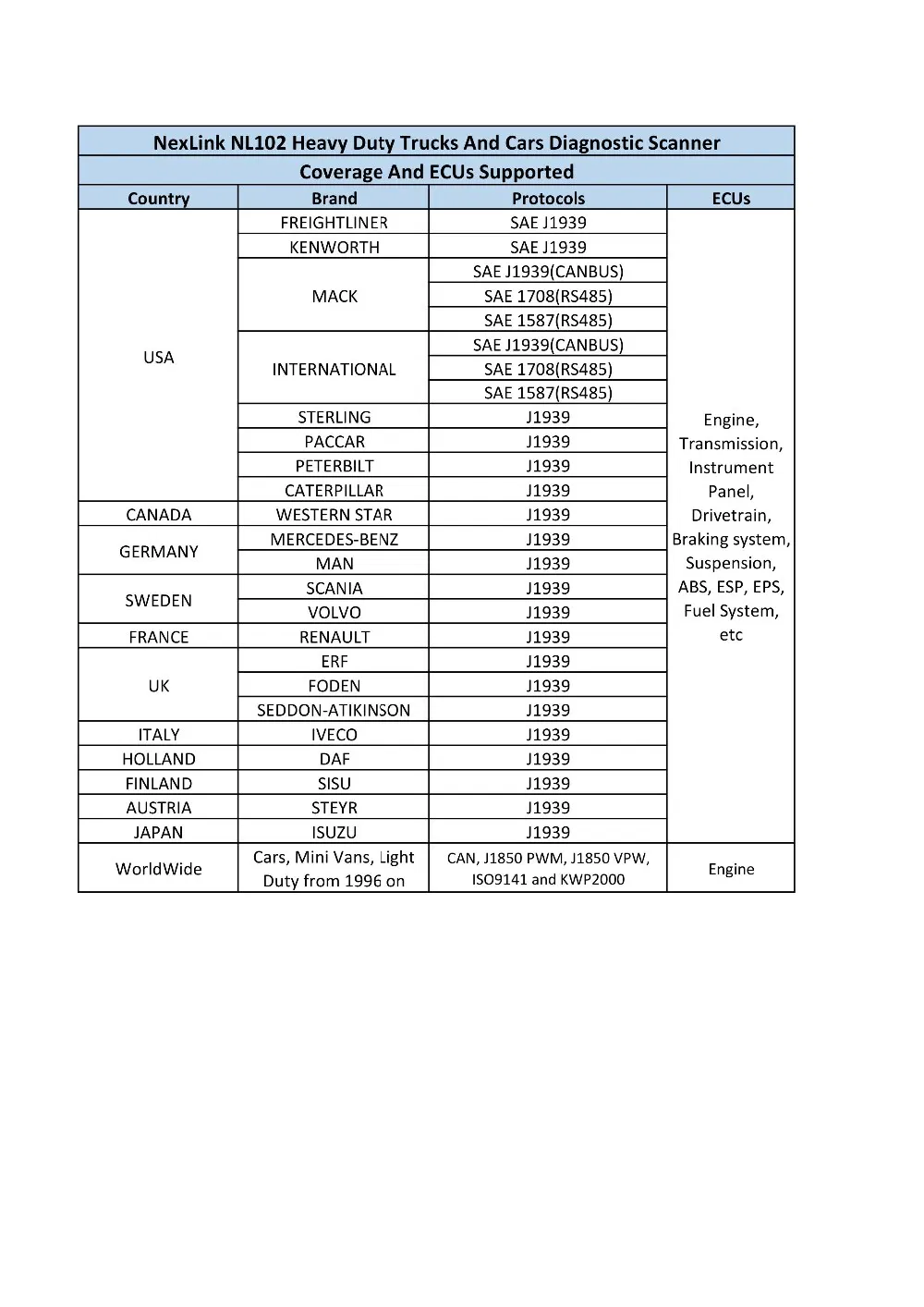
NL102 Support heavy duty list: must check your vehicle work protocols including NL102 support list or not.
Warm notice: please check your car or truck work OBD protocols including NL102 support protocols or not before order. It can work with after 2008 year truck which use 6pin, 9pin and 16pin cable connect.
Professional Heavy Duty Truck Automotive Diagnostic Scanner Nexlink Nl102 Diagnostic Tools for Car+Truck

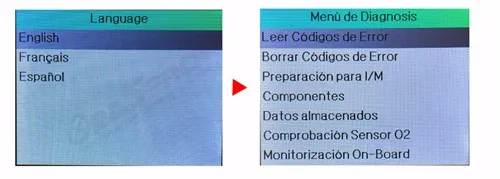
1. Languages & Connectors

Languages: English, French, Spanish

Support 6PIN, 9PIN (trucks), and 16PIN (cars & trucks) diagnostic connectors
Connectors

2. Vehicle Coverages

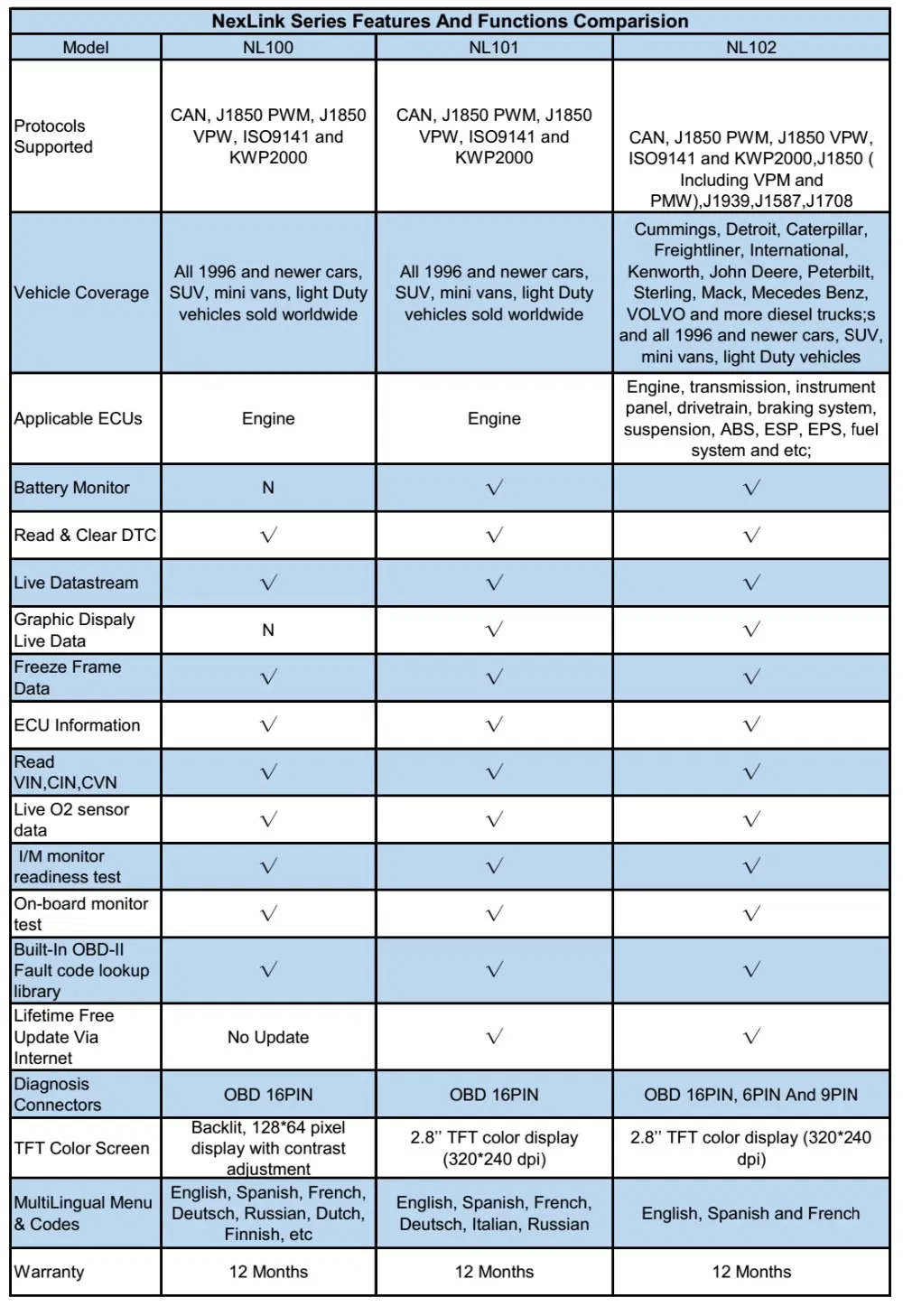
Heavy duty trucks in compliance with standard protocols (J1578, J1939 and J1708)

3. Support Truck Vehicles

For Cummings, for Detroit, for Caterpillar, for Freightliner, for International, for Kenworth, for John Deere, for Peterbilt, for Sterling, for Mack, for Mercedes Benz, for VOLVO, for Scania, For ISUZU, for Brilliance and more diesel trucks.

4. Support Truck Systems

Engine, transmission, instrument panel, drivetrain, braking system, suspension, ABS, ESP, EPS, fuel system and etc.
Support Truck Vehicles List

5. Support Cars Vehicles

  • American Car from 1996 up to now
  • European Car from 2001 up to now
  • Asian Car from 2008 up to now

6. System Functions

Read codes, erase codes, I/M Readiness, Live data, EVAP Test, O2 sensor Test...etc.
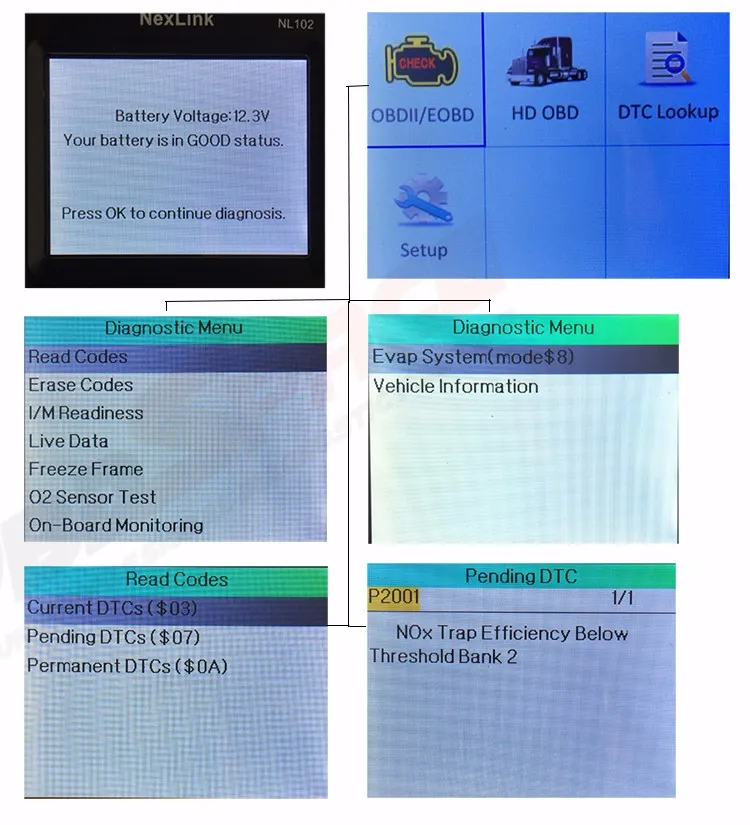
7. Car Scan Module
Car Scan Module
8. Truck Scan Module
Truck Scan Module

10. Features And Functions

  1. Work on all cars, mini vans and light duty vehicles (OBDII & CAN) from 1996 on and latest - European, American and Asian
  2. Uniquely featured with battery power monitoring function
  3. Support all OBDII protocols: CAN, J1850 PWM, J1850 VPW, ISO9141 and KWP2000
  4. Troubleshooting tips guide technicians to the root of problems faster, saving diagnosis and repair time
  5. Read and erase generic codes (P0, P2, P3 and U0), manufacturer specific codes (P1, P3 and U1), and pending codes
  6. Easily determine the cause of the Check Engine Light (MIL), and turn off Check Engine Light (MIL) by erasing the trouble codes and Monitors reset
  7. Display DTC definition, freeze frame data, monitor and I/M readiness status (emissions), and vehicle information (VIN, CIN and CVN)
  8. Read, store and playback live O2 sensor test data
  9. Read PCM live data stream, with graphic data display
  10. Enhanced OBDII Mode 6
  11. Multilingual menu and DTC definitions - English, Spanish and French, German, Italian, etc.

FAQ Area

Vehicle Linking Error?
A communication error occurs if the scan tool fails to communicate with the vehicle's ECU (Engine Control Unit). You need to do the following to check up:
  • Verify that the ignition is ON.
  • Check if the scan tool's connector is securely connected to the vehicle's DLC.
  • Verify that the vehicle is OBD2 compliant.
  • Turn the ignition off and wait for about 10 seconds. Turn the ignition back to on and continue the testing.
  • Verify the control module is not defective.
Operating Error?
If the scan tool freezes, then an exception occurs or the vehicle's ECU (Engine Control Unit) is too slow to respond to requests. You need to do the following to reset the tool:
  • Reset the scan tool.
  • Turn the ignition off and wait for about 10 seconds. Turn the ignition back to on and continue the testing.
Scan tool doesn't power up?
If the scan tool won't power up or operates incorrectly in any other way, you need to do the following to check up:
  • Check if the scan tool's connector is securely connected to the vehicle's DLC;
  • Check if the DLC pins are bent or broken. Clean the DLC pins if necessary.
  • Check vehicle battery to make sure it is still good with at least 8.0 volts.
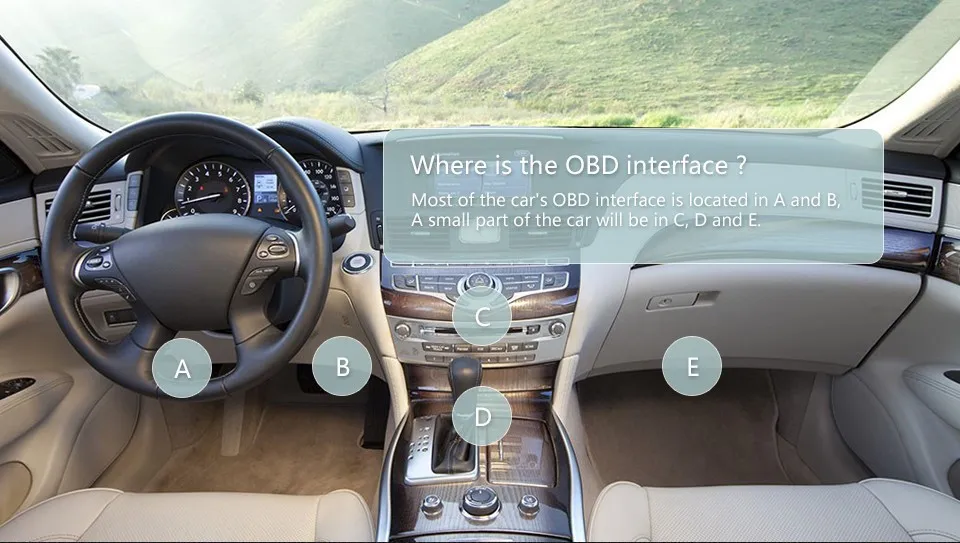
Where's Our vehicle OBD Interface (Port)?
The vehicle OBD Interface (Port) is typically located under the driver's side dashboard. Please refer to the reference map below:
OBD Interface Location Map
What truck protocols and brands are supported?
The NL102 supports heavy-duty trucks complying with standard J1578, J1939, and J1708 protocols. It works with diesel trucks such as Cummings, Detroit, Caterpillar, Freightliner, International, Kenworth, John Deere, Peterbilt, Sterling, Mack, Mercedes Benz, VOLVO, Scania, ISUZU, Brilliance, and more.
Can it diagnose both 12V cars and heavy-duty trucks?
Yes, it is a 2-in-1 tool. It supports 6PIN and 9PIN diagnostic connectors for trucks, and 16PIN connectors for both OBDII cars and trucks. Car coverage includes American cars from 1996, European cars from 2001, and Asian cars from 2008.

Related Products